
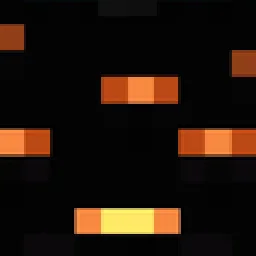
 Emissive Office CapeShaders · 1.20 – 26.x
This will make the Mojang Office Cape glowing eyeblossom eyes glow like how they do in game
Free15,646 downloads

Makes the purple heart on the twitch cape glow
Direct download from Modrinth · 3,748 downloads
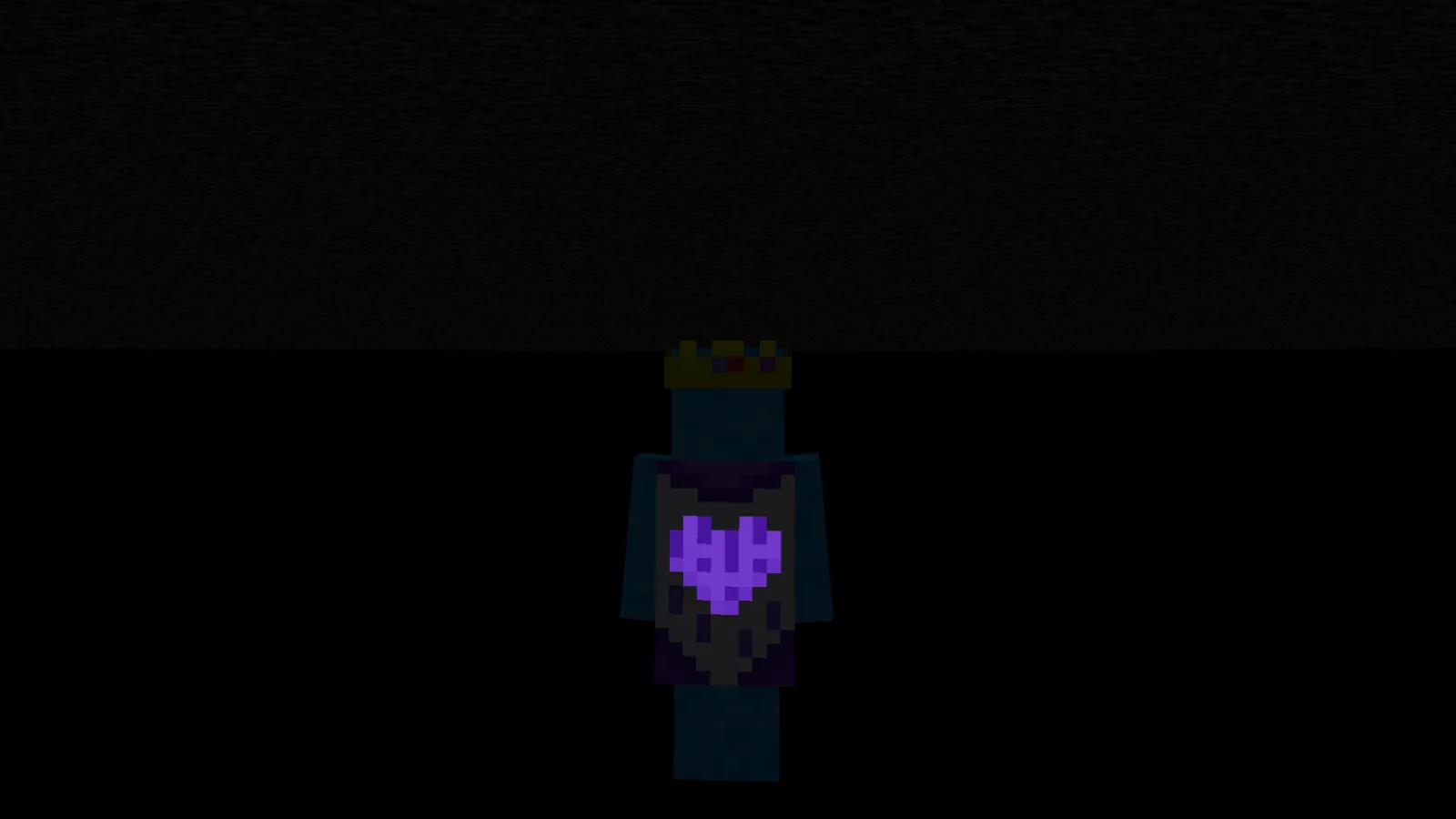
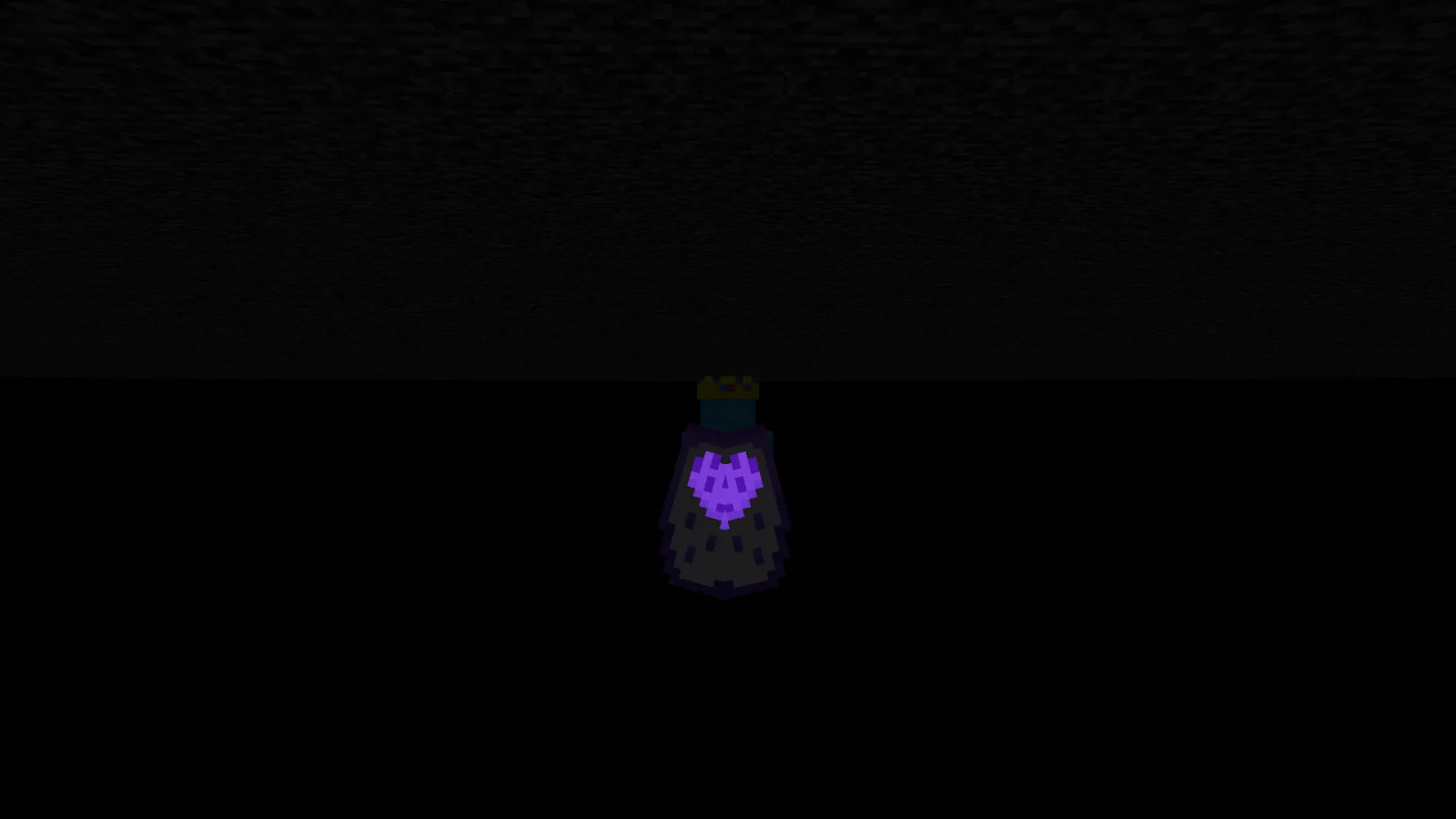
Emissive Twitch Cape is a shader pack made by Bluebird. Makes the purple heart on the twitch cape glow.
It supports Minecraft 1.20 – 26.x. It has been downloaded 3,748 times on Modrinth. The last update came out on Sep 15, 2026.
Emissive Twitch Cape has had 6 releases on Modrinth since Aug 14, 2025. 3 of them came out in the past year. The newest is 1.5, released on Sep 15, 2026. It is made for Minecraft 26.1 – 26.3. It runs on Minecraft. The download is 15 KB.
| Version | Released | Minecraft | Type |
|---|---|---|---|
1.5 | Sep 15, 2026 | 26.1 – 26.3 | Release |
1.4 | Jun 27, 2026 | 26.1 – 26.2 | Release |
1.3 | Dec 10, 2025 | 1.21.10 – 26.2 | Release |
1.2 | Oct 11, 2025 | 1.21.8, 1.21.9, 1.21.10 | Release |
1.1 | Oct 1, 2025 | 1.21.8 | Release |
This will make the Twitch Purple Heart Cape's purple heart glow.
Warning: This resourcepack uses core shaders to make it emissive / glow. Due to this, it may not work with optifine and iris shaders. It does however work in vanilla & with sodium.
[
](modrinth.com/resourcepack/blues-core-shaders)
The above pack combines all of the following:
[
](modrinth.com/resourcepack/emissive-office-cape)
[
](modrinth.com/resourcepack/emissive-trims)
[
](modrinth.com/resourcepack/emissive-cape-portals)
[
Written by Bluebird. Read it with pictures on Modrinth.
Install Iris (with Sodium) or OptiFine for your Minecraft version: shaders need one of them.
Download the .zip file from Modrinth. Do not unzip it.
In Minecraft, open Options, then Video Settings, then Shader Packs, and click Open Shader Pack Folder.
Drop the .zip file into that folder, pick Emissive Twitch Cape in the list and click Done.
Shaders are heavy on the graphics card. If the game gets slow, pick a lower profile in the shader settings.
Full guide: How to install Minecraft shaders
| Resource | Downloads | Versions | Last update | Price |
|---|---|---|---|---|
| Emissive Twitch Capethe one you looked at | 3,748 | 1.20 – 26.x | Sep 15, 2026 | Free |
| Emissive Office CapeBluebird | 16K | 1.20 – 26.x | Sep 15, 2026 | Free |
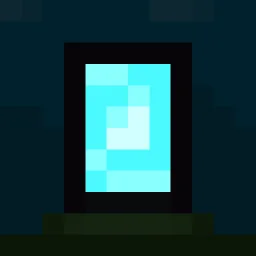 Emissive Cape PortalsBluebird | 5,354 | 1.20 – 26.x | Sep 15, 2026 | Free |
 Emissive TrimsBluebird | 187K | 1.20 – 26.x | Sep 15, 2026 | Free |
Yes. Emissive Twitch Cape supports Minecraft 26.x. All supported versions: 26.x, 1.21, 1.20.
Yes. Emissive Twitch Cape is free to download from Modrinth.
Yes. The last update came out in the past day.
The closest ones are Emissive Office Cape, Emissive Cape Portals and Emissive Trims. Compare all alternatives
Emissive Office CapeShaders · 1.20 – 26.xThis will make the Mojang Office Cape glowing eyeblossom eyes glow like how they do in game
Emissive Cape PortalsShaders · 1.20 – 26.xMakes the portals on the movie capes glow like they should
Emissive TrimsShaders · 1.20 – 26.xMakes armor trims glow in the dark. No mods needed!
 Tri Valor realistic shaderShaders · 1.21
Dynamic Lighting Glow Utilizing advanced emissive maps light sources like lava and torches cast natural vibrant glows that interact realistically with the…
Log in to leave a review.