
 Show Me Your SkinMods · 1.18 – 26.x
A mod to hide or customize armor rendering.
Free7,224,206 downloads
Backports Bolt and Flow armor trims to 1.20.1.
Direct download from Modrinth · 30 downloads
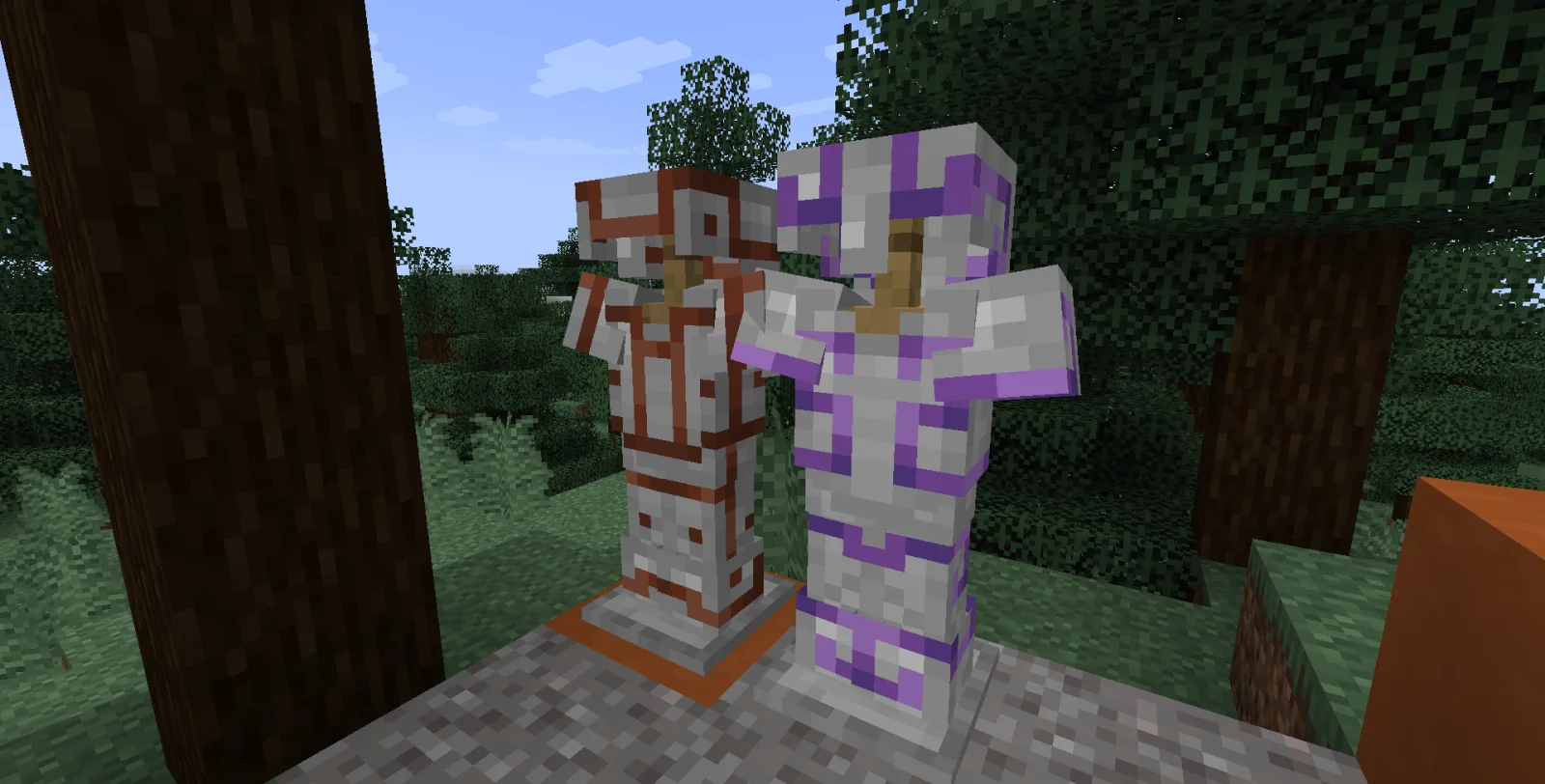
Obsidian Backport: Armor Trims is a mod made by obsidian29. Backports Bolt and Flow armor trims to 1.20.1.
It supports Minecraft 1.20. It has been downloaded 30 times on Modrinth. The last update came out on Sep 28, 2026.
The newest is 1.0.0, released on Sep 28, 2026. It is made for Minecraft 1.20.1 – 1.20.4. It runs on Fabric. The download is 17 KB.
| Version | Released | Minecraft | Type |
|---|---|---|---|
1.0.0 | Sep 28, 2026 | 1.20.1 – 1.20.4 | Release |
It was 11:17 PM and I said in chat, "I think I will backport Bolt and Flow armor trims."
See, I play with More Armor Trims, and Elytra Trims, and Vanilla Backport (all three great mods), and my own team recently added some thematic armor trims to our own mod. And I was still sitting here without Bolt and Flow.
At 12:38 AM, I informed my friend in chat that I had backported Bolt and Flow armor trims.
As far as I know, this should be free of bugs, apart from the obvious of their being unobtainable in survival, and a harmless recipe error from there being no such thing as minecraft:breeze_rod. If you have any backport mod that adds a breeze rod under that name, it will work with it. If you were to somehow obtain a Bolt trim template, it should be possible to duplicate normally.
(Edit: no, not free of bugs. Can't duplicate Bolt. Flow works just fine with a backported breeze rod. I'll fix when I'm not barely awake.)
The trims themselves, and their template items, all use the minecraft: namespace, so when upgrading to a later version, they should carry over normally, and become the vanilla items.
I wrote this instead of sleeping, which is the entire joke. There may still be errors. If there are, pleaes let me know on my Discord and I will do what I can.
I may also change the ugly icon, but the ugly icon is, honestly, part of the joke.
Written by obsidian29. Read it with pictures on Modrinth.
This mod is needed on both the server and every player who joins.
Install Fabric for Minecraft 1.20.
Download the .jar file from Modrinth and put it in the mods folder of your .minecraft directory.
Start Minecraft with the Fabric profile.
Easier: in Prism Launcher or the Modrinth App, search for Obsidian Backport: Armor Trims in your instance's mods and click Install. It adds the loader and the mods it needs for you.
Full guide: How to install Minecraft mods
| Resource | Downloads | Versions | Last update | Price |
|---|---|---|---|---|
| Obsidian Backport: Armor Trimsthe one you looked at | 30 | 1.20 | Sep 28, 2026 | Free |
| Show Me Your Skinenjarai | 7.2M | 1.18 – 26.x | Aug 19, 2026 | Free |
 Elytra TrimsKikuGie | 5.4M | 1.19 – 26.x | 2 days ago | Free |
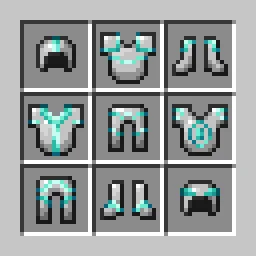 Dynamic TrimAndrew6rant | 4.1M | 1.20 – 1.21 | Oct 17, 2024 | Free |
Not yet. The newest version it supports is Minecraft 1.20.
Yes. Obsidian Backport: Armor Trims is free to download from Modrinth.
Both. The server and every player need Obsidian Backport: Armor Trims installed.
Yes. The last update came out in the past day.
The closest ones are Show Me Your Skin, Elytra Trims and Dynamic Trim. Compare all alternatives
Show Me Your SkinMods · 1.18 – 26.xA mod to hide or customize armor rendering.
Elytra TrimsMods · 1.19 – 26.xCustomizable elytra mod with trims, banner patterns and more!
Dynamic TrimMods · 1.20 – 1.21Dynamically render Armor Trim patterns!
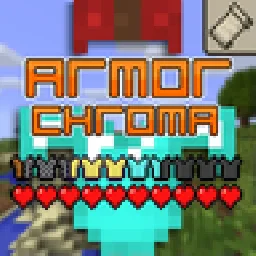 Armor Chroma for FabricMods · 1.16 – 1.21
Fabric fork of Armor Chroma, adds different icons in the armor bar depending on the material and can display glint for enchanted items.
 Cosmetic ArmorMods · 1.16 – 1.20
Adds 4 Curios/Trinkets slots for visual armor overrides.
 More Armor TrimsMods · 1.20 – 26.x
Adds 13 new armor trims to discover and collect
Log in to leave a review.