
 MissingMonsMods · 1.19 – 1.21
MissingMons adds textures, models, animations and spawn for cobblemon that's curently not in the game yet but the catch is you guys get to vote for what i…
Free6,347,672 downloads

exactly what it sounds like
Direct download from Modrinth · 28 downloads
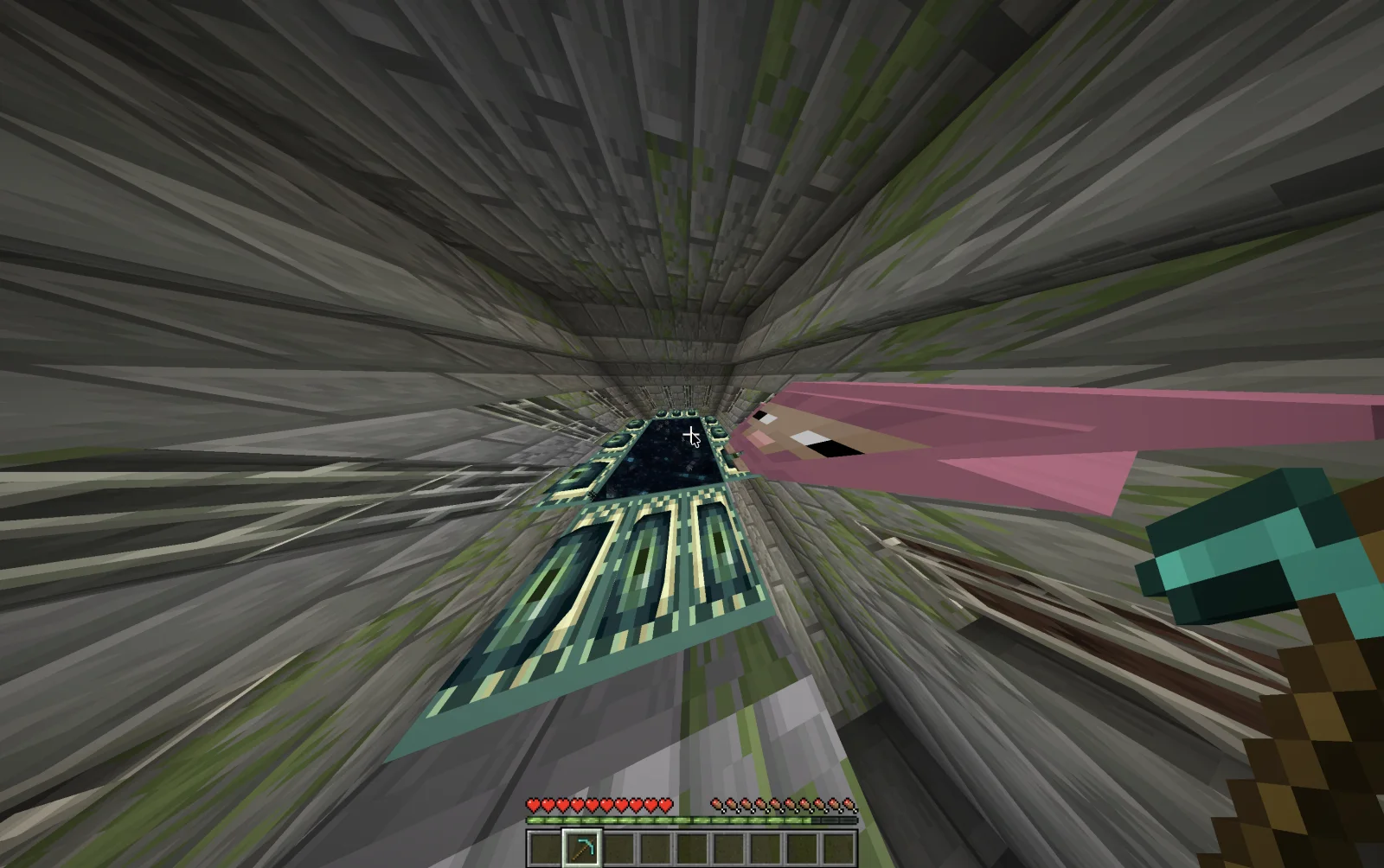
Minecraft, but getting advancements changes game rules is a mod made by xanderchase. exactly what it sounds like.
It supports Minecraft 26.x. It has been downloaded 28 times on Modrinth. The last update came out on Oct 16, 2026.
The newest is 1.0.0, released on Oct 16, 2026. It is made for Minecraft 26.3. It runs on Fabric. The download is 42 KB.
| Version | Released | Minecraft | Type |
|---|---|---|---|
1.0.0 | Oct 16, 2026 | 26.3 | Release |
It's exactly what it sounds like. Every time you earn an advancement in Minecraft, a random game rule or setting changes!
And when I say random, I mean RANDOM.
One advancement might change a normal Minecraft game rule, like whether you keep your inventory when you die. The next could completely mess with your personal settings, changing your field of view (FOV), maximum frame rate, audio settings, or something else entirely.
Every time you unlock an advancement, a message appears in chat telling you exactly what changed. So at least you'll know what's ruining your game.
Want even more chaos?
This mod pairs REALLY well with the Blaze and Cave's Advancements Pack, which adds tons of extra advancements to Minecraft. I tested them together, and trust me, things get out of hand FAST.
It's chaotic, unpredictable, genuinely hilarious, and surprisingly difficult.
Good luck beating Minecraft when the game itself won't stop changing.
If you use this mod in a YouTube video, please tag me @jellyfishstew! I'd genuinely love to see you guys playing it and watch what kind of chaos you get into!
Written by xanderchase. Read it with pictures on Modrinth.
This mod runs only on your own game. Servers do not need it, so you can use it on any server.
Install Fabric for Minecraft 26.x.
Add the mods it needs: Fabric API.
Download the .jar file from Modrinth and put it in the mods folder of your .minecraft directory.
Start Minecraft with the Fabric profile.
Easier: in Prism Launcher or the Modrinth App, search for Minecraft, but getting advancements changes game rules in your instance's mods and click Install. It adds the loader and the mods it needs for you.
Full guide: How to install Minecraft mods
| Resource | Downloads | Versions | Last update | Price |
|---|---|---|---|---|
| Minecraft, but getting advancements changes game rulesthe one you looked at | 28 | 26.x | 27 days ago | Free |
| MissingMonsRedRibbonz | 6.3M | 1.19 – 1.21 | Jul 28, 2026 | Free |
 Load My ResourcesKeksuccino | 4.5M | 1.12 – 1.20 | Sep 24, 2023 | Free |
 fishstiz' Game Rulesfishstiz | 58 | 26.x | 5 days ago | Free |
Yes. Minecraft, but getting advancements changes game rules supports Minecraft 26.x. All supported versions: 26.x.
Yes. Minecraft, but getting advancements changes game rules is free to download from Modrinth.
Client-side. Minecraft, but getting advancements changes game rules goes in your own mods folder and works on any server, including servers without mods.
Yes: Fabric API. Install it before Minecraft, but getting advancements changes game rules.
Yes. The last update came out in the past day.
The closest ones are MissingMons, Load My Resources and fishstiz' Game Rules. Compare all alternatives
MissingMonsMods · 1.19 – 1.21MissingMons adds textures, models, animations and spawn for cobblemon that's curently not in the game yet but the catch is you guys get to vote for what i…
Load My ResourcesMods · 1.12 – 1.20Load resources on game start, like a resource pack, but enabled by default.
fishstiz' Game RulesMods · 26.xChanges the game rules screen to make it a little easier to navigate.
 Confusion ToolsMods · 26.x
A brand new set of items for your game but... they just look like vanilla items. It is confusing right?
 Entity Texture FeaturesMods · 1.16 – 26.x
Emissive, Random & Custom texture support for entities in resourcepacks just like Optifine but for Fabric
 SoundsMods · 1.20 – 26.x
It's what it says on the tin. A complete upgrade to Minecraft's SFX with over 170 new sound effects for UIs, items, blocks and more.
Log in to leave a review.