
 Create FabricMods · 1.18 – 1.20
Building Tools and Aesthetic Technology
Free10,916,183 downloads
Connect Cobblemon Healing Machines to Create Display Links and customize your Pokémon Center displays.
Direct download from Modrinth · 15 downloads
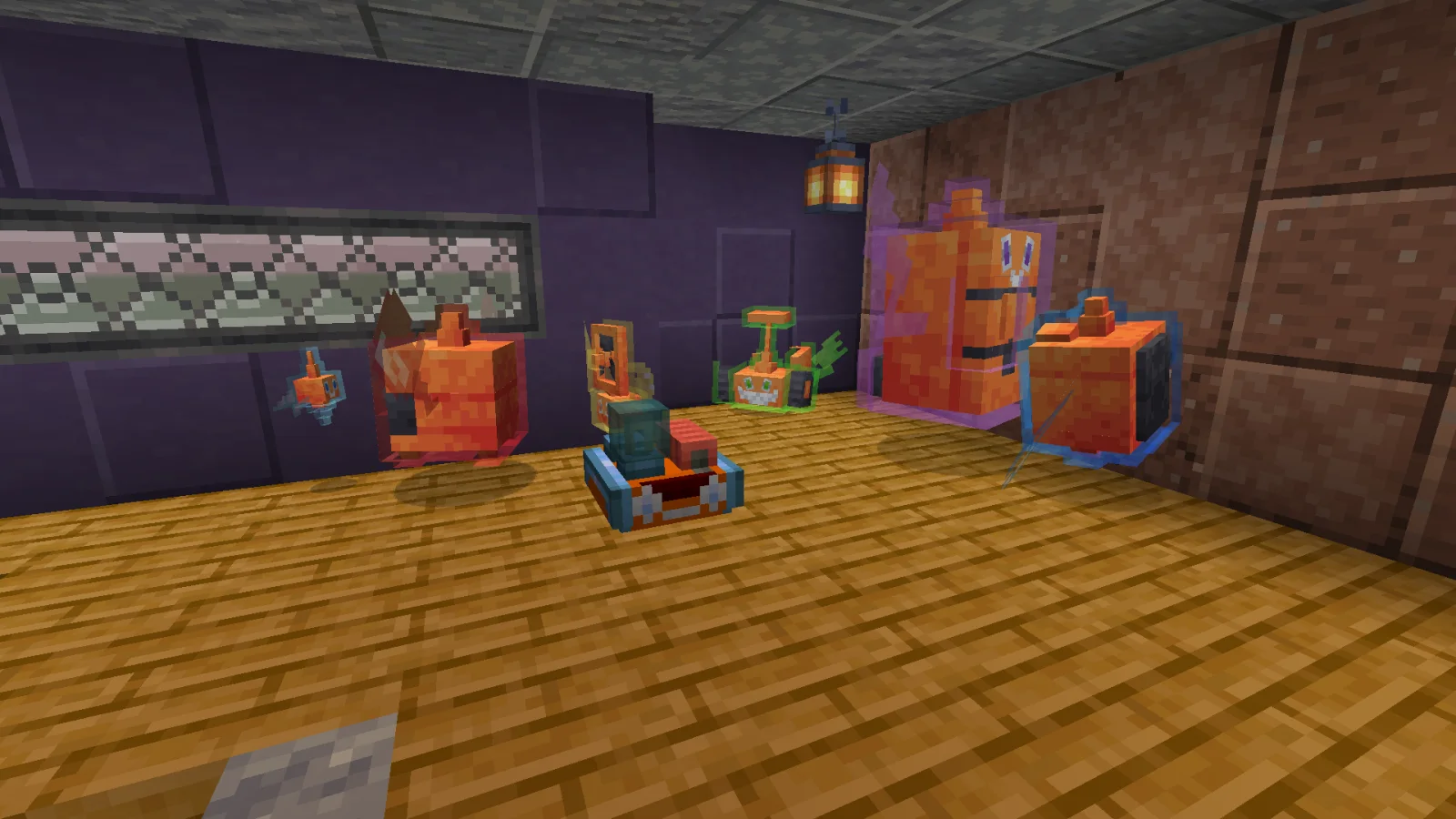
Display That Heal is a mod made by Nullviel. Connect Cobblemon Healing Machines to Create Display Links and customize your Pokémon Center displays.
It supports Minecraft 1.21. It has been downloaded 15 times on Modrinth. The last update came out on Oct 30, 2026.
The newest is 0.1, released on Oct 30, 2026. It is made for Minecraft 1.21.1. It runs on NeoForge. The download is 71 KB.
| Version | Released | Minecraft | Type |
|---|---|---|---|
0.1 | Oct 30, 2026 | 1.21.1 | Beta |
What if the Healing Machine was a valid Display Link source?
Display That Heal! brings Cobblemon's Healing Machines into Create's Display Link system, allowing you to display information about Pokémon being healed directly on Create Display Boards.
Built to bring a little more life to your Pokémon Centers!
(You are allowed to use this in private and public modpacks)
Written by Nullviel. Read it with pictures on Modrinth.
This mod is needed on both the server and every player who joins.
Install NeoForge for Minecraft 1.21.
Download the .jar file from Modrinth and put it in the mods folder of your .minecraft directory.
Start Minecraft with the NeoForge profile.
Easier: in Prism Launcher or the Modrinth App, search for Display That Heal in your instance's mods and click Install. It adds the loader and the mods it needs for you.
Full guide: How to install Minecraft mods
| Resource | Downloads | Versions | Last update | Price |
|---|---|---|---|---|
| Display That Healthe one you looked at | 15 | 1.21 | 14 days ago | Free |
| Create Fabrictropheusj | 10.9M | 1.18 – 1.20 | Dec 2, 2025 | Free |
 SimpleTMs: TMs and TRs for CobblemonDragomordor | 5.5M | 1.20 – 1.21 | Dec 11, 2025 | Free |
 Createsimibubi | 28.1M | 1.18 – 1.21 | Apr 22, 2026 | Free |
Not yet. The newest version it supports is Minecraft 1.21.
Yes. Display That Heal is free to download from Modrinth.
Both. The server and every player need Display That Heal installed.
Yes: Create, Cobblemon. Install it before Display That Heal.
Yes. The last update came out in the past day.
The closest ones are Create Fabric, SimpleTMs: TMs and TRs for Cobblemon and Create. Compare all alternatives
Create FabricMods · 1.18 – 1.20Building Tools and Aesthetic Technology
SimpleTMs: TMs and TRs for CobblemonMods · 1.20 – 1.21This Minecraft mod is an expansion to the Cobblemon mod, integrating TMs (Technical Machines) and TRs (Technical Records) from the Pokémon universe. The mod…
CreateMods · 1.18 – 1.21Aesthetic Technology that empowers the Player
 CreatobblemonMods · 1.21
Automatize your Cobblemon journey using Create machines.
 Create: ConnectedMods · 1.18 – 1.21
QoL blocks that you wish existed in Create - Highly configurable, disable what you don't need
 Cobblemon cafeMods · 1.20 – 1.21
Adds new outfits to Pokémon based on those seen in Café remix!
Log in to leave a review.