
 Glacier ShadersShaders · 1.16 – 26.x
Glacier Shader - Low-End Edition Glacier Shader is a highly optimized low-end shader designed for maximum performance on weaker PCs. It features a minimalist…
Free38,260 downloads
Optimized shaders for modern Minecraft versions, designed for smooth performance
Direct download from Modrinth · 3,195 downloads
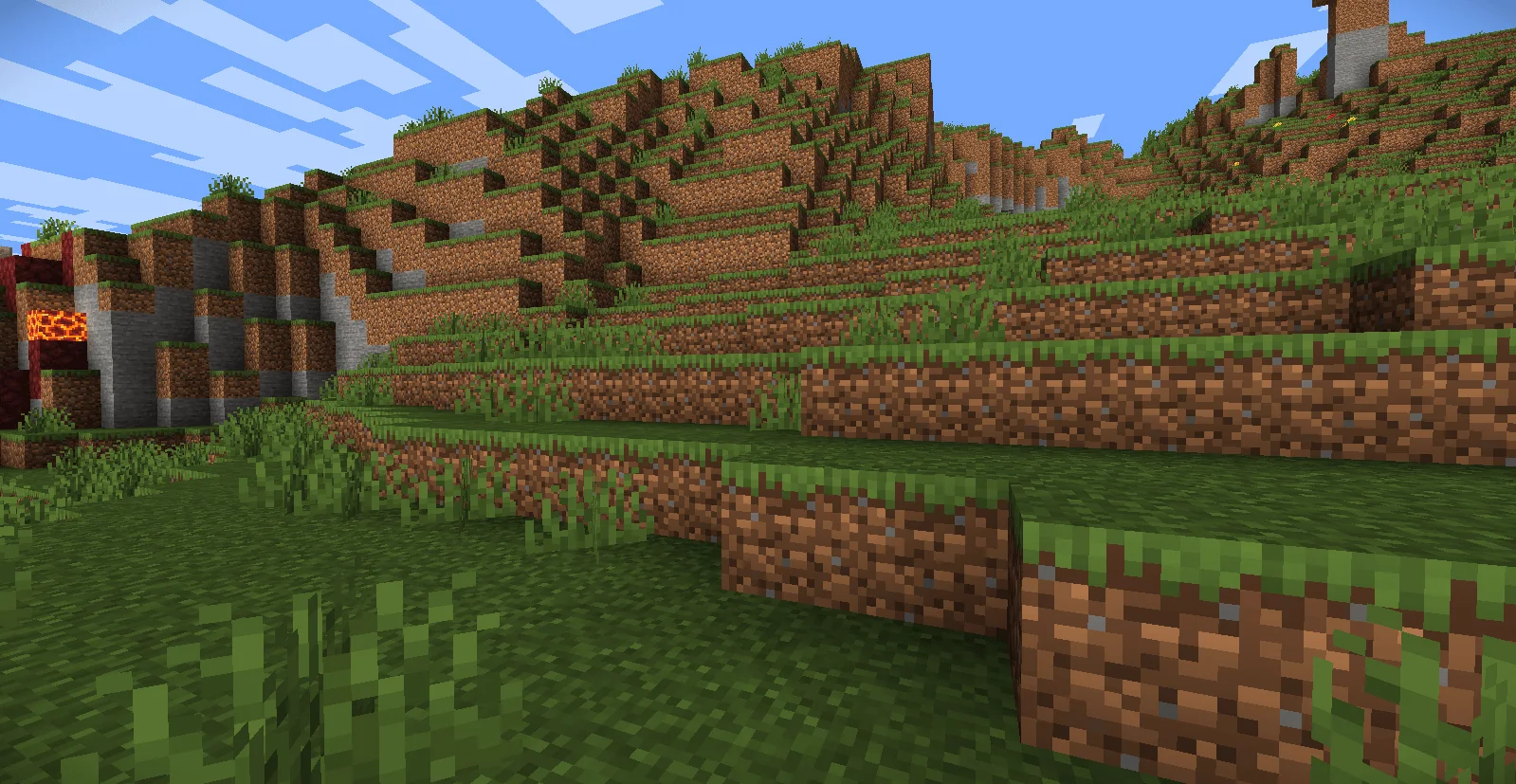
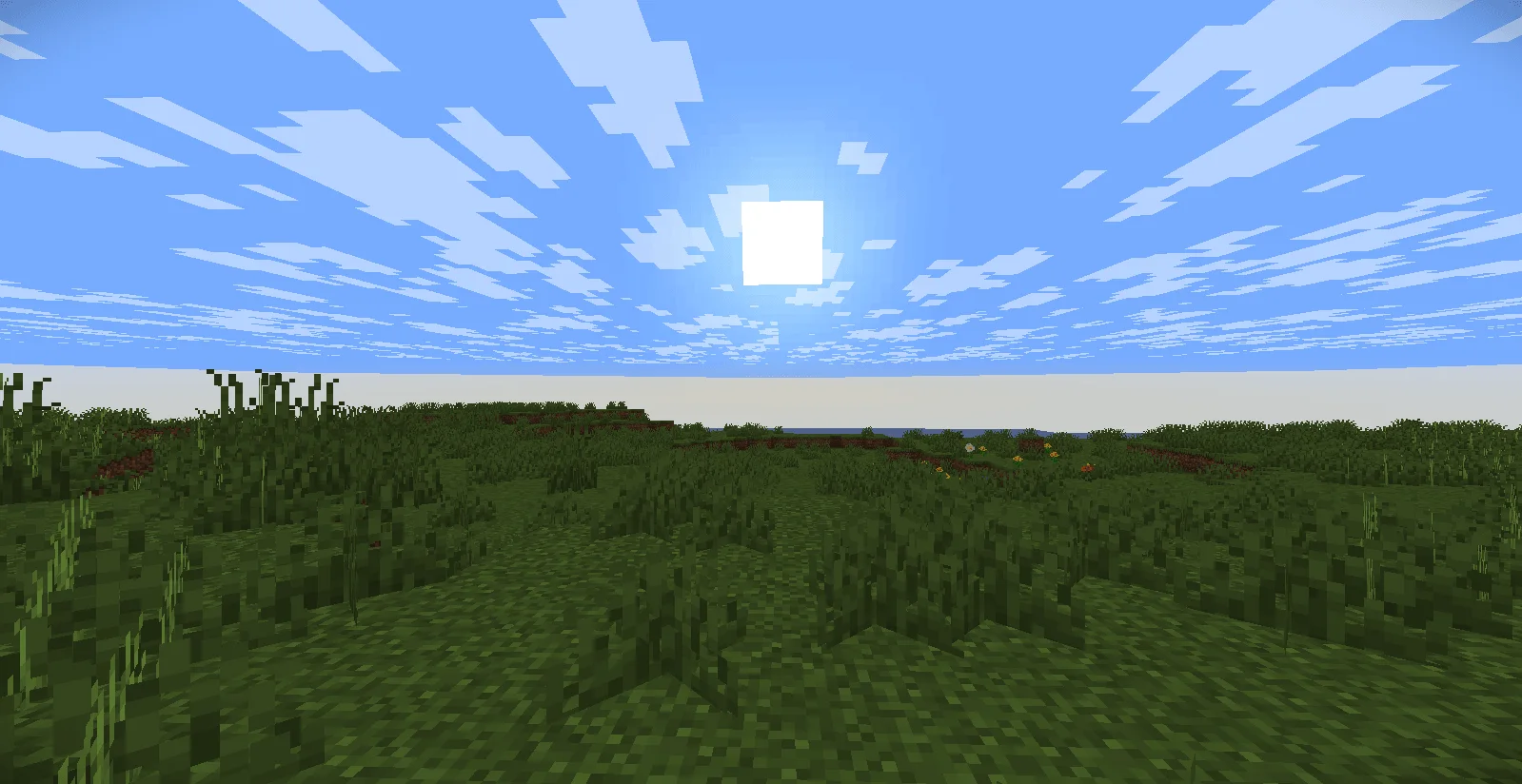
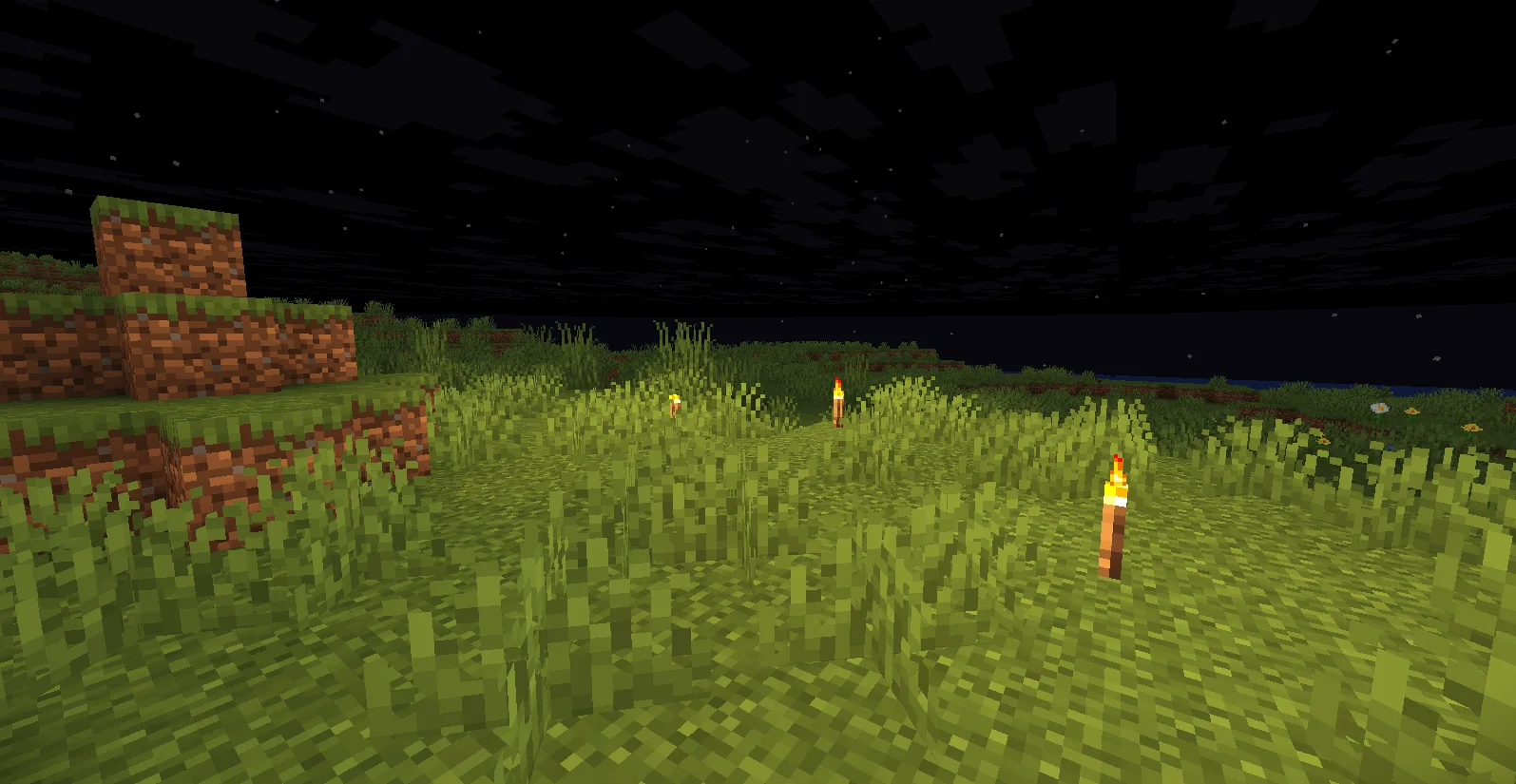
LowShader is a shader pack made by AnxolMC. Optimized shaders for modern Minecraft versions, designed for smooth performance.
It supports Minecraft 1.20 – 26.x. It has been downloaded 3,195 times on Modrinth. The last update came out on Jul 24, 2026.
LowShader has had 2 releases on Modrinth since Jul 17, 2026. 2 of them came out in the past year. The newest is 1.0, released on Jul 24, 2026. It is made for Minecraft 1.20 – 26.2. It runs on Iris and Optifine. The download is 9 KB.
| Version | Released | Minecraft | Type |
|---|---|---|---|
1.0 | Jul 24, 2026 | 1.20 – 26.2 | Release |
1 | Jul 17, 2026 | 1.21 – 26.2 | Release |
LowShader is a high-performance, lightweight shader pack designed for players who want to enhance their Minecraft visual experience without sacrificing FPS. Whether you are playing on older hardware or just prefer a clean, minimal look, LowShader provides essential visual upgrades while maintaining maximum performance.
Key Features
Performance First: Highly optimized to ensure smooth gameplay, even on lower-end systems.
Enhanced Emissives: Improved rendering for glowing textures, making light-emitting blocks and mob eyes pop.
Combat Clarity: Custom entity damage tinting to help you stay aware during intense battles.
Clean Look: Focuses on essential lighting improvements rather than heavy, resource-draining effects.
Modern Support: Fully compatible with Minecraft 1.21.x and 26.1.2.
Compatibility
Requirements: Requires Iris or OptiFine to function.
Versions: Tested and optimized for 1.21.x to 26.1.2.
Written by AnxolMC. Read it with pictures on Modrinth.
Install Iris (with Sodium) or OptiFine for your Minecraft version: shaders need one of them.
Download the .zip file from Modrinth. Do not unzip it.
In Minecraft, open Options, then Video Settings, then Shader Packs, and click Open Shader Pack Folder.
Drop the .zip file into that folder, pick LowShader in the list and click Done.
Shaders are heavy on the graphics card. If the game gets slow, pick a lower profile in the shader settings.
Full guide: How to install Minecraft shaders
| Resource | Downloads | Versions | Last update | Price |
|---|---|---|---|---|
| LowShaderthe one you looked at | 3,195 | 1.20 – 26.x | Jul 24, 2026 | Free |
| Glacier ShadersGamesofDev | 38K | 1.16 – 26.x | Jun 8, 2026 | Free |
 Kinetic-shaderabdouahabch7 | 109 | 1.18 – 26.x | 3 days ago | Free |
 RenderPearlLuracasmus | 1.4M | 1.19 – 26.x | Jul 21, 2026 | Free |
Yes. LowShader supports Minecraft 26.x. All supported versions: 26.x, 1.21, 1.20.
Yes. LowShader is free to download from Modrinth.
Yes. The last update came out in the past day.
The closest ones are Glacier Shaders, Kinetic-shader and RenderPearl. Compare all alternatives
Glacier ShadersShaders · 1.16 – 26.xGlacier Shader - Low-End Edition Glacier Shader is a highly optimized low-end shader designed for maximum performance on weaker PCs. It features a minimalist…
Kinetic-shaderShaders · 1.18 – 26.xRealistic visuals with highly optimized features, designed to stay lightweight and deliver smooth performance.
RenderPearlShaders · 1.19 – 26.xClean, high performance shaders for modern hardware
 Baked Potato ShadersShaders · 1.20 – 26.x
Baked Potato is a lightweight shader pack designed for players who want better visuals without sacrificing performance.
 Cinematic VanillaShaders · 1.17 – 26.x
Cinematic Vanilla is a lightweight cinematic shader pack designed to enhance Minecraft visuals while maintaining smooth performance on low- to mid-end PCs.
 Luxora ShadersShaders · 1.21
Warm toned shader pack with realistic lighting, golden sunsets, water reflections, and smooth performance.
Log in to leave a review.