
 Donut AuctionPlugins · 1.20 – 26.x
A free, dupe-safe auction house for Paper and Folia 1.20.1–26.3 with Buy It Now, real bids, sale alerts, price insight and a cross-server market.
Free51,783 downloads

A simple plugin for shops using villagers
Direct download from Modrinth · 2 downloads
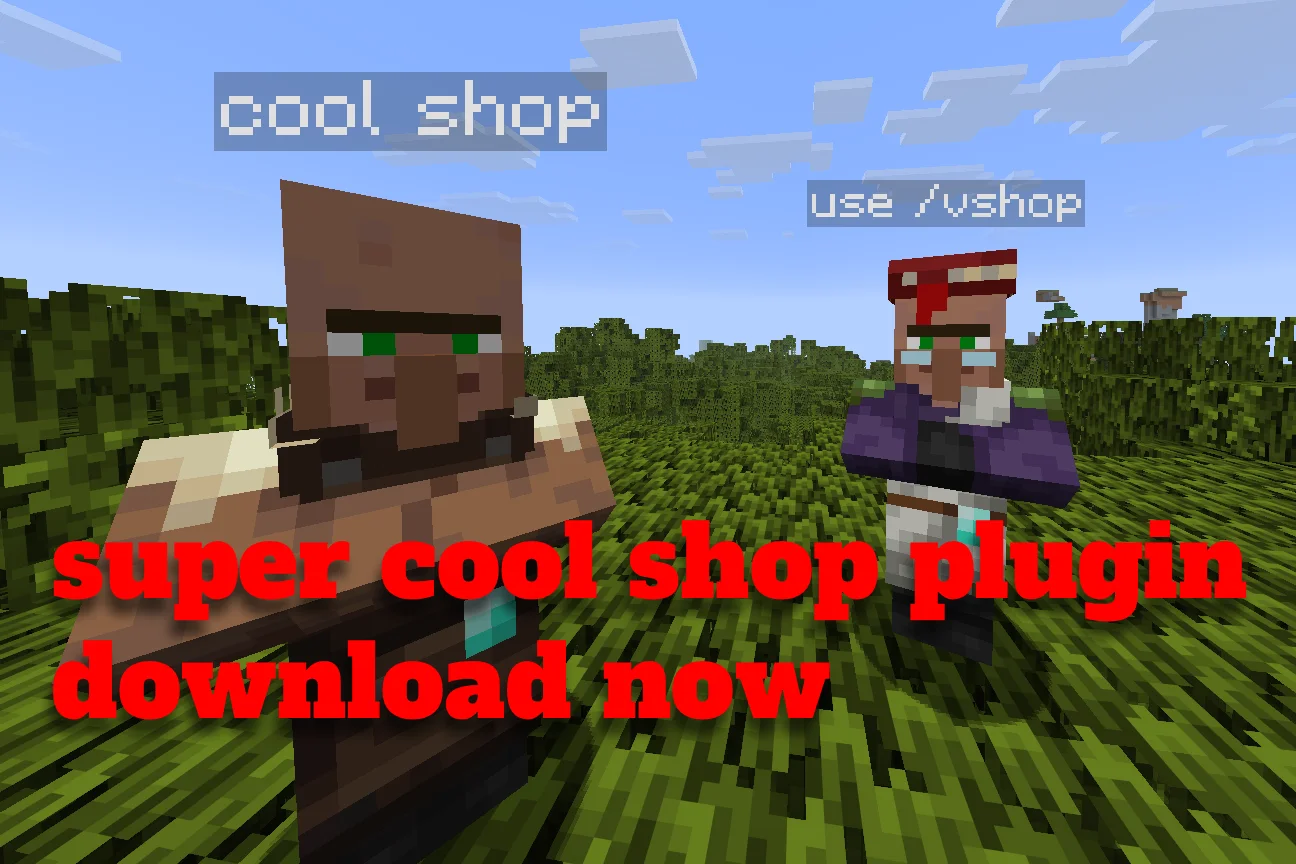
VillagerShopPlus is a plugin for Paper / Spigot servers, made by scriptyyy. A simple plugin for shops using villagers.
It supports Minecraft 26.x. It has been downloaded 2 times on Modrinth. That puts it at #160 of the 180 economy and shop plugins listed here. The last update came out on Nov 14, 2026.
The newest is 1.0-RELEASE, released on Nov 14, 2026. It is made for Minecraft 26.1 – 26.3. It runs on Paper. The download is 30 KB.
| Version | Released | Minecraft | Type |
|---|---|---|---|
1.0-RELEASE | Nov 14, 2026 | 26.1 – 26.3 | Release |
The commands named on the Modrinth page of VillagerShopPlus:
/vshopPermission nodes named there, to give with a plugin like LuckPerms:
villagershop.spawnvillagershop.editvillagershop.reloadvillagershop.adminVillagerShopPlus is open source. Its newest release on GitHub is 1.0, published on Nov 14, 2026.
Release
A Paper plugin for creating custom villager shops with custom trades, appearances, and names entirely through in-game menus.
(Example: /vshop spawn swamp toolsmith)
Command · Description · Permission · Default
/vshop spawn [type] [prof] · Spawn a new shopkeeper NPC · villagershop.spawn · op
/vshop move · Teleport the nearest shopkeeper to you · villagershop.edit · op
/vshop edit · Open settings for the nearest shopkeeper · villagershop.edit · op
/vshop reload · Reload configuration & language files · villagershop.reload · op
/vshop help · Display plugin help and commands · None · Everyone
The permission villagershop.admin gives access to all commands and features (default: op).
The plugin supports localization via files in the plugins/VillagerShopPlus/lang/ folder:
You can switch the language in config.yml:
language: "en_us" # or "ru_ru"
Then run /vshop reload. You can also create your own translation file by copying one of the defaults.
Plugin by Scriptyyy.
Written by scriptyyy. Read it with pictures on Modrinth.
Make sure your server runs Paper and Spigot on Minecraft 26.x.
Download the .jar file from Modrinth and put it in the plugins folder of your server.
Restart the server. Avoid /reload, many plugins do not handle it well.
Type /plugins in the console: VillagerShopPlus should be listed in green. Its config files are created in the plugins folder on the first start.
Full guide: How to install plugins on a Minecraft server
| Resource | Downloads | Versions | Last update | Price |
|---|---|---|---|---|
| VillagerShopPlusthe one you looked at | 2 | 26.x | 56 min ago | Free |
| Donut AuctionNAIZO | 52K | 1.20 – 26.x | 10 days ago | Free |
 Infinite Villager Tradingspartacus04 | 397K | 1.16 – 26.x | 17 days ago | Free |
 Villager Trade RerollIGxxd | 60K | 1.20 – 26.x | 10 days ago | Free |
Yes. VillagerShopPlus supports Minecraft 26.x. All supported versions: 26.x.
Yes. VillagerShopPlus is free to download from Modrinth.
VillagerShopPlus runs on Paper and Spigot servers.
Yes. The last update came out in the past day.
The closest ones are Donut Auction, Infinite Villager Trading and Villager Trade Reroll. Compare all alternatives
Donut AuctionPlugins · 1.20 – 26.xA free, dupe-safe auction house for Paper and Folia 1.20.1–26.3 with Buy It Now, real bids, sale alerts, price insight and a cross-server market.
Infinite Villager TradingPlugins · 1.16 – 26.xA spigot plugin that allows villagers to trade infinitely
Villager Trade RerollPlugins · 1.20 – 26.xMod to instant reroll/refresh/Recycle trade using name on sign
 ChestShopPlugins · 1.13 – 26.x
A simple, yet very powerful system for making physical shops using signs and chests!
 InfiniteVillagerTradesPlugins · 1.16 – 26.x
Allow villagers to trade infinitely
 simple ecoPlugins · 1.21 – 26.x
💰 SimpleEco - The Ultimate SMP Economy Mod Transform your Minecraft server into a fully featured economy experience with custom shops, player trading…
Log in to leave a review.