
 Vanilla EnhancedShaders · 1.17 – 26.x
A lightweight shader for realistic lighting & better visuals.
Free123,581 downloads
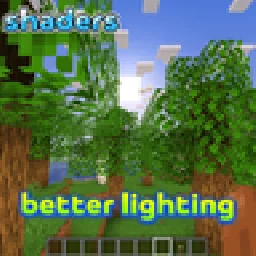
an attractive lighting system that does not cause a significant drop in FPS
Direct download from Modrinth · 6 downloads
better lighting is a shader pack made by Quy_vn. an attractive lighting system that does not cause a significant drop in FPS.
It supports Minecraft 1.20. It has been downloaded 6 times on Modrinth. The last update came out on Nov 15, 2026.
The newest is 1.20, released on Nov 15, 2026. It is made for Minecraft 1.20. It runs on Iris. The download is 44 KB.
| Version | Released | Minecraft | Type |
|---|---|---|---|
1.20 | Nov 15, 2026 | 1.20 | Release |
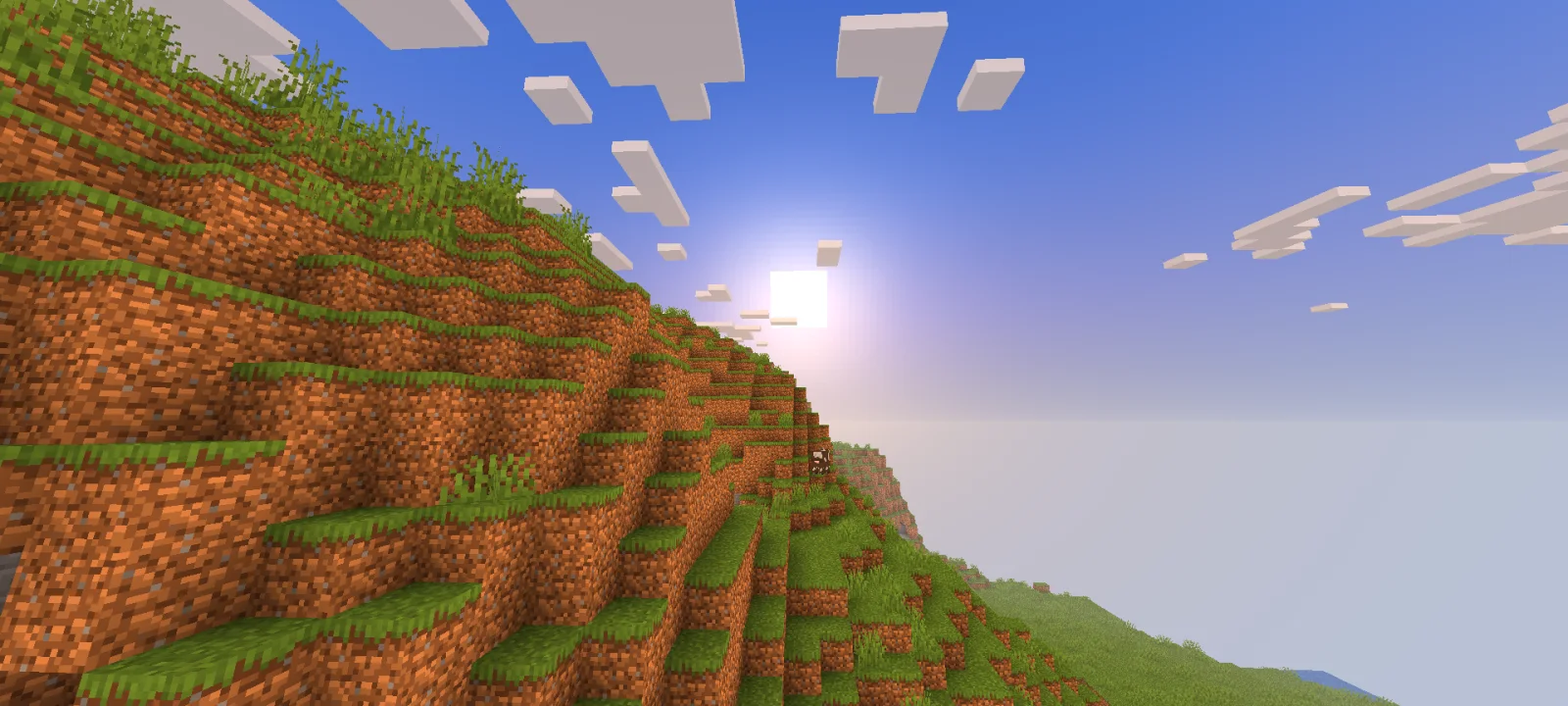
This pack makes the game look better while remaining very lightweight: 1. Glowing ores: Ores now emit light. 2. Swaying leaves, grass, and water. 3. Enhanced skies with dynamic lighting and sunrise effects. 4. Items like torches emit light when held. 5. Torches and other light-emitting blocks cast a warm, golden-orange glow. 6. An improved Nether. 7. A beautiful purple sky in The End. In short, this is a very lightweight shader pack that offers many features while staying true to the vanilla style.
Written by Quy_vn. Read it with pictures on Modrinth.
Install Iris (with Sodium) or OptiFine for your Minecraft version: shaders need one of them.
Download the .zip file from Modrinth. Do not unzip it.
In Minecraft, open Options, then Video Settings, then Shader Packs, and click Open Shader Pack Folder.
Drop the .zip file into that folder, pick better lighting in the list and click Done.
Shaders are heavy on the graphics card. If the game gets slow, pick a lower profile in the shader settings.
Full guide: How to install Minecraft shaders
| Resource | Downloads | Versions | Last update | Price |
|---|---|---|---|---|
| better lightingthe one you looked at | 6 | 1.20 | 14 hours ago | Free |
| Vanilla Enhancedxsoras | 124K | 1.17 – 26.x | Sep 12, 2026 | Free |
 The Better DefaultGr1mly4Memes | 50K | 1.21 – 26.x | Dec 20, 2025 | Free |
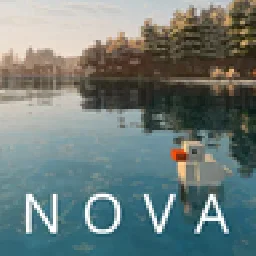 Nova ReimaginedItsThatNova | 16K | 1.21 | Apr 26, 2026 | Free |
Not yet. The newest version it supports is Minecraft 1.20.
Yes. better lighting is free to download from Modrinth.
Yes. The last update came out in the past day.
The closest ones are Vanilla Enhanced, The Better Default and Nova Reimagined. Compare all alternatives
Vanilla EnhancedShaders · 1.17 – 26.xA lightweight shader for realistic lighting & better visuals.
The Better DefaultShaders · 1.21 – 26.xRTX feel, volumetricish lighting And great performance for a shader.
Nova ReimaginedShaders · 1.21Nova Reimagined is a modified Complementary Reimagined pack with a shader-driven surface snow system, cell-shaded lighting options, per time of day weather…
 Spirity Motion BlurShaders · 1.21 – 26.x
Ultra lightweight motion blur shader with zero FPS drop. Smooth visuals without performance loss.
 Super FPS ShaderShaders · 1.18 – 26.x
An ultra-light shader built for max FPS on low-end devices. Adds soft lighting and gentle water waves while keeping vanilla water untouched. Works with Iris…
 Lumora ShaderShaders · 1.20 – 26.x
Lumora is a cinematic shader that improves Minecraft with realistic lighting, better clouds, glowing portals, reflective blocks, and a custom End sky.
Log in to leave a review.