
 Immersive PaintingsMods · 1.16 – 26.x
Drag and drop, pixelate and hang up beautiful art. On servers too.
Kostenlos5,517,553 Downloads
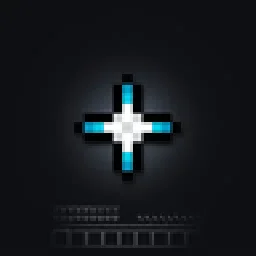
Draw your own pixel-art crosshair and rebuild your HUD in-game: move and resize every element, add smooth animations, auto-hide the hotbar, share crosshairs…
Direkter Download von Modrinth · 12 Downloads
Quelle und Eigentum. Diese Seite wurde automatisch aus öffentlichen Daten erstellt, die Modrinth über seine öffentliche API bereitstellt. Name, Beschreibungen, Bilder, Marken und alle weiteren Inhalte dieses Projekts gehören pa1ych_ und den jeweiligen Rechteinhabern. CraftRank ist nicht der Autor dieses Projekts und steht weder mit dem Autor noch mit Modrinth in Verbindung, wird von ihnen weder unterstützt noch gesponsert.
Hosting und Verbreitung. CraftRank hostet, speichert, lädt und verbreitet die Download-Dateien dieses Projekts nicht, und keine solche Datei wird auf den Servern von CraftRank aufbewahrt. Jeder Download wird direkt von Modrinth über dessen eigene Server bereitgestellt; der Download-Button verlinkt nur auf die Datei dort. Die auf Modrinth angegebene Lizenz ist MIT.
Nutzung öffentlicher APIs. Modrinth, Hangar (PaperMC) und SpigotMC (über die Spiget-API) stellen ihre APIs Websites und Anwendungen Dritter öffentlich zur Verfügung. Die Nutzungsbedingungen von Modrinth gewähren API-Nutzern eine Lizenz, Inhalte über ihre eigenen Dienste herunterzuladen, anzuzeigen und abzufragen (Abschnitt „API Usage“), und Urheber, die auf Modrinth veröffentlichen, räumen Modrinth und seinen Lizenznehmern das Recht ein, ihre Inhalte Dritten anzuzeigen und zu verbreiten (Abschnitt „User Contributions“). CraftRank nutzt diese APIs gemäß den veröffentlichten Regeln der Plattformen: Es identifiziert sich bei jeder Anfrage und hält ihre Ratenlimits ein.
Keine Gewährleistung. Die Informationen auf dieser Seite werden „wie besehen“ und ohne jede Gewährleistung bereitgestellt. Das Herunterladen und Verwenden dieses Projekts erfolgt auf eigene Gefahr und unterliegt der Lizenz und den Bedingungen seines Autors.
Urheberrechtsmeldungen (DMCA). Nur der Urheberrechtsinhaber oder eine zu seiner Vertretung befugte Person darf eine Meldung einreichen, und sie muss von einer volljährigen Person oder deren Eltern bzw. gesetzlichem Vertreter stammen. Eine gültige Meldung an abuse@craftrank.org muss enthalten: den Link zu dieser Seite; das angeblich verletzte Werk; Ihren vollständigen Namen, Ihre Postanschrift, Telefonnummer und E-Mail-Adresse; eine Erklärung, dass Sie in gutem Glauben davon ausgehen, dass die Nutzung nicht vom Inhaber, seinem Vertreter oder dem Gesetz erlaubt ist; eine Erklärung unter Strafandrohung für Meineid, dass die Meldung zutrifft und Sie der Inhaber oder zu seiner Vertretung befugt sind; sowie Ihre physische oder elektronische Unterschrift. Unvollständige Meldungen werden nicht bearbeitet. Gültige Meldungen werden innerhalb von 48 Stunden bearbeitet, ohne Umweg über Google.
Falsche Meldungen. Wer wissentlich falsch behauptet, dass Material rechtsverletzend ist, haftet für die entstandenen Schäden einschließlich Kosten und Anwaltsgebühren (17 U.S.C. § 512(f)). Meldungen in böser Absicht oder von Personen, die keine Rechte innehaben, werden dokumentiert und angefochten.
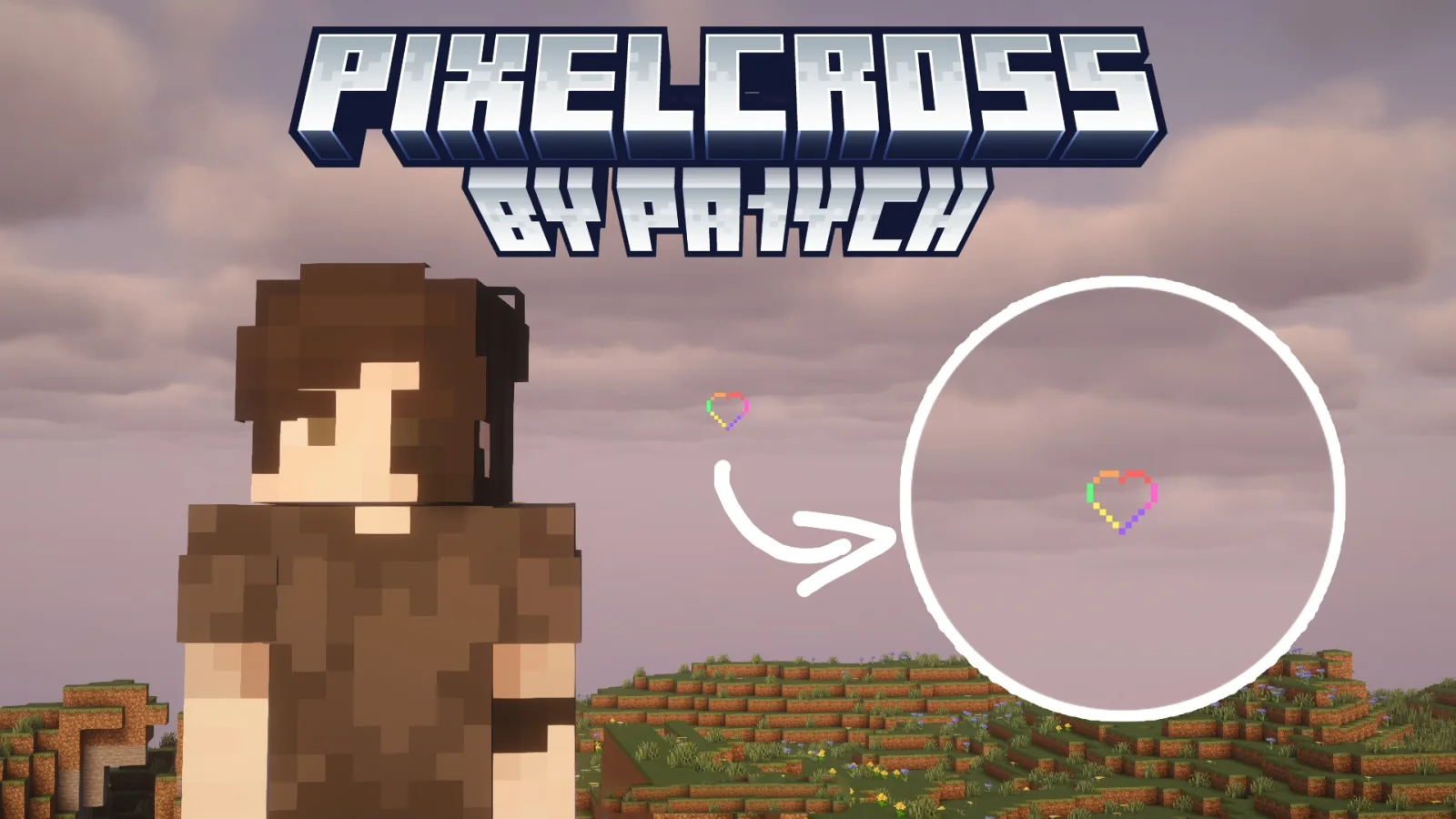
PixelCross (Mod) stammt von pa1ych_. Draw your own pixel-art crosshair and rebuild your HUD in-game: move and resize every element, add smooth animations, auto-hide the hotbar, share crosshairs…
Unterstützt wird Minecraft 26.x. Auf Modrinth gibt es 12 Downloads. Das letzte Update erschien am 25.10.2026.
PixelCross hat seit 27.09.2026 7 Versionen auf Modrinth veröffentlicht. 7 davon erschienen im letzten Jahr. Die neueste ist 5.4.1, erschienen am 25.10.2026. Sie ist für Minecraft 26.3 gemacht. Sie läuft auf Fabric. Der Download ist 695 KB groß.
| Version | Veröffentlicht | Minecraft | Typ |
|---|---|---|---|
5.4.1 | 25.10.2026 | 26.3 | Release |
5.4.1 | 25.10.2026 | 26.2 | Release |
4.7.7 | 11.10.2026 | 26.2 | Release |
4.4.3 | 05.10.2026 | 26.2 | Release |
4.4.2 | 04.10.2026 | 26.2 | Release |
Draw your own crosshair. Reposition your HUD. No resource packs, no restarts — see it in-game instantly.
PixelCross is more than a crosshair mod — it's a full HUD editor built
right into the game. It adds a built-in pixel-art editor for designing your
own crosshair (or picking one from a gallery), a drag-to-reposition editor
for the whole HUD, optional smooth animations, and, separately, a way to
hide the entire vanilla HUD while keeping just your drawn cursor on screen.
Everything is done from in-game settings screens — no texture files to
create, package, or install.
Cursor editor
Crosshair gallery & share codes
chevron, box, diamond, scope and more — plus your own designs
edit it in the editor, or delete it; the + tile adds your
current drawing to the gallery
send it to a friend, or paste one in (Ctrl+C / Ctrl+V work too)
Bow crosshair
bow, crossbow or trident in either hand
switch in the gallery
Display options
opaque, like the real crosshair)
to white / transparent, so it reads correctly against any background)
HUD editor
mouse and drag it anywhere on screen. You can move and resize:
bar) — one element while the bars ride on the hotbar, or split them
with one click and edit each on its own
hotbar or anywhere on its own, with separate settings for survival and
creative
from the nearest screen edge (newest effect closest to it), so they
never go off screen
its hint text
get close, so centering is exact every time
the window or change the GUI scale
as a 50% placeholder, so you can always place it
you're dragging, so it doesn't block your view
Animations (each one optional, on its own switch — Animations... in settings)
slots (the spectator hotbar's too), in Smooth or Springy style,
with adjustable slide time
out off one edge and back in from the other, carousel-style
dim when you're idle, and come back as soon as something changes:
switching slots or hands, damage, hunger, air, armor, experience, your
mount, the spectator menu
mine, with adjustable size
while you aim at a mob, with adjustable zoom
or a player; a big crosshair never covers it
hint fade, slide up or pop in
HUD & crosshair control
(minimaps, status overlays, etc.) that check it hide right along with it.
Your drawn cursor keeps rendering even with the rest of the HUD gone.
one during normal play, on its own switch, independent of the HUD-hide
toggle.
third person, spectator rules, F3 axes
that a bigger crosshair never covers it
Compatibility
Other
In-game keybinds (both unbound by default — set them in Controls)
Action · Default key
Toggle full HUD hide (cursor stays visible) · Unbound
Open PixelCross settings · Unbound
Inside the cursor editor
Action · Control
Draw with the current color · Left-click on the grid (click-drag to paint continuously)
Erase a pixel · Right-click on the grid (click-drag to erase continuously)
Pick a palette color · Left-click a palette swatch
Sample a color already on the grid · Click Eyedropper, then left-click the grid
Flood-fill a connected area · Click Fill, then left-click the grid
Enter a custom color · Type into the hex field, click Apply Color
Save current drawing to a preset · Shift + Click preset A/B/C
Load a saved preset · Click preset A/B/C
Clear a preset slot · Ctrl + Click preset A/B/C
Rotate the drawing 90° · Click ⟳90°
Mirror horizontally / vertically · Click ⇄ / ⇅
Symmetry drawing (left/right, up/down) · Toggle the two symmetry buttons (both = four quarters)
Undo / Redo · Ctrl+Z / Ctrl+Y, or click ↶ / ↷
Draw the main / bow crosshair · Click the Drawing: Main / Bow toggle
Show/hide the drawn cursor · Click the Cursor toggle
Clear the entire grid · Click Clear Drawing
Enable/disable the crosshair replacement · Click the Crosshair toggle
Adjust size · Cursor Size slider (0.5×–5×)
Adjust transparency · Opacity slider (0–100%)
Switch render style · Click the Style toggle (Vanilla / Flat)
Restore defaults · Click Reset to Default
Scroll the settings screen (if it overflows) · Mouse wheel
Save and close · Click Done
Inside the crosshair gallery (opened via Crosshair Gallery... in settings)
Action · Control
Select a crosshair · Click it
Use it as your main crosshair · Set as Main (or double-click it)
Use it as your bow crosshair · Set for Bow
Edit it · Edit, then Save to Gallery (or Cancel)
Delete it · Delete (click twice)
Add your current drawing · Click the + tile
Copy / paste a crosshair code · Copy Code / Paste Code, or Ctrl+C / Ctrl+V
Turn the bow crosshair on/off · Bow Crosshair toggle
Bring back deleted built-in crosshairs · Restore Built-in
Inside the HUD editor (opened via Edit HUD in settings)
Action · Control
Select and move an element · Click and drag it
Grab an element under the panel · Right-click and drag
Snap movement to a grid · Hold Shift while dragging
Snap to screen-center guides · Drag close to a guide line — it snaps automatically
Resize the selected element · Size slider (0.5×–2.0×)
Split / join the hotbar and bars · Together / Separately
Text: survival / creative settings · The small heart / block button next to the controls
Effect icons in a row / column · Select the effects → Icons: In a Row / In a Column
Switch between normal and spectator HUD · The tab button at the top of the panel
Undo to the default position/size · Click Reset Position
Save and close · Click Done
Discard changes made this session · Press Esc
Geschrieben von pa1ych_. Mit Bildern auf Modrinth lesen.
Diese Mod läuft nur in deinem eigenen Spiel. Server brauchen sie nicht, du kannst sie also auf jedem Server nutzen.
Installiere Fabric für Minecraft 26.x.
Lade die .jar-Datei von Modrinth herunter und lege sie in den mods-Ordner deines .minecraft-Verzeichnisses.
Starte Minecraft mit dem Fabric-Profil.
Einfacher: Suche in Prism Launcher oder der Modrinth App in den Mods deiner Instanz nach PixelCross und klicke auf Install. Loader und benötigte Mods werden für dich hinzugefügt.
| Ressource | Downloads | Versionen | Letztes Update | Preis |
|---|---|---|---|---|
| PixelCrossdie du angesehen hast | 12 | 26.x | 25. Okt. 2026 | Kostenlos |
| Immersive PaintingsLuke100000 | 5.5M | 1.16 – 26.x | vor 1 Tag | Kostenlos |
 Dynamic CrosshairCrendgrim | 22.4M | 1.18 – 26.x | 16. Sept. 2026 | Kostenlos |
 Raisedyurisuika | 2.9M | 1.16 – 26.x | 23. Sept. 2026 | Kostenlos |
Ja. PixelCross unterstützt Minecraft 26.x. Alle unterstützten Versionen: 26.x.
Ja. PixelCross kannst du kostenlos bei Modrinth herunterladen.
Clientseitig. PixelCross kommt in deinen eigenen mods-Ordner und funktioniert auf jedem Server, auch auf Servern ohne Mods.
Ja. Das letzte Update kam innerhalb des letzten Tages.
Am ähnlichsten sind Immersive Paintings, Dynamic Crosshair und Raised. Alle Alternativen vergleichen
Immersive PaintingsMods · 1.16 – 26.xDrag and drop, pixelate and hang up beautiful art. On servers too.
Dynamic CrosshairMods · 1.18 – 26.xA mod that hides or changes the crosshair dependent on context
RaisedMods · 1.16 – 26.xMove around your HUD and fix the broken hotbar selection indicator!
 Crosshair BobbingMods · 1.16 – 1.20
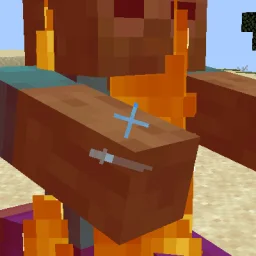
This mod allows the crosshair to follow the view bobbing and play the animation according to the player's actions.
 Cursor CrosshairMods · 26.x
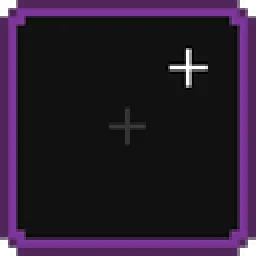
Free your crosshair from the center of the screen and control it with your mouse—interact with blocks, entities, and hotbar slots without moving the camera.
 Spotify HudMods · 1.21
Spotify HUD shows the song you're playing in Spotify (Windows desktop app) as a small card on your Minecraft screen. The card has the title, artist, cover art…
Logg dich ein, um eine Bewertung zu schreiben.