
 Immersive PaintingsModlar · 1.16 – 26.x
Drag and drop, pixelate and hang up beautiful art. On servers too.
Ücretsiz5,517,553 indirme
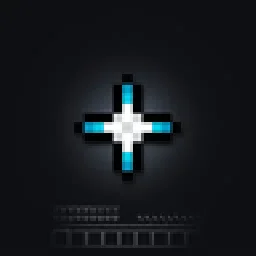
Draw your own pixel-art crosshair and rebuild your HUD in-game: move and resize every element, add smooth animations, auto-hide the hotbar, share crosshairs…
Modrinth üzerinden doğrudan indirme · 12 indirme
Kaynak ve mülkiyet. Bu sayfa, Modrinth tarafından herkese açık API'si aracılığıyla sunulan veriler kullanılarak otomatik olarak oluşturulmuştur. Bu projenin adı, açıklamaları, görselleri, markaları ve diğer tüm içerikleri pa1ych_ ve ilgili hak sahiplerine aittir. CraftRank bu projenin yapımcısı değildir; yapımcısı veya Modrinth ile herhangi bir bağlantısı, onayı ya da sponsorluk ilişkisi bulunmamaktadır.
Barındırma ve dağıtım. CraftRank bu projenin indirme dosyalarını barındırmaz, saklamaz, yüklemez ve dağıtmaz; CraftRank sunucularında bu tür hiçbir dosya tutulmaz. Tüm indirmeler doğrudan Modrinth tarafından kendi sunucularından sağlanır; İndir butonu yalnızca oradaki dosyaya bağlantı verir. Modrinth üzerinde belirtilen lisans: MIT.
Herkese açık API kullanımı. Modrinth, Hangar (PaperMC) ve SpigotMC (Spiget API'si aracılığıyla) API'lerini üçüncü taraf web sitelerinin ve uygulamaların kullanımına açık olarak sunmaktadır. Modrinth'in Kullanım Koşulları, API kullanıcılarına içerikleri kendi hizmetleri üzerinden indirme, görüntüleme ve sorgulama lisansı verir (“API Usage” bölümü); Modrinth'te yayın yapan yapımcılar da Modrinth'e ve lisans verdiği taraflara içeriklerini üçüncü kişilere gösterme ve dağıtma hakkı tanır (“User Contributions” bölümü). CraftRank bu API'leri platformların yayımlanmış kurallarına uygun olarak kullanır: her istekte kendini tanıtır ve istek sınırlarına uyar.
Garanti verilmez. Bu sayfadaki bilgiler "olduğu gibi" sunulur ve hiçbir garanti içermez. Bu projenin indirilmesi ve kullanılması kullanıcının kendi sorumluluğundadır ve yapımcısının lisans ile koşullarına tabidir.
Telif hakkı bildirimleri (DMCA). Bildirimi yalnızca telif hakkı sahibi veya onun adına hareket etmeye yetkili kişi yapabilir; bildirim reşit bir kişiden ya da onun velisi veya yasal temsilcisinden gelmelidir. abuse@craftrank.org adresine gönderilen geçerli bir bildirim şunları içermelidir: bu sayfanın bağlantısı; ihlal edildiği iddia edilen eser; tam adınız, posta adresiniz, telefon numaranız ve e-posta adresiniz; kullanımın hak sahibi, temsilcisi veya kanun tarafından izin verilmediğine iyi niyetle inandığınıza dair beyan; bildirimin doğru olduğuna ve hak sahibi ya da onun adına hareket etmeye yetkili olduğunuza dair, yalan beyanın yasal sorumluluğu altında verilmiş beyan; fiziksel veya elektronik imzanız. Eksik bildirimler işleme alınmaz. Geçerli bildirimler 48 saat içinde işleme alınır; Google'a başvurmaya gerek yoktur.
Asılsız bildirimler. Bir içeriğin hak ihlali olduğunu bile bile gerçeğe aykırı biçimde bildiren kişi, masraflar ve avukatlık ücretleri dahil doğan zararlardan sorumludur (17 U.S.C. § 512(f)). Kötü niyetle ya da hak sahibi olmayan kişilerce yapılan bildirimler kayıt altına alınır ve itiraz edilir.
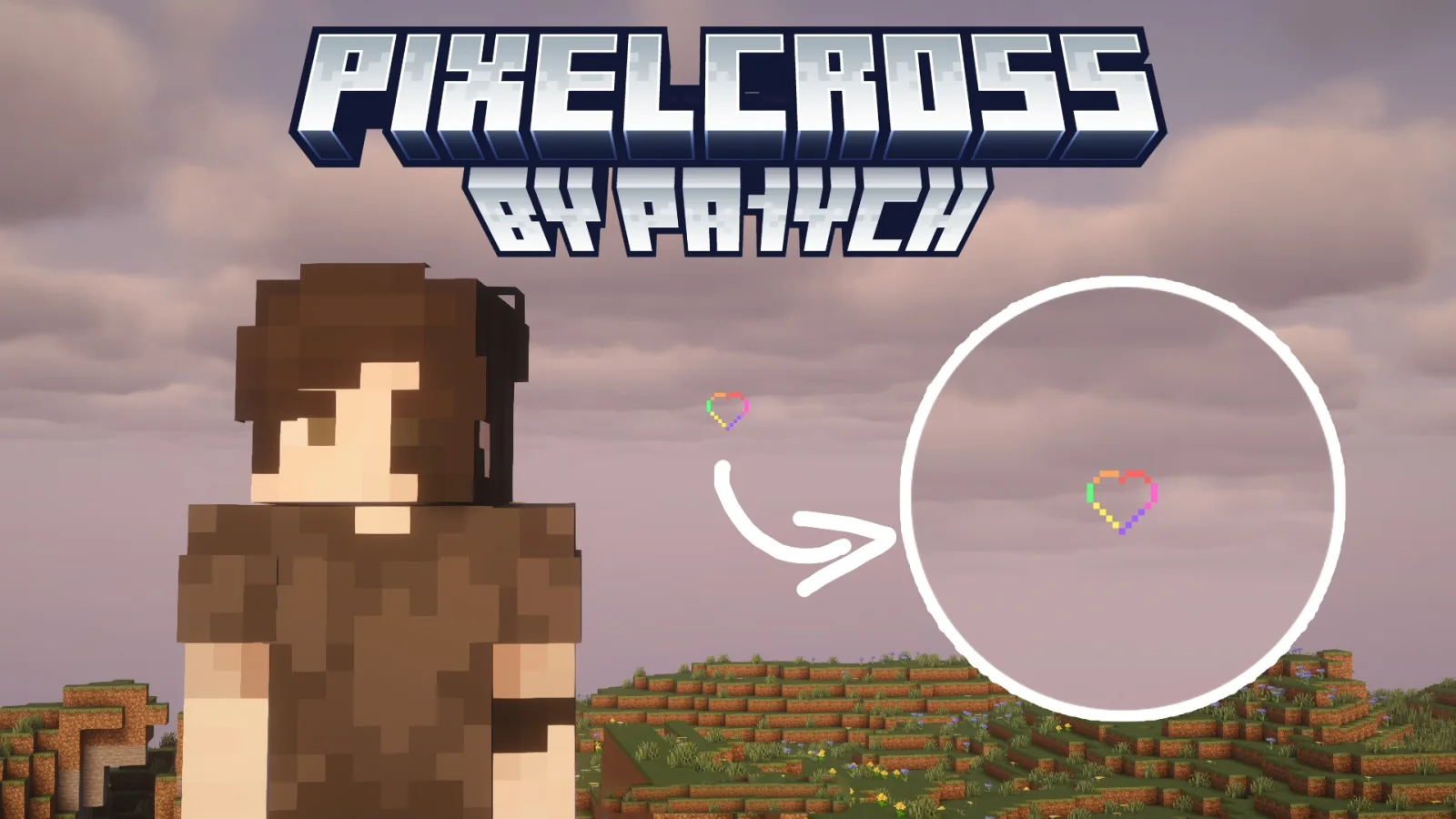
PixelCross, pa1ych_ tarafından yapılmış bir mod. Draw your own pixel-art crosshair and rebuild your HUD in-game: move and resize every element, add smooth animations, auto-hide the hotbar, share crosshairs…
Desteklediği sürümler: Minecraft 26.x. Modrinth üzerinde 12 kez indirildi. Son güncelleme 25.10.2026 tarihinde çıktı.
PixelCross, 27.09.2026 tarihinden beri Modrinth üzerinde 7 sürüm yayınladı. Bunların 7 tanesi son bir yılda çıktı. En yenisi 25.10.2026 tarihinde çıkan 5.4.1. Minecraft 26.3 için yapıldı. Fabric üzerinde çalışır. İndirme boyutu 695 KB.
| Sürüm | Yayın tarihi | Minecraft | Tür |
|---|---|---|---|
5.4.1 | 25.10.2026 | 26.3 | Kararlı |
5.4.1 | 25.10.2026 | 26.2 | Kararlı |
4.7.7 | 11.10.2026 | 26.2 | Kararlı |
4.4.3 | 05.10.2026 | 26.2 | Kararlı |
4.4.2 | 04.10.2026 | 26.2 | Kararlı |
Draw your own crosshair. Reposition your HUD. No resource packs, no restarts — see it in-game instantly.
PixelCross is more than a crosshair mod — it's a full HUD editor built
right into the game. It adds a built-in pixel-art editor for designing your
own crosshair (or picking one from a gallery), a drag-to-reposition editor
for the whole HUD, optional smooth animations, and, separately, a way to
hide the entire vanilla HUD while keeping just your drawn cursor on screen.
Everything is done from in-game settings screens — no texture files to
create, package, or install.
Cursor editor
Crosshair gallery & share codes
chevron, box, diamond, scope and more — plus your own designs
edit it in the editor, or delete it; the + tile adds your
current drawing to the gallery
send it to a friend, or paste one in (Ctrl+C / Ctrl+V work too)
Bow crosshair
bow, crossbow or trident in either hand
switch in the gallery
Display options
opaque, like the real crosshair)
to white / transparent, so it reads correctly against any background)
HUD editor
mouse and drag it anywhere on screen. You can move and resize:
bar) — one element while the bars ride on the hotbar, or split them
with one click and edit each on its own
hotbar or anywhere on its own, with separate settings for survival and
creative
from the nearest screen edge (newest effect closest to it), so they
never go off screen
its hint text
get close, so centering is exact every time
the window or change the GUI scale
as a 50% placeholder, so you can always place it
you're dragging, so it doesn't block your view
Animations (each one optional, on its own switch — Animations... in settings)
slots (the spectator hotbar's too), in Smooth or Springy style,
with adjustable slide time
out off one edge and back in from the other, carousel-style
dim when you're idle, and come back as soon as something changes:
switching slots or hands, damage, hunger, air, armor, experience, your
mount, the spectator menu
mine, with adjustable size
while you aim at a mob, with adjustable zoom
or a player; a big crosshair never covers it
hint fade, slide up or pop in
HUD & crosshair control
(minimaps, status overlays, etc.) that check it hide right along with it.
Your drawn cursor keeps rendering even with the rest of the HUD gone.
one during normal play, on its own switch, independent of the HUD-hide
toggle.
third person, spectator rules, F3 axes
that a bigger crosshair never covers it
Compatibility
Other
In-game keybinds (both unbound by default — set them in Controls)
Action · Default key
Toggle full HUD hide (cursor stays visible) · Unbound
Open PixelCross settings · Unbound
Inside the cursor editor
Action · Control
Draw with the current color · Left-click on the grid (click-drag to paint continuously)
Erase a pixel · Right-click on the grid (click-drag to erase continuously)
Pick a palette color · Left-click a palette swatch
Sample a color already on the grid · Click Eyedropper, then left-click the grid
Flood-fill a connected area · Click Fill, then left-click the grid
Enter a custom color · Type into the hex field, click Apply Color
Save current drawing to a preset · Shift + Click preset A/B/C
Load a saved preset · Click preset A/B/C
Clear a preset slot · Ctrl + Click preset A/B/C
Rotate the drawing 90° · Click ⟳90°
Mirror horizontally / vertically · Click ⇄ / ⇅
Symmetry drawing (left/right, up/down) · Toggle the two symmetry buttons (both = four quarters)
Undo / Redo · Ctrl+Z / Ctrl+Y, or click ↶ / ↷
Draw the main / bow crosshair · Click the Drawing: Main / Bow toggle
Show/hide the drawn cursor · Click the Cursor toggle
Clear the entire grid · Click Clear Drawing
Enable/disable the crosshair replacement · Click the Crosshair toggle
Adjust size · Cursor Size slider (0.5×–5×)
Adjust transparency · Opacity slider (0–100%)
Switch render style · Click the Style toggle (Vanilla / Flat)
Restore defaults · Click Reset to Default
Scroll the settings screen (if it overflows) · Mouse wheel
Save and close · Click Done
Inside the crosshair gallery (opened via Crosshair Gallery... in settings)
Action · Control
Select a crosshair · Click it
Use it as your main crosshair · Set as Main (or double-click it)
Use it as your bow crosshair · Set for Bow
Edit it · Edit, then Save to Gallery (or Cancel)
Delete it · Delete (click twice)
Add your current drawing · Click the + tile
Copy / paste a crosshair code · Copy Code / Paste Code, or Ctrl+C / Ctrl+V
Turn the bow crosshair on/off · Bow Crosshair toggle
Bring back deleted built-in crosshairs · Restore Built-in
Inside the HUD editor (opened via Edit HUD in settings)
Action · Control
Select and move an element · Click and drag it
Grab an element under the panel · Right-click and drag
Snap movement to a grid · Hold Shift while dragging
Snap to screen-center guides · Drag close to a guide line — it snaps automatically
Resize the selected element · Size slider (0.5×–2.0×)
Split / join the hotbar and bars · Together / Separately
Text: survival / creative settings · The small heart / block button next to the controls
Effect icons in a row / column · Select the effects → Icons: In a Row / In a Column
Switch between normal and spectator HUD · The tab button at the top of the panel
Undo to the default position/size · Click Reset Position
Save and close · Click Done
Discard changes made this session · Press Esc
Yazan: pa1ych_. Resimli halini Modrinth sayfasında oku.
Bu mod yalnızca senin oyununda çalışır. Sunucuların buna ihtiyacı yok, bu yüzden her sunucuda kullanabilirsin.
Minecraft 26.x için Fabric kur.
.jar dosyasını Modrinth üzerinden indir ve .minecraft klasöründeki mods klasörüne koy.
Minecraft'ı Fabric profiliyle başlat.
Daha kolayı: Prism Launcher veya Modrinth App'te instance'ının modlarında PixelCross ara ve Install'a tıkla. Mod yükleyiciyi ve gereken modları senin için ekler.
| Kaynak | İndirmeler | Sürümler | Son güncelleme | Fiyat |
|---|---|---|---|---|
| PixelCrossbaktığın | 12 | 26.x | 25 Eki 2026 | Ücretsiz |
| Immersive PaintingsLuke100000 | 5.5M | 1.16 – 26.x | 1 gün önce | Ücretsiz |
 Dynamic CrosshairCrendgrim | 22.4M | 1.18 – 26.x | 16 Eyl 2026 | Ücretsiz |
 Raisedyurisuika | 2.9M | 1.16 – 26.x | 23 Eyl 2026 | Ücretsiz |
Evet. PixelCross, Minecraft 26.x sürümünü destekliyor. Desteklenen tüm sürümler: 26.x.
Evet. PixelCross, Modrinth üzerinden ücretsiz indirilebilir.
İstemci tarafı. PixelCross kendi mods klasörüne kurulur ve modsuz sunucular dahil her sunucuda çalışır.
Evet. Son güncelleme son 24 saat içinde çıktı.
En yakın olanlar Immersive Paintings, Dynamic Crosshair ve Raised. Tüm alternatifleri karşılaştır
Immersive PaintingsModlar · 1.16 – 26.xDrag and drop, pixelate and hang up beautiful art. On servers too.
Dynamic CrosshairModlar · 1.18 – 26.xA mod that hides or changes the crosshair dependent on context
RaisedModlar · 1.16 – 26.xMove around your HUD and fix the broken hotbar selection indicator!
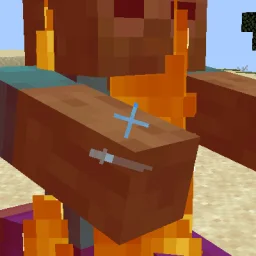 Crosshair BobbingModlar · 1.16 – 1.20
This mod allows the crosshair to follow the view bobbing and play the animation according to the player's actions.
 Cursor CrosshairModlar · 26.x
Free your crosshair from the center of the screen and control it with your mouse—interact with blocks, entities, and hotbar slots without moving the camera.
 Spotify HudModlar · 1.21
Spotify HUD shows the song you're playing in Spotify (Windows desktop app) as a small card on your Minecraft screen. The card has the title, artist, cover art…
Yorum yazmak için giriş yap.