
 Immersive PaintingsМоды · 1.16 – 26.x
Drag and drop, pixelate and hang up beautiful art. On servers too.
БесплатноЗагрузок: 5,517,553
Источник и права. Эта страница создана автоматически на основе открытых данных, которые Modrinth предоставляет через свой публичный API. Название, описания, изображения, товарные знаки и всё прочее содержимое этого проекта принадлежат pa1ych_ и соответствующим правообладателям. CraftRank не является автором этого проекта и не связан с его автором или Modrinth, не одобрен и не спонсируется ими.
Размещение и распространение. CraftRank не размещает, не хранит, не загружает и не распространяет файлы для скачивания этого проекта, и ни один такой файл не хранится на серверах CraftRank. Каждое скачивание предоставляется напрямую Modrinth с его собственных серверов; кнопка «Скачать» лишь ведёт к файлу там. Лицензия, указанная на Modrinth: MIT.
Использование публичных API. Modrinth, Hangar (PaperMC) и SpigotMC (через API Spiget) открыто предоставляют свои API сторонним сайтам и приложениям. Условия использования Modrinth дают пользователям API лицензию на скачивание, отображение и запрос контента через их собственные сервисы (раздел «API Usage»), а авторы, публикующиеся на Modrinth, предоставляют Modrinth и его лицензиатам право показывать и распространять их контент третьим лицам (раздел «User Contributions»). CraftRank использует эти API в соответствии с опубликованными правилами платформ: представляется в каждом запросе и соблюдает их лимиты.
Отказ от гарантий. Информация на этой странице предоставляется «как есть», без каких-либо гарантий. Скачивание и использование этого проекта осуществляется на ваш риск и регулируется лицензией и условиями его автора.
Уведомления об авторском праве (DMCA). Подать уведомление может только правообладатель или лицо, уполномоченное действовать от его имени, и оно должно исходить от совершеннолетнего лица либо его родителя или законного представителя. Действительное уведомление, отправленное на abuse@craftrank.org, должно содержать: ссылку на эту страницу; произведение, права на которое якобы нарушены; ваши полное имя, почтовый адрес, телефон и e-mail; заявление о том, что вы добросовестно полагаете, что использование не разрешено правообладателем, его представителем или законом; заявление под страхом ответственности за лжесвидетельство о том, что уведомление точно и вы являетесь правообладателем или уполномочены действовать от его имени; а также вашу физическую или электронную подпись. Неполные уведомления не рассматриваются. Действительные уведомления обрабатываются в течение 48 часов, без обращения в Google.
Ложные уведомления. Тот, кто заведомо ложно заявляет о нарушении, несёт ответственность за причинённый ущерб, включая расходы и оплату услуг юристов (17 U.S.C. § 512(f)). Уведомления, поданные недобросовестно или лицами, не обладающими правами, фиксируются и будут оспорены.
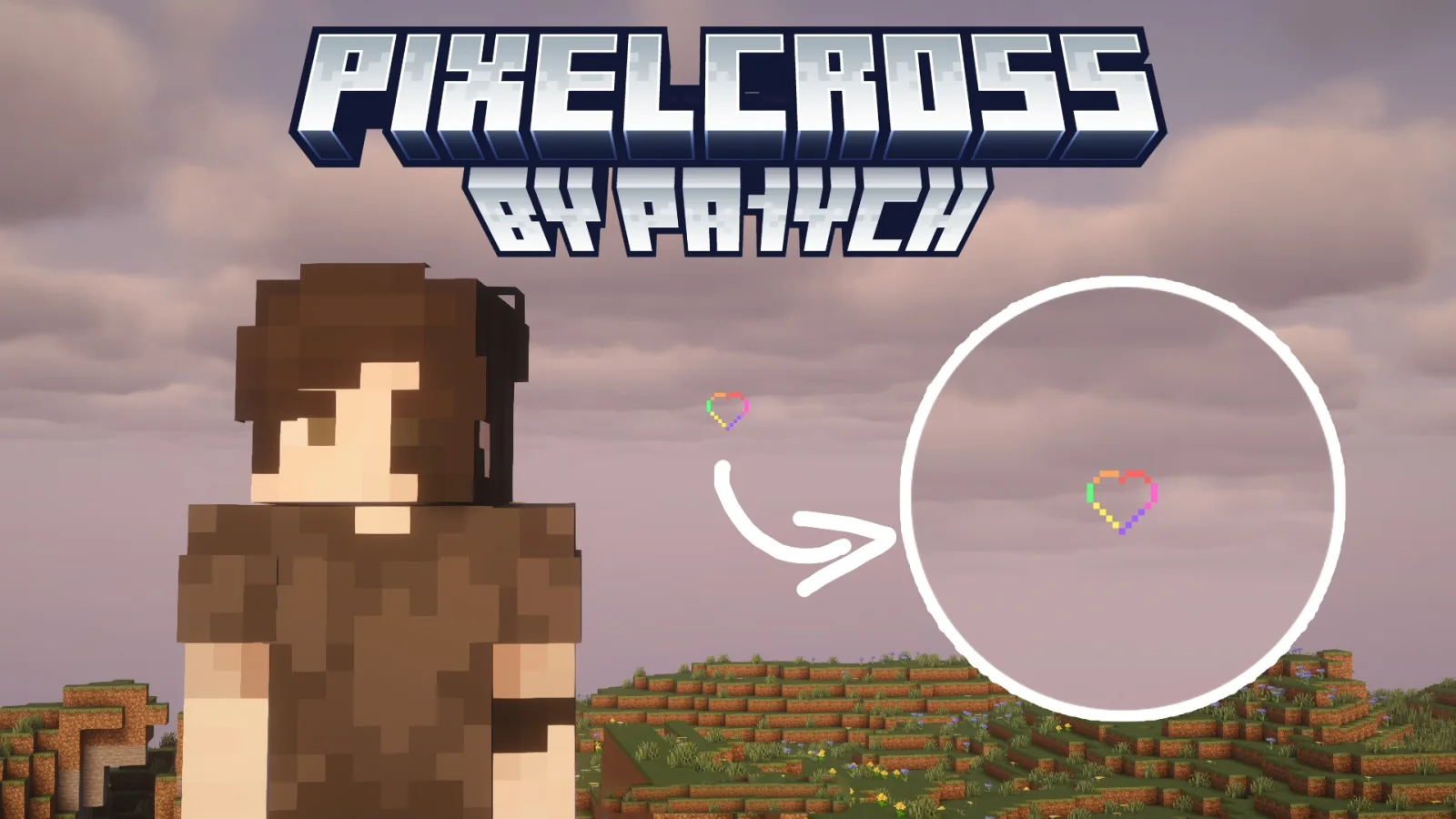
PixelCross — мод от pa1ych_. Draw your own pixel-art crosshair and rebuild your HUD in-game: move and resize every element, add smooth animations, auto-hide the hotbar, share crosshairs…
Поддерживаемые версии: Minecraft 26.x. Скачиваний на Modrinth: 12. Последнее обновление: 25.10.2026.
С 27.09.2026 у PixelCross вышло 7 версий на Modrinth. 7 из них вышли за последний год. Новейшая — 5.4.1, вышла 25.10.2026. Она сделана для Minecraft 26.3. Работает на Fabric. Размер файла — 695 KB.
| Версия | Выпущен | Minecraft | Тип |
|---|---|---|---|
5.4.1 | 25.10.2026 | 26.3 | Релиз |
5.4.1 | 25.10.2026 | 26.2 | Релиз |
4.7.7 | 11.10.2026 | 26.2 | Релиз |
4.4.3 | 05.10.2026 | 26.2 | Релиз |
4.4.2 | 04.10.2026 | 26.2 | Релиз |
Draw your own crosshair. Reposition your HUD. No resource packs, no restarts — see it in-game instantly.
PixelCross is more than a crosshair mod — it's a full HUD editor built
right into the game. It adds a built-in pixel-art editor for designing your
own crosshair (or picking one from a gallery), a drag-to-reposition editor
for the whole HUD, optional smooth animations, and, separately, a way to
hide the entire vanilla HUD while keeping just your drawn cursor on screen.
Everything is done from in-game settings screens — no texture files to
create, package, or install.
Cursor editor
Crosshair gallery & share codes
chevron, box, diamond, scope and more — plus your own designs
edit it in the editor, or delete it; the + tile adds your
current drawing to the gallery
send it to a friend, or paste one in (Ctrl+C / Ctrl+V work too)
Bow crosshair
bow, crossbow or trident in either hand
switch in the gallery
Display options
opaque, like the real crosshair)
to white / transparent, so it reads correctly against any background)
HUD editor
mouse and drag it anywhere on screen. You can move and resize:
bar) — one element while the bars ride on the hotbar, or split them
with one click and edit each on its own
hotbar or anywhere on its own, with separate settings for survival and
creative
from the nearest screen edge (newest effect closest to it), so they
never go off screen
its hint text
get close, so centering is exact every time
the window or change the GUI scale
as a 50% placeholder, so you can always place it
you're dragging, so it doesn't block your view
Animations (each one optional, on its own switch — Animations... in settings)
slots (the spectator hotbar's too), in Smooth or Springy style,
with adjustable slide time
out off one edge and back in from the other, carousel-style
dim when you're idle, and come back as soon as something changes:
switching slots or hands, damage, hunger, air, armor, experience, your
mount, the spectator menu
mine, with adjustable size
while you aim at a mob, with adjustable zoom
or a player; a big crosshair never covers it
hint fade, slide up or pop in
HUD & crosshair control
(minimaps, status overlays, etc.) that check it hide right along with it.
Your drawn cursor keeps rendering even with the rest of the HUD gone.
one during normal play, on its own switch, independent of the HUD-hide
toggle.
third person, spectator rules, F3 axes
that a bigger crosshair never covers it
Compatibility
Other
In-game keybinds (both unbound by default — set them in Controls)
Action · Default key
Toggle full HUD hide (cursor stays visible) · Unbound
Open PixelCross settings · Unbound
Inside the cursor editor
Action · Control
Draw with the current color · Left-click on the grid (click-drag to paint continuously)
Erase a pixel · Right-click on the grid (click-drag to erase continuously)
Pick a palette color · Left-click a palette swatch
Sample a color already on the grid · Click Eyedropper, then left-click the grid
Flood-fill a connected area · Click Fill, then left-click the grid
Enter a custom color · Type into the hex field, click Apply Color
Save current drawing to a preset · Shift + Click preset A/B/C
Load a saved preset · Click preset A/B/C
Clear a preset slot · Ctrl + Click preset A/B/C
Rotate the drawing 90° · Click ⟳90°
Mirror horizontally / vertically · Click ⇄ / ⇅
Symmetry drawing (left/right, up/down) · Toggle the two symmetry buttons (both = four quarters)
Undo / Redo · Ctrl+Z / Ctrl+Y, or click ↶ / ↷
Draw the main / bow crosshair · Click the Drawing: Main / Bow toggle
Show/hide the drawn cursor · Click the Cursor toggle
Clear the entire grid · Click Clear Drawing
Enable/disable the crosshair replacement · Click the Crosshair toggle
Adjust size · Cursor Size slider (0.5×–5×)
Adjust transparency · Opacity slider (0–100%)
Switch render style · Click the Style toggle (Vanilla / Flat)
Restore defaults · Click Reset to Default
Scroll the settings screen (if it overflows) · Mouse wheel
Save and close · Click Done
Inside the crosshair gallery (opened via Crosshair Gallery... in settings)
Action · Control
Select a crosshair · Click it
Use it as your main crosshair · Set as Main (or double-click it)
Use it as your bow crosshair · Set for Bow
Edit it · Edit, then Save to Gallery (or Cancel)
Delete it · Delete (click twice)
Add your current drawing · Click the + tile
Copy / paste a crosshair code · Copy Code / Paste Code, or Ctrl+C / Ctrl+V
Turn the bow crosshair on/off · Bow Crosshair toggle
Bring back deleted built-in crosshairs · Restore Built-in
Inside the HUD editor (opened via Edit HUD in settings)
Action · Control
Select and move an element · Click and drag it
Grab an element under the panel · Right-click and drag
Snap movement to a grid · Hold Shift while dragging
Snap to screen-center guides · Drag close to a guide line — it snaps automatically
Resize the selected element · Size slider (0.5×–2.0×)
Split / join the hotbar and bars · Together / Separately
Text: survival / creative settings · The small heart / block button next to the controls
Effect icons in a row / column · Select the effects → Icons: In a Row / In a Column
Switch between normal and spectator HUD · The tab button at the top of the panel
Undo to the default position/size · Click Reset Position
Save and close · Click Done
Discard changes made this session · Press Esc
Автор: pa1ych_. С картинками — на Modrinth.
Этот мод работает только в твоей игре. Серверам он не нужен, так что его можно использовать на любом сервере.
Установи Fabric для Minecraft 26.x.
Скачай .jar-файл с Modrinth и положи его в папку mods в каталоге .minecraft.
Запусти Minecraft с профилем Fabric.
Проще: в Prism Launcher или Modrinth App найдите PixelCross в модах своей сборки и нажмите Install. Загрузчик и нужные моды добавятся сами.
| Ресурс | Загрузки | Версии | Обновление | Цена |
|---|---|---|---|---|
 PixelCrossтот, что ты смотрел | 12 | 26.x | 25 окт. 2026 | Бесплатно |
| Immersive PaintingsLuke100000 | 5.5M | 1.16 – 26.x | 1 день назад | Бесплатно |
 Dynamic CrosshairCrendgrim | 22.4M | 1.18 – 26.x | 16 сент. 2026 | Бесплатно |
 Raisedyurisuika | 2.9M | 1.16 – 26.x | 23 сент. 2026 | Бесплатно |
Да. PixelCross поддерживает Minecraft 26.x. Все поддерживаемые версии: 26.x.
Да. PixelCross можно бесплатно скачать на Modrinth.
На клиенте. PixelCross кладётся в твою папку mods и работает на любом сервере, даже без модов.
Да. Последнее обновление вышло за последние сутки.
Ближе всего к нему Immersive Paintings, Dynamic Crosshair и Raised. Сравнить все альтернативы
Immersive PaintingsМоды · 1.16 – 26.xDrag and drop, pixelate and hang up beautiful art. On servers too.
Dynamic CrosshairМоды · 1.18 – 26.xA mod that hides or changes the crosshair dependent on context
RaisedМоды · 1.16 – 26.xMove around your HUD and fix the broken hotbar selection indicator!
 Crosshair BobbingМоды · 1.16 – 1.20
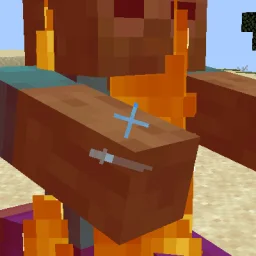
This mod allows the crosshair to follow the view bobbing and play the animation according to the player's actions.
 Cursor CrosshairМоды · 26.x
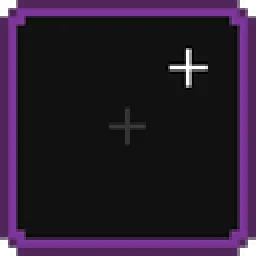
Free your crosshair from the center of the screen and control it with your mouse—interact with blocks, entities, and hotbar slots without moving the camera.
 Spotify HudМоды · 1.21
Spotify HUD shows the song you're playing in Spotify (Windows desktop app) as a small card on your Minecraft screen. The card has the title, artist, cover art…
Войди, чтобы оставить отзыв.