
 Immersive PaintingsMods · 1.16 – 26.x
Drag and drop, pixelate and hang up beautiful art. On servers too.
Gratuit5,517,553 téléchargements
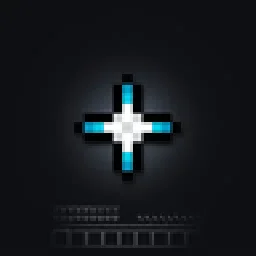
Draw your own pixel-art crosshair and rebuild your HUD in-game: move and resize every element, add smooth animations, auto-hide the hotbar, share crosshairs…
Téléchargement direct depuis Modrinth · 12 téléchargements
Source et propriété. Cette page a été générée automatiquement à partir de données publiques que Modrinth fournit via son API publique. Le nom, les descriptions, les images, les marques et tout autre contenu de ce projet appartiennent à pa1ych_ et à leurs ayants droit respectifs. CraftRank n'est pas l'auteur de ce projet et n'est ni affilié, ni approuvé, ni sponsorisé par son auteur ou par Modrinth.
Hébergement et distribution. CraftRank n'héberge, ne stocke, ne téléverse et ne distribue pas les fichiers de téléchargement de ce projet, et aucun fichier de ce type n'est conservé sur les serveurs de CraftRank. Chaque téléchargement est fourni directement par Modrinth depuis ses propres serveurs ; le bouton Télécharger renvoie seulement vers le fichier là-bas. La licence indiquée sur Modrinth est MIT.
Utilisation d'API publiques. Modrinth, Hangar (PaperMC) et SpigotMC (via l'API Spiget) mettent leurs API à la disposition publique des sites web et applications tiers. Les Conditions d'utilisation de Modrinth accordent aux utilisateurs de l'API une licence pour télécharger, afficher et interroger le contenu via leurs propres services (section « API Usage »), et les créateurs qui publient sur Modrinth accordent à Modrinth et à ses licenciés le droit d'afficher et de distribuer leur contenu à des tiers (section « User Contributions »). CraftRank utilise ces API conformément aux règles publiées des plateformes : il s'identifie à chaque requête et respecte leurs limites de débit.
Absence de garantie. Les informations de cette page sont fournies « en l'état », sans aucune garantie. Le téléchargement et l'utilisation de ce projet se font à vos propres risques et sont soumis à la licence et aux conditions de son auteur.
Notifications de droit d'auteur (DMCA). Seul le titulaire du droit d'auteur ou une personne autorisée à agir en son nom peut envoyer une notification, et celle-ci doit émaner d'une personne majeure ou de son représentant légal. Une notification valable envoyée à abuse@craftrank.org doit contenir : le lien de cette page ; l'œuvre prétendument contrefaite ; vos nom complet, adresse postale, numéro de téléphone et e-mail ; une déclaration selon laquelle vous estimez de bonne foi que l'utilisation n'est autorisée ni par le titulaire, ni par son mandataire, ni par la loi ; une déclaration, sous peine de parjure, attestant que la notification est exacte et que vous êtes le titulaire ou êtes autorisé à agir en son nom ; ainsi que votre signature physique ou électronique. Les notifications incomplètes ne sont pas traitées. Les notifications valables sont traitées sous 48 heures, sans passer par Google.
Notifications abusives. Quiconque affirme sciemment et à tort qu'un contenu est contrefaisant est responsable des dommages causés, y compris les frais et honoraires d'avocat (17 U.S.C. § 512(f)). Les notifications de mauvaise foi ou émanant de personnes qui ne détiennent pas les droits sont conservées et seront contestées.
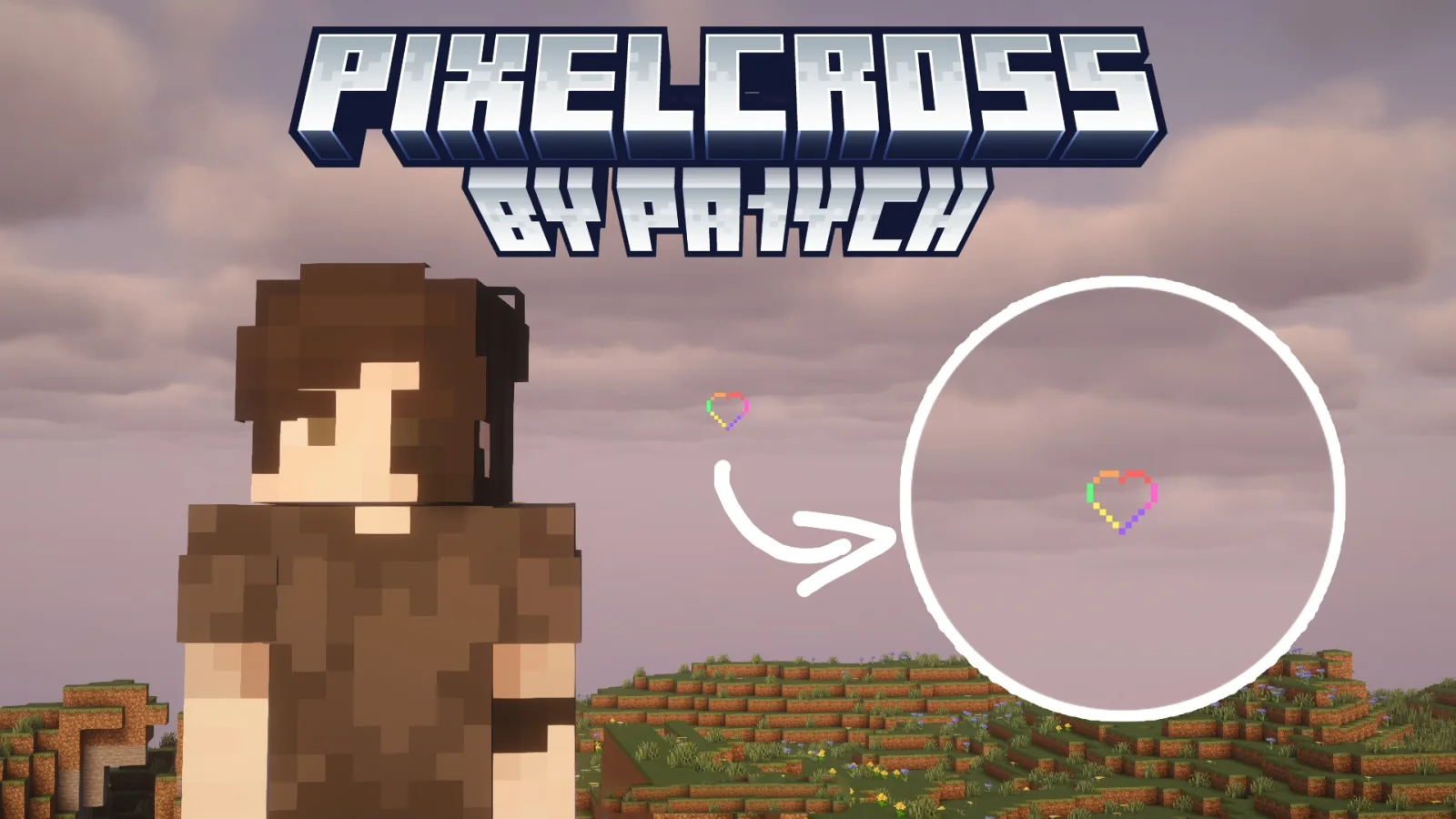
PixelCross (mod) est une création de pa1ych_. Draw your own pixel-art crosshair and rebuild your HUD in-game: move and resize every element, add smooth animations, auto-hide the hotbar, share crosshairs…
Versions prises en charge : Minecraft 26.x. On compte 12 téléchargements sur Modrinth. La dernière mise à jour date du 25/10/2026.
PixelCross a publié 7 versions sur Modrinth depuis le 27/09/2026. 7 sont sorties au cours de l'année passée. La plus récente est 5.4.1, sortie le 25/10/2026. Elle est faite pour Minecraft 26.3. Elle fonctionne sur Fabric. Le téléchargement fait 695 KB.
| Version | Publié | Minecraft | Type |
|---|---|---|---|
5.4.1 | 25/10/2026 | 26.3 | Stable |
5.4.1 | 25/10/2026 | 26.2 | Stable |
4.7.7 | 11/10/2026 | 26.2 | Stable |
4.4.3 | 05/10/2026 | 26.2 | Stable |
4.4.2 | 04/10/2026 | 26.2 | Stable |
Draw your own crosshair. Reposition your HUD. No resource packs, no restarts — see it in-game instantly.
PixelCross is more than a crosshair mod — it's a full HUD editor built
right into the game. It adds a built-in pixel-art editor for designing your
own crosshair (or picking one from a gallery), a drag-to-reposition editor
for the whole HUD, optional smooth animations, and, separately, a way to
hide the entire vanilla HUD while keeping just your drawn cursor on screen.
Everything is done from in-game settings screens — no texture files to
create, package, or install.
Cursor editor
Crosshair gallery & share codes
chevron, box, diamond, scope and more — plus your own designs
edit it in the editor, or delete it; the + tile adds your
current drawing to the gallery
send it to a friend, or paste one in (Ctrl+C / Ctrl+V work too)
Bow crosshair
bow, crossbow or trident in either hand
switch in the gallery
Display options
opaque, like the real crosshair)
to white / transparent, so it reads correctly against any background)
HUD editor
mouse and drag it anywhere on screen. You can move and resize:
bar) — one element while the bars ride on the hotbar, or split them
with one click and edit each on its own
hotbar or anywhere on its own, with separate settings for survival and
creative
from the nearest screen edge (newest effect closest to it), so they
never go off screen
its hint text
get close, so centering is exact every time
the window or change the GUI scale
as a 50% placeholder, so you can always place it
you're dragging, so it doesn't block your view
Animations (each one optional, on its own switch — Animations... in settings)
slots (the spectator hotbar's too), in Smooth or Springy style,
with adjustable slide time
out off one edge and back in from the other, carousel-style
dim when you're idle, and come back as soon as something changes:
switching slots or hands, damage, hunger, air, armor, experience, your
mount, the spectator menu
mine, with adjustable size
while you aim at a mob, with adjustable zoom
or a player; a big crosshair never covers it
hint fade, slide up or pop in
HUD & crosshair control
(minimaps, status overlays, etc.) that check it hide right along with it.
Your drawn cursor keeps rendering even with the rest of the HUD gone.
one during normal play, on its own switch, independent of the HUD-hide
toggle.
third person, spectator rules, F3 axes
that a bigger crosshair never covers it
Compatibility
Other
In-game keybinds (both unbound by default — set them in Controls)
Action · Default key
Toggle full HUD hide (cursor stays visible) · Unbound
Open PixelCross settings · Unbound
Inside the cursor editor
Action · Control
Draw with the current color · Left-click on the grid (click-drag to paint continuously)
Erase a pixel · Right-click on the grid (click-drag to erase continuously)
Pick a palette color · Left-click a palette swatch
Sample a color already on the grid · Click Eyedropper, then left-click the grid
Flood-fill a connected area · Click Fill, then left-click the grid
Enter a custom color · Type into the hex field, click Apply Color
Save current drawing to a preset · Shift + Click preset A/B/C
Load a saved preset · Click preset A/B/C
Clear a preset slot · Ctrl + Click preset A/B/C
Rotate the drawing 90° · Click ⟳90°
Mirror horizontally / vertically · Click ⇄ / ⇅
Symmetry drawing (left/right, up/down) · Toggle the two symmetry buttons (both = four quarters)
Undo / Redo · Ctrl+Z / Ctrl+Y, or click ↶ / ↷
Draw the main / bow crosshair · Click the Drawing: Main / Bow toggle
Show/hide the drawn cursor · Click the Cursor toggle
Clear the entire grid · Click Clear Drawing
Enable/disable the crosshair replacement · Click the Crosshair toggle
Adjust size · Cursor Size slider (0.5×–5×)
Adjust transparency · Opacity slider (0–100%)
Switch render style · Click the Style toggle (Vanilla / Flat)
Restore defaults · Click Reset to Default
Scroll the settings screen (if it overflows) · Mouse wheel
Save and close · Click Done
Inside the crosshair gallery (opened via Crosshair Gallery... in settings)
Action · Control
Select a crosshair · Click it
Use it as your main crosshair · Set as Main (or double-click it)
Use it as your bow crosshair · Set for Bow
Edit it · Edit, then Save to Gallery (or Cancel)
Delete it · Delete (click twice)
Add your current drawing · Click the + tile
Copy / paste a crosshair code · Copy Code / Paste Code, or Ctrl+C / Ctrl+V
Turn the bow crosshair on/off · Bow Crosshair toggle
Bring back deleted built-in crosshairs · Restore Built-in
Inside the HUD editor (opened via Edit HUD in settings)
Action · Control
Select and move an element · Click and drag it
Grab an element under the panel · Right-click and drag
Snap movement to a grid · Hold Shift while dragging
Snap to screen-center guides · Drag close to a guide line — it snaps automatically
Resize the selected element · Size slider (0.5×–2.0×)
Split / join the hotbar and bars · Together / Separately
Text: survival / creative settings · The small heart / block button next to the controls
Effect icons in a row / column · Select the effects → Icons: In a Row / In a Column
Switch between normal and spectator HUD · The tab button at the top of the panel
Undo to the default position/size · Click Reset Position
Save and close · Click Done
Discard changes made this session · Press Esc
Écrite par pa1ych_. À lire avec les images sur Modrinth.
Ce mod fonctionne uniquement dans ton jeu. Les serveurs n'en ont pas besoin, tu peux donc l'utiliser sur n'importe quel serveur.
Installe Fabric pour Minecraft 26.x.
Télécharge le fichier .jar depuis Modrinth et place-le dans le dossier mods de ton répertoire .minecraft.
Lance Minecraft avec le profil Fabric.
Plus simple : dans Prism Launcher ou la Modrinth App, cherche PixelCross dans les mods de ton instance et clique sur Install. Le loader et les mods requis sont ajoutés pour toi.
| Ressource | Téléchargements | Versions | Mise à jour | Prix |
|---|---|---|---|---|
| PixelCrosscelle que tu regardais | 12 | 26.x | 25 oct. 2026 | Gratuit |
| Immersive PaintingsLuke100000 | 5.5M | 1.16 – 26.x | il y a 1 jour | Gratuit |
 Dynamic CrosshairCrendgrim | 22.4M | 1.18 – 26.x | 16 sept. 2026 | Gratuit |
 Raisedyurisuika | 2.9M | 1.16 – 26.x | 23 sept. 2026 | Gratuit |
Oui. PixelCross prend en charge Minecraft 26.x. Toutes les versions prises en charge : 26.x.
Oui. PixelCross se télécharge gratuitement sur Modrinth.
Côté client. PixelCross se place dans ton propre dossier mods et fonctionne sur n'importe quel serveur, même sans mods.
Oui. La dernière mise à jour date des dernières 24 heures.
Les plus proches sont Immersive Paintings, Dynamic Crosshair et Raised. Comparer toutes les alternatives
Immersive PaintingsMods · 1.16 – 26.xDrag and drop, pixelate and hang up beautiful art. On servers too.
Dynamic CrosshairMods · 1.18 – 26.xA mod that hides or changes the crosshair dependent on context
RaisedMods · 1.16 – 26.xMove around your HUD and fix the broken hotbar selection indicator!
 Crosshair BobbingMods · 1.16 – 1.20
This mod allows the crosshair to follow the view bobbing and play the animation according to the player's actions.
 Cursor CrosshairMods · 26.x
Free your crosshair from the center of the screen and control it with your mouse—interact with blocks, entities, and hotbar slots without moving the camera.
 Spotify HudMods · 1.21
Spotify HUD shows the song you're playing in Spotify (Windows desktop app) as a small card on your Minecraft screen. The card has the title, artist, cover art…
Connecte-toi pour laisser un avis.