
 Immersive PaintingsMods · 1.16 – 26.x
Drag and drop, pixelate and hang up beautiful art. On servers too.
Free5,517,553 downloads
Draw your own pixel-art crosshair and rebuild your HUD in-game: move and resize every element, add smooth animations, auto-hide the hotbar, share crosshairs…
Direct download from Modrinth · 12 downloads
Source and ownership. This page was generated automatically from public data that Modrinth provides through its public API. The name, descriptions, images, trademarks and all other content of this project belong to pa1ych_ and their respective owners. CraftRank is not the author of this project and is not affiliated with, endorsed or sponsored by its author or by Modrinth.
Hosting and distribution. CraftRank does not host, store, upload or distribute the download files of this project, and no such file is kept on CraftRank's servers. Every download is provided directly by Modrinth from its own servers; the Download button only links to the file there. The license stated on Modrinth is MIT.
Use of public APIs. Modrinth, Hangar (PaperMC) and SpigotMC (through the Spiget API) make their APIs publicly available to third-party websites and applications. Modrinth's Terms of Use give API users a license to download, display and query content through their own services (section “API Usage”), and creators who publish on Modrinth grant Modrinth and its licensees the right to display and distribute their content to third parties (section “User Contributions”). CraftRank uses these APIs in line with the platforms' published rules: it identifies itself in every request and respects their rate limits.
No warranty. The information on this page is provided "as is", without any warranty. Downloading and using this project is at your own risk and subject to the license and terms of its author.
Copyright notices (DMCA). Only the copyright owner or someone authorised to act for them may file a notice, and it must come from a person of legal age or from their parent or legal guardian. A valid notice sent to abuse@craftrank.org must contain: the link of this page; the work claimed to be infringed; your full name, postal address, phone number and e-mail; a statement that you believe in good faith that the use is not authorised by the owner, its agent or the law; a statement, under penalty of perjury, that the notice is accurate and that you are the owner or authorised to act for them; and your physical or electronic signature. Incomplete notices are not processed. Valid notices are acted on within 48 hours, with no need to go through Google.
False notices. Anyone who knowingly misrepresents that material is infringing is liable for the damages caused, including costs and attorneys' fees (17 U.S.C. § 512(f)). Notices filed in bad faith or by someone who does not hold the rights are kept on record and will be contested.
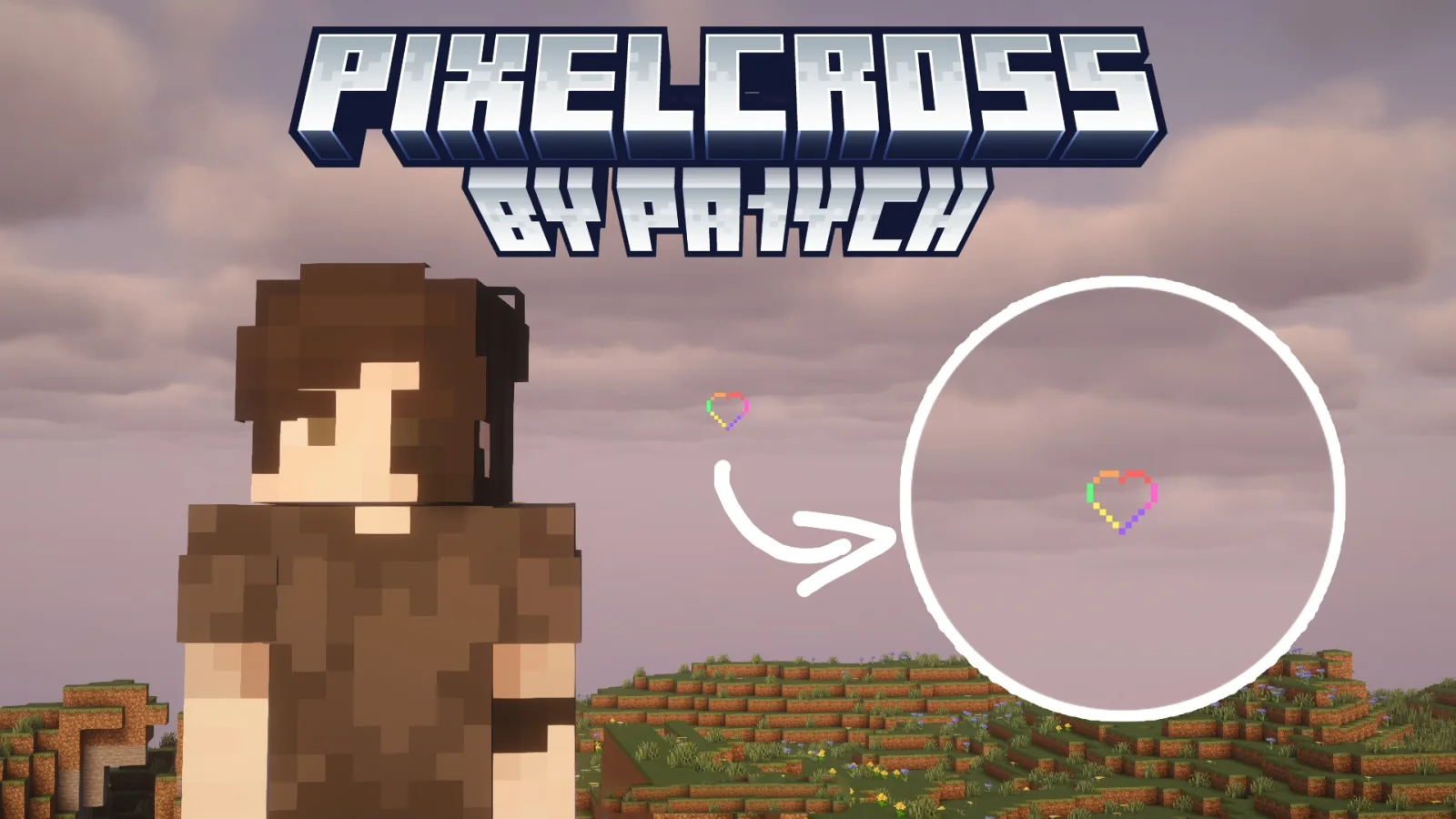
PixelCross is a mod made by pa1ych_. Draw your own pixel-art crosshair and rebuild your HUD in-game: move and resize every element, add smooth animations, auto-hide the hotbar, share crosshairs…
It supports Minecraft 26.x. It has been downloaded 12 times on Modrinth. The last update came out on Oct 25, 2026.
PixelCross has had 7 releases on Modrinth since Sep 27, 2026. 7 of them came out in the past year. The newest is 5.4.1, released on Oct 25, 2026. It is made for Minecraft 26.3. It runs on Fabric. The download is 695 KB.
| Version | Released | Minecraft | Type |
|---|---|---|---|
5.4.1 | Oct 25, 2026 | 26.3 | Release |
5.4.1 | Oct 25, 2026 | 26.2 | Release |
4.7.7 | Oct 11, 2026 | 26.2 | Release |
4.4.3 | Oct 5, 2026 | 26.2 | Release |
4.4.2 | Oct 4, 2026 | 26.2 | Release |
Draw your own crosshair. Reposition your HUD. No resource packs, no restarts — see it in-game instantly.
PixelCross is more than a crosshair mod — it's a full HUD editor built
right into the game. It adds a built-in pixel-art editor for designing your
own crosshair (or picking one from a gallery), a drag-to-reposition editor
for the whole HUD, optional smooth animations, and, separately, a way to
hide the entire vanilla HUD while keeping just your drawn cursor on screen.
Everything is done from in-game settings screens — no texture files to
create, package, or install.
Cursor editor
Crosshair gallery & share codes
chevron, box, diamond, scope and more — plus your own designs
edit it in the editor, or delete it; the + tile adds your
current drawing to the gallery
send it to a friend, or paste one in (Ctrl+C / Ctrl+V work too)
Bow crosshair
bow, crossbow or trident in either hand
switch in the gallery
Display options
opaque, like the real crosshair)
to white / transparent, so it reads correctly against any background)
HUD editor
mouse and drag it anywhere on screen. You can move and resize:
bar) — one element while the bars ride on the hotbar, or split them
with one click and edit each on its own
hotbar or anywhere on its own, with separate settings for survival and
creative
from the nearest screen edge (newest effect closest to it), so they
never go off screen
its hint text
get close, so centering is exact every time
the window or change the GUI scale
as a 50% placeholder, so you can always place it
you're dragging, so it doesn't block your view
Animations (each one optional, on its own switch — Animations... in settings)
slots (the spectator hotbar's too), in Smooth or Springy style,
with adjustable slide time
out off one edge and back in from the other, carousel-style
dim when you're idle, and come back as soon as something changes:
switching slots or hands, damage, hunger, air, armor, experience, your
mount, the spectator menu
mine, with adjustable size
while you aim at a mob, with adjustable zoom
or a player; a big crosshair never covers it
hint fade, slide up or pop in
HUD & crosshair control
(minimaps, status overlays, etc.) that check it hide right along with it.
Your drawn cursor keeps rendering even with the rest of the HUD gone.
one during normal play, on its own switch, independent of the HUD-hide
toggle.
third person, spectator rules, F3 axes
that a bigger crosshair never covers it
Compatibility
Other
In-game keybinds (both unbound by default — set them in Controls)
Action · Default key
Toggle full HUD hide (cursor stays visible) · Unbound
Open PixelCross settings · Unbound
Inside the cursor editor
Action · Control
Draw with the current color · Left-click on the grid (click-drag to paint continuously)
Erase a pixel · Right-click on the grid (click-drag to erase continuously)
Pick a palette color · Left-click a palette swatch
Sample a color already on the grid · Click Eyedropper, then left-click the grid
Flood-fill a connected area · Click Fill, then left-click the grid
Enter a custom color · Type into the hex field, click Apply Color
Save current drawing to a preset · Shift + Click preset A/B/C
Load a saved preset · Click preset A/B/C
Clear a preset slot · Ctrl + Click preset A/B/C
Rotate the drawing 90° · Click ⟳90°
Mirror horizontally / vertically · Click ⇄ / ⇅
Symmetry drawing (left/right, up/down) · Toggle the two symmetry buttons (both = four quarters)
Undo / Redo · Ctrl+Z / Ctrl+Y, or click ↶ / ↷
Draw the main / bow crosshair · Click the Drawing: Main / Bow toggle
Show/hide the drawn cursor · Click the Cursor toggle
Clear the entire grid · Click Clear Drawing
Enable/disable the crosshair replacement · Click the Crosshair toggle
Adjust size · Cursor Size slider (0.5×–5×)
Adjust transparency · Opacity slider (0–100%)
Switch render style · Click the Style toggle (Vanilla / Flat)
Restore defaults · Click Reset to Default
Scroll the settings screen (if it overflows) · Mouse wheel
Save and close · Click Done
Inside the crosshair gallery (opened via Crosshair Gallery... in settings)
Action · Control
Select a crosshair · Click it
Use it as your main crosshair · Set as Main (or double-click it)
Use it as your bow crosshair · Set for Bow
Edit it · Edit, then Save to Gallery (or Cancel)
Delete it · Delete (click twice)
Add your current drawing · Click the + tile
Copy / paste a crosshair code · Copy Code / Paste Code, or Ctrl+C / Ctrl+V
Turn the bow crosshair on/off · Bow Crosshair toggle
Bring back deleted built-in crosshairs · Restore Built-in
Inside the HUD editor (opened via Edit HUD in settings)
Action · Control
Select and move an element · Click and drag it
Grab an element under the panel · Right-click and drag
Snap movement to a grid · Hold Shift while dragging
Snap to screen-center guides · Drag close to a guide line — it snaps automatically
Resize the selected element · Size slider (0.5×–2.0×)
Split / join the hotbar and bars · Together / Separately
Text: survival / creative settings · The small heart / block button next to the controls
Effect icons in a row / column · Select the effects → Icons: In a Row / In a Column
Switch between normal and spectator HUD · The tab button at the top of the panel
Undo to the default position/size · Click Reset Position
Save and close · Click Done
Discard changes made this session · Press Esc
Written by pa1ych_. Read it with pictures on Modrinth.
This mod runs only on your own game. Servers do not need it, so you can use it on any server.
Install Fabric for Minecraft 26.x.
Download the .jar file from Modrinth and put it in the mods folder of your .minecraft directory.
Start Minecraft with the Fabric profile.
Easier: in Prism Launcher or the Modrinth App, search for PixelCross in your instance's mods and click Install. It adds the loader and the mods it needs for you.
Full guide: How to install Minecraft mods
| Resource | Downloads | Versions | Last update | Price |
|---|---|---|---|---|
| PixelCrossthe one you looked at | 12 | 26.x | Oct 25, 2026 | Free |
| Immersive PaintingsLuke100000 | 5.5M | 1.16 – 26.x | 1 day ago | Free |
 Dynamic CrosshairCrendgrim | 22.4M | 1.18 – 26.x | Sep 16, 2026 | Free |
 Raisedyurisuika | 2.9M | 1.16 – 26.x | Sep 23, 2026 | Free |
Yes. PixelCross supports Minecraft 26.x. All supported versions: 26.x.
Yes. PixelCross is free to download from Modrinth.
Client-side. PixelCross goes in your own mods folder and works on any server, including servers without mods.
Yes. The last update came out in the past day.
The closest ones are Immersive Paintings, Dynamic Crosshair and Raised. Compare all alternatives
Immersive PaintingsMods · 1.16 – 26.xDrag and drop, pixelate and hang up beautiful art. On servers too.
Dynamic CrosshairMods · 1.18 – 26.xA mod that hides or changes the crosshair dependent on context
RaisedMods · 1.16 – 26.xMove around your HUD and fix the broken hotbar selection indicator!
 Crosshair BobbingMods · 1.16 – 1.20
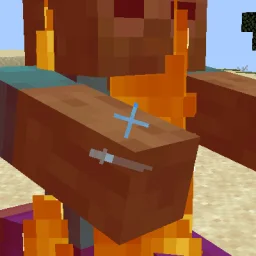
This mod allows the crosshair to follow the view bobbing and play the animation according to the player's actions.
 Cursor CrosshairMods · 26.x
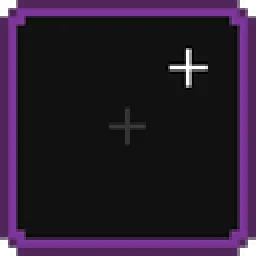
Free your crosshair from the center of the screen and control it with your mouse—interact with blocks, entities, and hotbar slots without moving the camera.
 Spotify HudMods · 1.21
Spotify HUD shows the song you're playing in Spotify (Windows desktop app) as a small card on your Minecraft screen. The card has the title, artist, cover art…
Log in to leave a review.