
 Immersive PaintingsMods · 1.16 – 26.x
Drag and drop, pixelate and hang up beautiful art. On servers too.
Gratis5,517,553 descargas
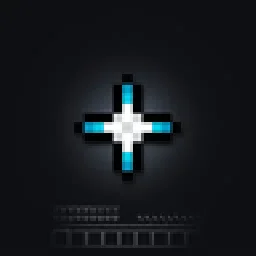
Draw your own pixel-art crosshair and rebuild your HUD in-game: move and resize every element, add smooth animations, auto-hide the hotbar, share crosshairs…
Descarga directa desde Modrinth · 12 descargas
Origen y titularidad. Esta página se generó automáticamente a partir de datos públicos que Modrinth ofrece a través de su API pública. El nombre, las descripciones, las imágenes, las marcas y todo el demás contenido de este proyecto pertenecen a pa1ych_ y a sus respectivos titulares. CraftRank no es el autor de este proyecto y no está afiliado, respaldado ni patrocinado por su autor ni por Modrinth.
Alojamiento y distribución. CraftRank no aloja, almacena, sube ni distribuye los archivos de descarga de este proyecto, y no conserva ningún archivo de ese tipo en sus servidores. Todas las descargas las proporciona directamente Modrinth desde sus propios servidores; el botón Descargar solo enlaza al archivo allí. La licencia indicada en Modrinth es MIT.
Uso de API públicas. Modrinth, Hangar (PaperMC) y SpigotMC (a través de la API de Spiget) ponen sus API a disposición pública de sitios web y aplicaciones de terceros. Los Términos de uso de Modrinth otorgan a los usuarios de la API una licencia para descargar, mostrar y consultar contenido a través de sus propios servicios (sección “API Usage”), y los creadores que publican en Modrinth conceden a Modrinth y a sus licenciatarios el derecho a mostrar y distribuir su contenido a terceros (sección “User Contributions”). CraftRank utiliza estas API conforme a las normas publicadas de las plataformas: se identifica en cada solicitud y respeta sus límites de uso.
Sin garantía. La información de esta página se ofrece "tal cual", sin ninguna garantía. Descargar y usar este proyecto es bajo su propia responsabilidad y está sujeto a la licencia y las condiciones de su autor.
Avisos de derechos de autor (DMCA). Solo el titular de los derechos de autor o alguien autorizado a actuar en su nombre puede presentar un aviso, y debe hacerlo una persona mayor de edad o su padre, madre o tutor legal. Un aviso válido enviado a abuse@craftrank.org debe incluir: el enlace de esta página; la obra presuntamente infringida; su nombre completo, dirección postal, teléfono y correo electrónico; una declaración de que cree de buena fe que el uso no está autorizado por el titular, su agente o la ley; una declaración, bajo pena de perjurio, de que el aviso es exacto y de que usted es el titular o está autorizado a actuar en su nombre; y su firma física o electrónica. Los avisos incompletos no se tramitan. Los avisos válidos se atienden en un plazo de 48 horas, sin necesidad de pasar por Google.
Avisos falsos. Quien afirme a sabiendas y falsamente que un material es infractor responde de los daños causados, incluidas las costas y los honorarios de abogados (17 U.S.C. § 512(f)). Los avisos presentados de mala fe o por quien no es titular de los derechos quedan registrados y serán impugnados.
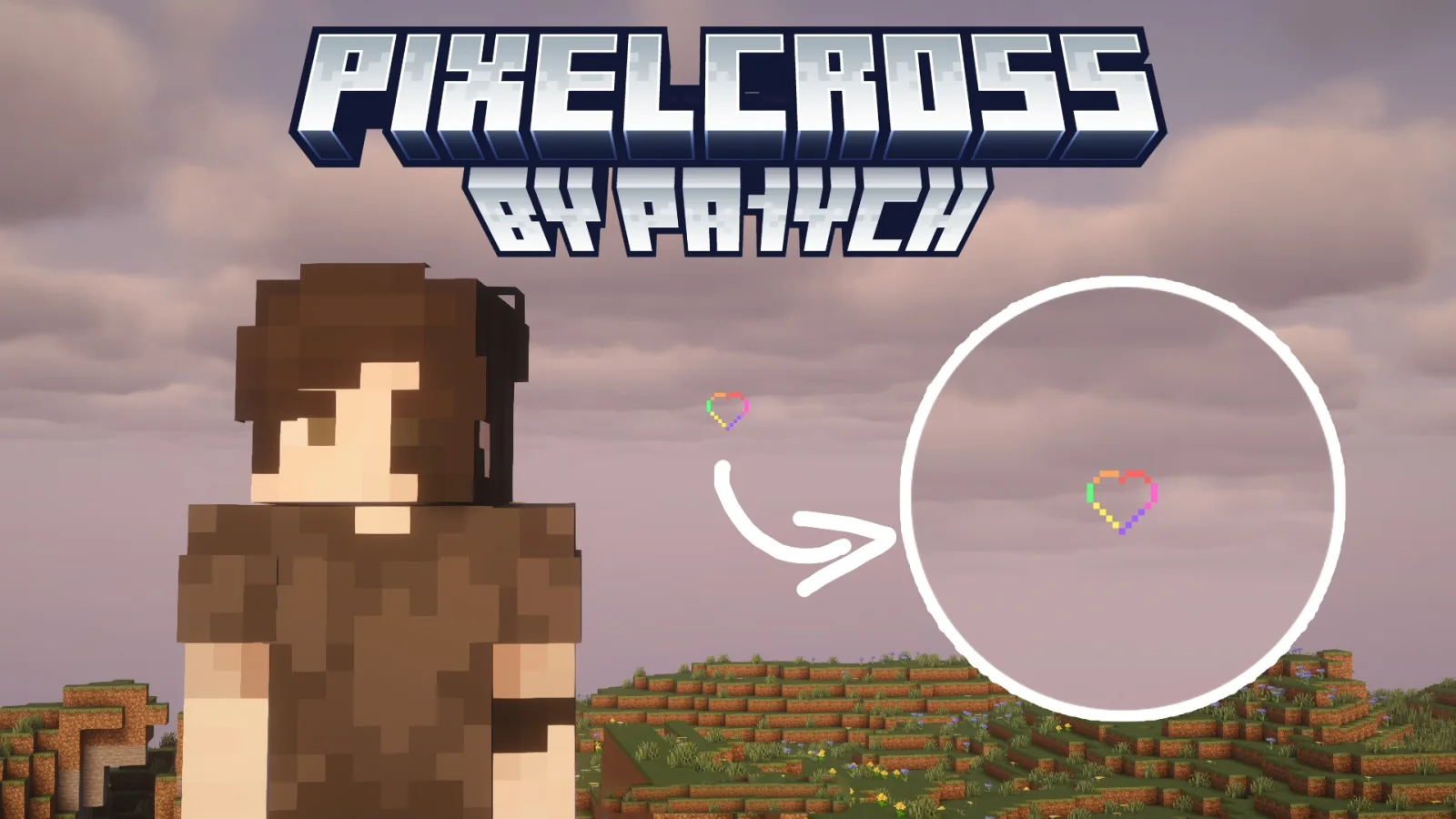
PixelCross (mod) es obra de pa1ych_. Draw your own pixel-art crosshair and rebuild your HUD in-game: move and resize every element, add smooth animations, auto-hide the hotbar, share crosshairs…
Es compatible con Minecraft 26.x. Se ha descargado 12 veces en Modrinth. La última actualización salió el 25/10/2026.
PixelCross ha publicado 7 versiones en Modrinth desde el 27/09/2026. 7 salieron en el último año. La más reciente es 5.4.1, publicada el 25/10/2026. Está hecha para Minecraft 26.3. Funciona en Fabric. La descarga ocupa 695 KB.
| Versión | Publicado | Minecraft | Tipo |
|---|---|---|---|
5.4.1 | 25/10/2026 | 26.3 | Estable |
5.4.1 | 25/10/2026 | 26.2 | Estable |
4.7.7 | 11/10/2026 | 26.2 | Estable |
4.4.3 | 05/10/2026 | 26.2 | Estable |
4.4.2 | 04/10/2026 | 26.2 | Estable |
Draw your own crosshair. Reposition your HUD. No resource packs, no restarts — see it in-game instantly.
PixelCross is more than a crosshair mod — it's a full HUD editor built
right into the game. It adds a built-in pixel-art editor for designing your
own crosshair (or picking one from a gallery), a drag-to-reposition editor
for the whole HUD, optional smooth animations, and, separately, a way to
hide the entire vanilla HUD while keeping just your drawn cursor on screen.
Everything is done from in-game settings screens — no texture files to
create, package, or install.
Cursor editor
Crosshair gallery & share codes
chevron, box, diamond, scope and more — plus your own designs
edit it in the editor, or delete it; the + tile adds your
current drawing to the gallery
send it to a friend, or paste one in (Ctrl+C / Ctrl+V work too)
Bow crosshair
bow, crossbow or trident in either hand
switch in the gallery
Display options
opaque, like the real crosshair)
to white / transparent, so it reads correctly against any background)
HUD editor
mouse and drag it anywhere on screen. You can move and resize:
bar) — one element while the bars ride on the hotbar, or split them
with one click and edit each on its own
hotbar or anywhere on its own, with separate settings for survival and
creative
from the nearest screen edge (newest effect closest to it), so they
never go off screen
its hint text
get close, so centering is exact every time
the window or change the GUI scale
as a 50% placeholder, so you can always place it
you're dragging, so it doesn't block your view
Animations (each one optional, on its own switch — Animations... in settings)
slots (the spectator hotbar's too), in Smooth or Springy style,
with adjustable slide time
out off one edge and back in from the other, carousel-style
dim when you're idle, and come back as soon as something changes:
switching slots or hands, damage, hunger, air, armor, experience, your
mount, the spectator menu
mine, with adjustable size
while you aim at a mob, with adjustable zoom
or a player; a big crosshair never covers it
hint fade, slide up or pop in
HUD & crosshair control
(minimaps, status overlays, etc.) that check it hide right along with it.
Your drawn cursor keeps rendering even with the rest of the HUD gone.
one during normal play, on its own switch, independent of the HUD-hide
toggle.
third person, spectator rules, F3 axes
that a bigger crosshair never covers it
Compatibility
Other
In-game keybinds (both unbound by default — set them in Controls)
Action · Default key
Toggle full HUD hide (cursor stays visible) · Unbound
Open PixelCross settings · Unbound
Inside the cursor editor
Action · Control
Draw with the current color · Left-click on the grid (click-drag to paint continuously)
Erase a pixel · Right-click on the grid (click-drag to erase continuously)
Pick a palette color · Left-click a palette swatch
Sample a color already on the grid · Click Eyedropper, then left-click the grid
Flood-fill a connected area · Click Fill, then left-click the grid
Enter a custom color · Type into the hex field, click Apply Color
Save current drawing to a preset · Shift + Click preset A/B/C
Load a saved preset · Click preset A/B/C
Clear a preset slot · Ctrl + Click preset A/B/C
Rotate the drawing 90° · Click ⟳90°
Mirror horizontally / vertically · Click ⇄ / ⇅
Symmetry drawing (left/right, up/down) · Toggle the two symmetry buttons (both = four quarters)
Undo / Redo · Ctrl+Z / Ctrl+Y, or click ↶ / ↷
Draw the main / bow crosshair · Click the Drawing: Main / Bow toggle
Show/hide the drawn cursor · Click the Cursor toggle
Clear the entire grid · Click Clear Drawing
Enable/disable the crosshair replacement · Click the Crosshair toggle
Adjust size · Cursor Size slider (0.5×–5×)
Adjust transparency · Opacity slider (0–100%)
Switch render style · Click the Style toggle (Vanilla / Flat)
Restore defaults · Click Reset to Default
Scroll the settings screen (if it overflows) · Mouse wheel
Save and close · Click Done
Inside the crosshair gallery (opened via Crosshair Gallery... in settings)
Action · Control
Select a crosshair · Click it
Use it as your main crosshair · Set as Main (or double-click it)
Use it as your bow crosshair · Set for Bow
Edit it · Edit, then Save to Gallery (or Cancel)
Delete it · Delete (click twice)
Add your current drawing · Click the + tile
Copy / paste a crosshair code · Copy Code / Paste Code, or Ctrl+C / Ctrl+V
Turn the bow crosshair on/off · Bow Crosshair toggle
Bring back deleted built-in crosshairs · Restore Built-in
Inside the HUD editor (opened via Edit HUD in settings)
Action · Control
Select and move an element · Click and drag it
Grab an element under the panel · Right-click and drag
Snap movement to a grid · Hold Shift while dragging
Snap to screen-center guides · Drag close to a guide line — it snaps automatically
Resize the selected element · Size slider (0.5×–2.0×)
Split / join the hotbar and bars · Together / Separately
Text: survival / creative settings · The small heart / block button next to the controls
Effect icons in a row / column · Select the effects → Icons: In a Row / In a Column
Switch between normal and spectator HUD · The tab button at the top of the panel
Undo to the default position/size · Click Reset Position
Save and close · Click Done
Discard changes made this session · Press Esc
Escrita por pa1ych_. Léela con imágenes en Modrinth.
Este mod funciona solo en tu propio juego. Los servidores no lo necesitan, así que puedes usarlo en cualquier servidor.
Instala Fabric para Minecraft 26.x.
Descarga el archivo .jar desde Modrinth y ponlo en la carpeta mods de tu directorio .minecraft.
Inicia Minecraft con el perfil de Fabric.
Más fácil: en Prism Launcher o la Modrinth App, busca PixelCross en los mods de tu instancia y haz clic en Install. Añade el loader y los mods que necesita por ti.
| Recurso | Descargas | Versiones | Última actualización | Precio |
|---|---|---|---|---|
| PixelCrossel que estabas viendo | 12 | 26.x | 25 oct 2026 | Gratis |
| Immersive PaintingsLuke100000 | 5.5M | 1.16 – 26.x | hace 1 día | Gratis |
 Dynamic CrosshairCrendgrim | 22.4M | 1.18 – 26.x | 16 sept 2026 | Gratis |
 Raisedyurisuika | 2.9M | 1.16 – 26.x | 23 sept 2026 | Gratis |
Sí. PixelCross es compatible con Minecraft 26.x. Todas las versiones compatibles: 26.x.
Sí. PixelCross se puede descargar gratis desde Modrinth.
Del lado del cliente. PixelCross va en tu propia carpeta mods y funciona en cualquier servidor, incluso en servidores sin mods.
Sí. La última actualización salió en el último día.
Los más parecidos son Immersive Paintings, Dynamic Crosshair y Raised. Comparar todas las alternativas
Immersive PaintingsMods · 1.16 – 26.xDrag and drop, pixelate and hang up beautiful art. On servers too.
Dynamic CrosshairMods · 1.18 – 26.xA mod that hides or changes the crosshair dependent on context
RaisedMods · 1.16 – 26.xMove around your HUD and fix the broken hotbar selection indicator!
 Crosshair BobbingMods · 1.16 – 1.20
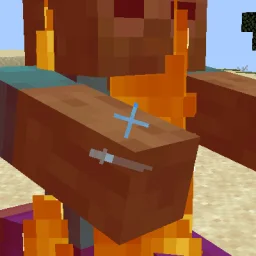
This mod allows the crosshair to follow the view bobbing and play the animation according to the player's actions.
 Cursor CrosshairMods · 26.x
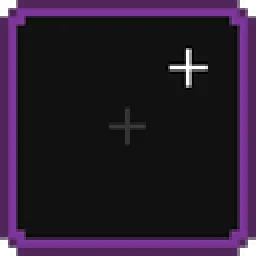
Free your crosshair from the center of the screen and control it with your mouse—interact with blocks, entities, and hotbar slots without moving the camera.
 Spotify HudMods · 1.21
Spotify HUD shows the song you're playing in Spotify (Windows desktop app) as a small card on your Minecraft screen. The card has the title, artist, cover art…
Inicia sesión para dejar una reseña.