
 CobbleFurniesMods · 1.21
CobbleFurnies is here to bring your creations to life with beautifully crafted, Cobblemon-inspired furniture that blends seamlessly into your Minecraft world!
Gratuit8,152,376 téléchargements
Turn your own Blockbench models into placeable furniture and decorations. You design a piece in an in-game editor, then craft it from planks and nails. No…
Téléchargement direct depuis Modrinth · 12 téléchargements
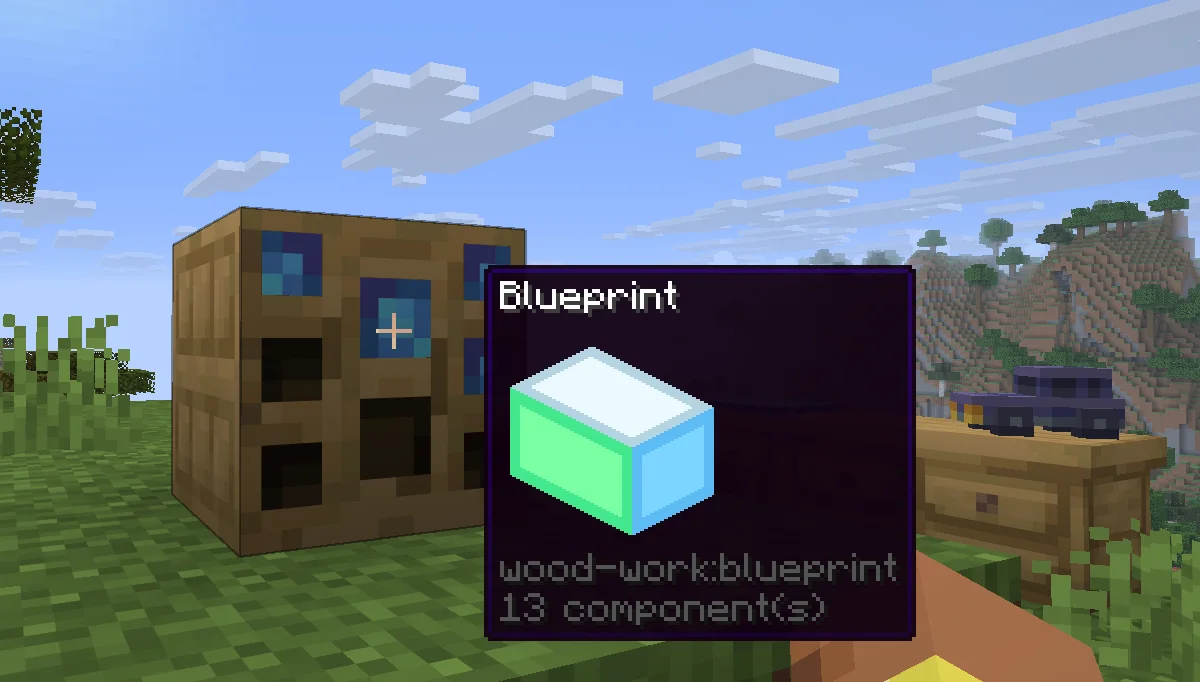
Wood Work (mod) est une création de Oybek. Turn your own Blockbench models into placeable furniture and decorations. You design a piece in an in-game editor, then craft it from planks and nails. No…
Versions prises en charge : Minecraft 1.21. On compte 12 téléchargements sur Modrinth. La dernière mise à jour date du 12/10/2026.
La plus récente est 1.0.0, sortie le 12/10/2026. Elle est faite pour Minecraft 1.21.11. Elle fonctionne sur Fabric. Le téléchargement fait 223 KB.
| Version | Publié | Minecraft | Type |
|---|---|---|---|
1.0.0 | 12/10/2026 | 1.21.11 | Stable |
Design your own furniture. Draw it in Blockbench, build it at a workbench, and place it in the world with its own hitbox, rotation, connections and seat.
Tip: always upload textures before the models that use them. A model is linked to the textures you have already uploaded, so if a texture is missing at that moment, the model will show a missing texture and you will have to upload the model again.
Install the mod on the server and players don't need any extra files: models and textures are sent to them automatically when they join. Files uploaded through a blueprint appear for everyone online right away. Uploaded files get a short random ID prefix, so two players can upload files with the same name, and the prefix is hidden in the editor.
Écrite par Oybek. À lire avec les images sur Modrinth.
Ce mod est nécessaire sur le serveur et chez chaque joueur qui rejoint.
Installe Fabric pour Minecraft 1.21.
Télécharge le fichier .jar depuis Modrinth et place-le dans le dossier mods de ton répertoire .minecraft.
Lance Minecraft avec le profil Fabric.
Plus simple : dans Prism Launcher ou la Modrinth App, cherche Wood Work dans les mods de ton instance et clique sur Install. Le loader et les mods requis sont ajoutés pour toi.
| Ressource | Téléchargements | Versions | Mise à jour | Prix |
|---|---|---|---|---|
| Wood Workcelle que tu regardais | 12 | 1.21 | 12 oct. 2026 | Gratuit |
| CobbleFurniesLunazStudios | 8.2M | 1.21 | 29 juin 2026 | Gratuit |
 Macaw's Furnituresketchmacaw | 7.5M | 1.16 – 26.x | 29 sept. 2026 | Gratuit |
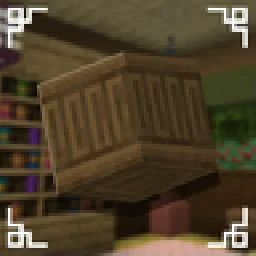 Carved WoodIm_Maker | 4.5M | 1.20 – 26.x | 9 sept. 2026 | Gratuit |
Pas encore. La version la plus récente prise en charge est Minecraft 1.21.
Oui. Wood Work se télécharge gratuitement sur Modrinth.
Les deux. Le serveur et chaque joueur doivent avoir Wood Work installé.
Oui. La dernière mise à jour date des dernières 24 heures.
Les plus proches sont CobbleFurnies, Macaw's Furniture et Carved Wood. Comparer toutes les alternatives
CobbleFurniesMods · 1.21CobbleFurnies is here to bring your creations to life with beautifully crafted, Cobblemon-inspired furniture that blends seamlessly into your Minecraft world!
Macaw's FurnitureMods · 1.16 – 26.xDecorate your world with wardrobes, drawers, chairs, desks, couches, chaise, sinks, tables and more...!
Carved WoodMods · 1.20 – 26.xAdds new sets of wooden blocks and new variants of existing wooden blocks!
 More DelightMods · 1.19 – 26.x
Extra meals, knives, and ingredients for Farmer's Delight that improve your culinary experience.
 Immortalers DelightMods · 1.20 – 1.21
Ancient plants, ancient tools, and the expansion of ancient diets!
 Joy of PaintingMods · 1.12 – 26.x
This mod lets you craft a blank canvas and a palette, with which you can paint your own pictures and hang them on a wall like the vanilla paintings.
Connecte-toi pour laisser un avis.