
 Custom Totem 3DResource packs · 1.16 – 26.x
Customizable 3D Totem resource pack that lets you use your own skin as the Totem of Undying
Free248,343 downloads

A simple custom totem featuring a unique player skin, designed to replace the default Totem of Undying with a personalized Minecraft look.
Direct download from Modrinth · 66 downloads
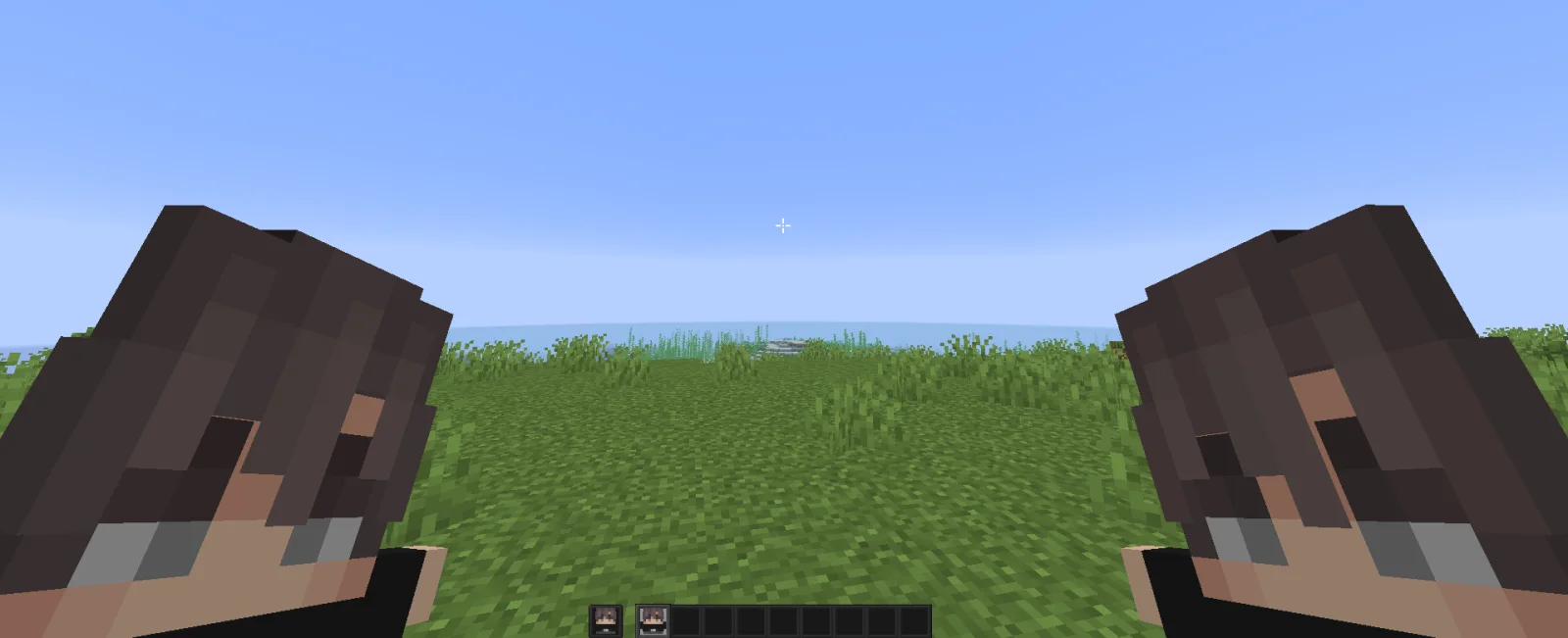
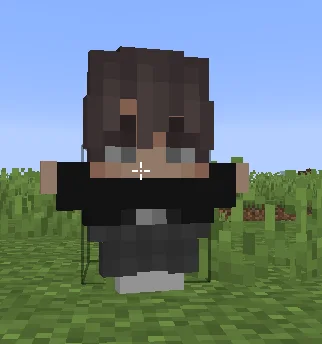
Custom Skin Totem is a resource pack made by TARUNEXE. A simple custom totem featuring a unique player skin, designed to replace the default Totem of Undying with a personalized Minecraft look.
It supports Minecraft 1.18 – 26.x. It has been downloaded 66 times on Modrinth. The last update came out on Oct 25, 2026.
The newest is v1.0, released on Oct 25, 2026. It is made for Minecraft 1.18 – 26.3. It runs on Minecraft. The download is 950 KB.
| Version | Released | Minecraft | Type |
|---|---|---|---|
v1.0 | Oct 25, 2026 | 1.18 – 26.3 | Release |
Give your Totem of Undying a personal touch with Custom Totem! Replace the default totem texture with your favorite Minecraft skin and turn it into a unique, skin-based totem.
Your skin. Your totem. Your style. 🔥
Note: Keep a backup of the original texture before replacing it, just in case you want to restore it later.
Written by TARUNEXE. Read it with pictures on Modrinth.
Download the .zip file from Modrinth. Do not unzip it.
In Minecraft, open Options, then Resource Packs, then Open Pack Folder.
Drop the .zip file into that folder and go back to the game.
Move Custom Skin Totem to the right-hand list and click Done.
It is made for Minecraft 1.18 – 26.x. On other versions Minecraft marks it as incompatible, but it often still works.
Full guide: How to install Minecraft resource packs
| Resource | Downloads | Versions | Last update | Price |
|---|---|---|---|---|
| Custom Skin Totemthe one you looked at | 66 | 1.18 – 26.x | 18 days ago | Free |
| Custom Totem 3Dspunkyinsaan | 248K | 1.16 – 26.x | Mar 25, 2026 | Free |
 Customizable TotemAlphaLeoli | 137K | 1.17 – 26.x | Oct 5, 2025 | Free |
 ShofunnsPacksShofun | 26 | 1.21 | 29 days ago | Free |
Yes. Custom Skin Totem supports Minecraft 26.x. All supported versions: 26.x, 1.21, 1.20, 1.19, 1.18.
Yes. Custom Skin Totem is free to download from Modrinth.
Yes. The last update came out in the past day.
The closest ones are Custom Totem 3D, Customizable Totem and ShofunnsPacks. Compare all alternatives
Custom Totem 3DResource packs · 1.16 – 26.xCustomizable 3D Totem resource pack that lets you use your own skin as the Totem of Undying
Customizable TotemResource packs · 1.17 – 26.xBy adding your own skin to the pack, the totem of undying will update to look like ClownPierce's or Theobald's totem but with your skin!
ShofunnsPacksResource packs · 1.21I create custom Minecraft resource packs designed to enhance your gameplay with unique textures, custom visuals, and personalized designs. Each resource pack…
 Aurora SkyResource packs · 1.21 – 26.x
🌌 A colorful custom sky resource pack featuring pink daytime skies, purple-blue auroras at night, and two unique cosmic skies for the End.
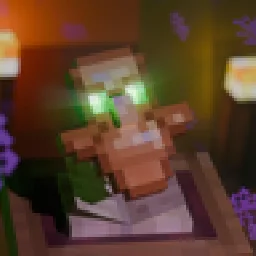 Animated Totem of UndyingResource packs · 1.20 – 26.x
Animates the eyes of the totem
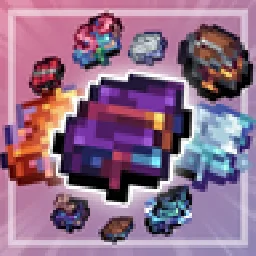 Enchantment EnhancementsResource packs · 1.8 – 26.x
Gives enchanted books a new unique look!
Log in to leave a review.