
 Maxi's JourneyMap Cobblemon Minimap IconsResource packs · 1.19 – 1.21
Adds entity icons of Pokémon found in the Cobblemon Mod to JourneyMap in Pixel or Shuffle style!
Free392,944 downloads
This addon adds a variety of wallpapers from Generations 3 through 9 to Cobblemon, via the new Wallpaper Addon Systems.
Direct download from Modrinth · 4,022,794 downloads
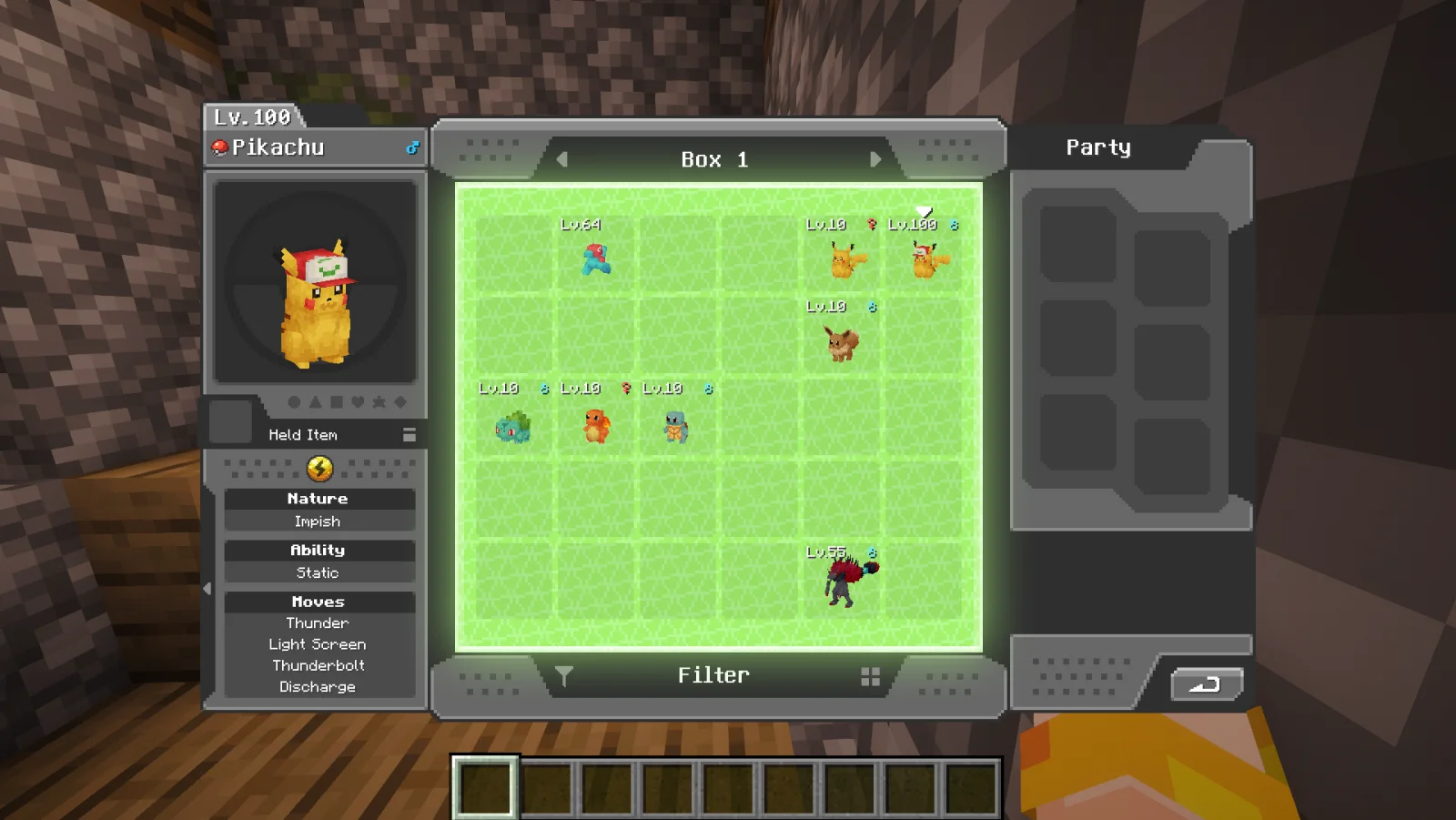
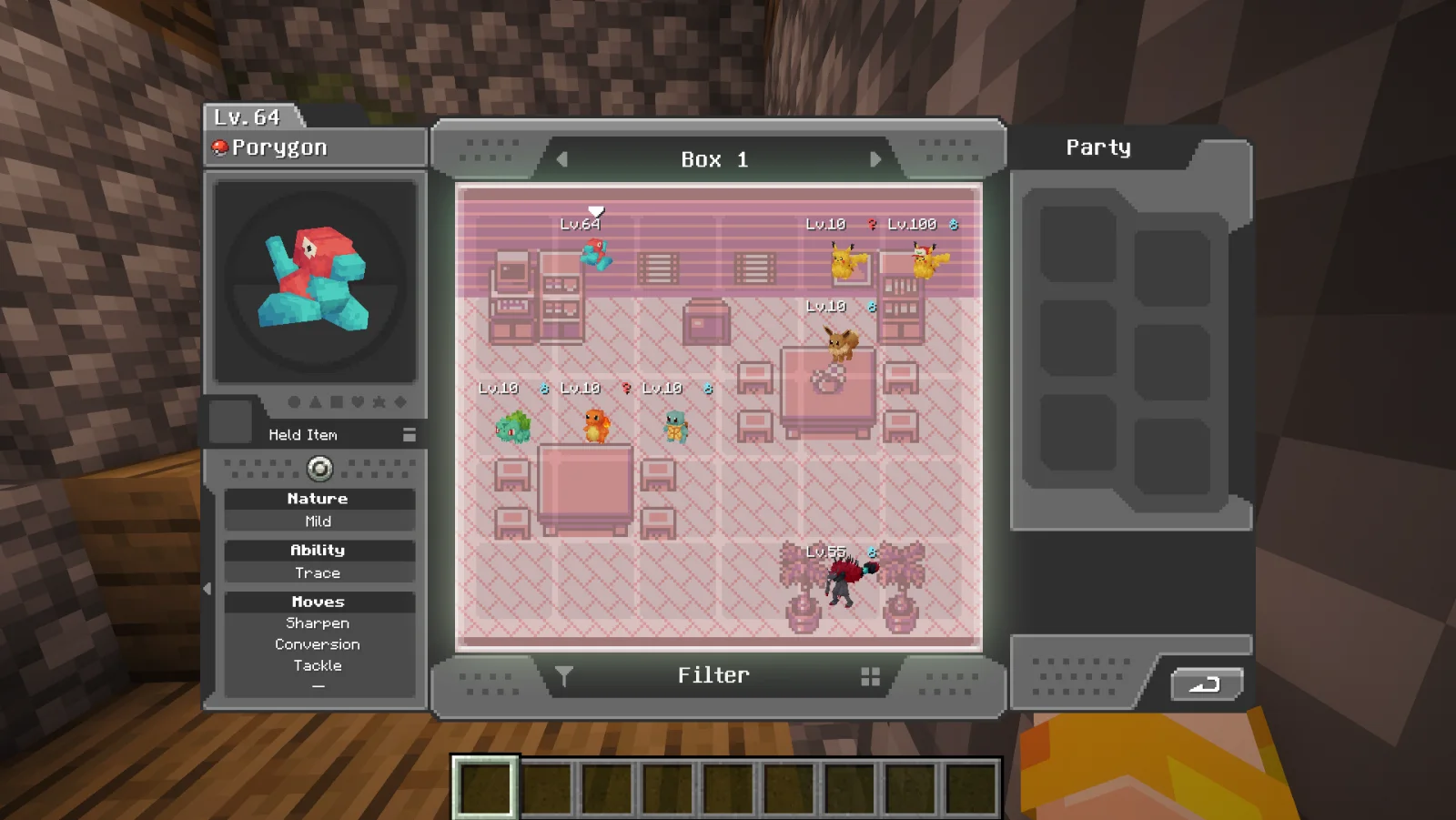
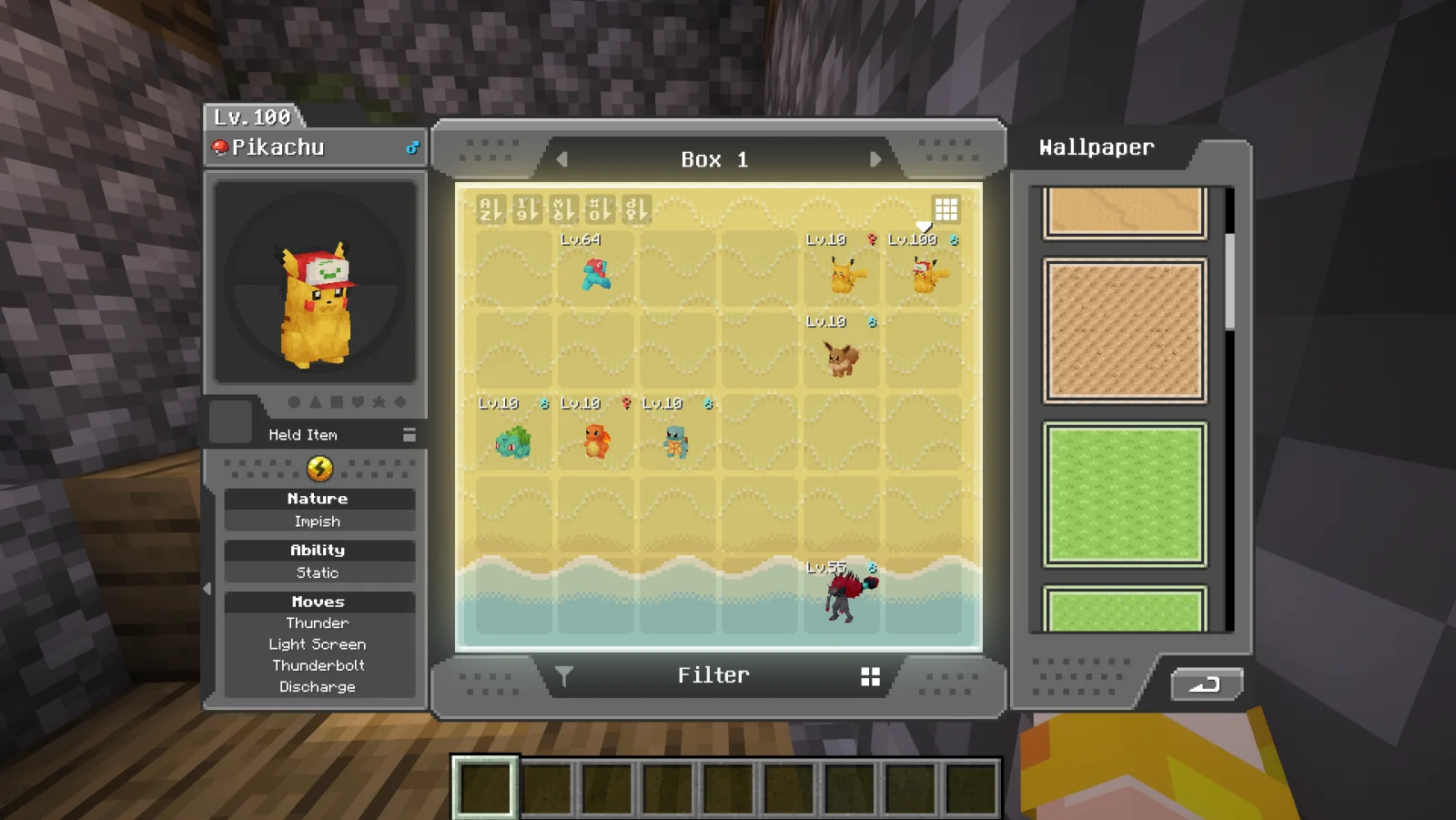
Canon PC Wallpapers is a resource pack made by dhi_holo. This addon adds a variety of wallpapers from Generations 3 through 9 to Cobblemon, via the new Wallpaper Addon Systems.
It supports Minecraft 1.21. It has been downloaded 4,022,794 times on Modrinth. The last update came out on Nov 22, 2025.
The newest is 1.0, released on Nov 22, 2025. It is made for Minecraft 1.21.1. It runs on Minecraft. The download is 1.4 MB.
| Version | Released | Minecraft | Type |
|---|---|---|---|
1.0 | Nov 22, 2025 | 1.21.1 | Release |
This addon adds a variety of wallpapers from Generations 3, 4, 5, 6, 7, 8, and 9 to Cobblemon, via the new Wallpaper Addon Systems.
Generations 3, 4, and 5 take the original game assets and expand them to fit the Cobblemon resolution.
Generations 6/7, 8, and 9 take the original designs and recreate them within the Cobblemon resolution.
Represented games include Ruby/Sapphire, Emerald, FireRed/LeafGreen, Pokémon Colesseum, Pokémon Box Ruby & Sapphire, Pokémon XD: Gale of Darkness, Diamond/Pearl, Platinum, HeartGold/SoulSilver, Black/White, Black2/White2, X/Y, Omega Ruby/Alpha Sapphire, Let's Go Pikachu/Let's Go Eevee, Sword/Shield, Scarlet/Violet, and Pokémon Bank.
Not all wallpapers are finished, and assets may be refined over time.
Written by dhi_holo. Read it with pictures on Modrinth.
Download the .zip file from Modrinth. Do not unzip it.
In Minecraft, open Options, then Resource Packs, then Open Pack Folder.
Drop the .zip file into that folder and go back to the game.
Move Canon PC Wallpapers to the right-hand list and click Done.
It is made for Minecraft 1.21. On other versions Minecraft marks it as incompatible, but it often still works.
Full guide: How to install Minecraft resource packs
| Resource | Downloads | Versions | Last update | Price |
|---|---|---|---|---|
| Canon PC Wallpapersthe one you looked at | 4M | 1.21 | Nov 22, 2025 | Free |
| Maxi's JourneyMap Cobblemon Minimap IconsMaxitotito | 393K | 1.19 – 1.21 | Mar 21, 2026 | Free |
 Wallpapers PlusTrilobitch | 3.4M | 1.21 | Feb 27, 2026 | Free |
 Immersive InterfacesShrimpsnail | 1.6M | 1.20 – 26.x | Apr 17, 2026 | Free |
Not yet. The newest version it supports is Minecraft 1.21.
Yes. Canon PC Wallpapers is free to download from Modrinth.
Yes: Cobblemon. Install it before Canon PC Wallpapers.
Yes. The last update came out in the past day.
The closest ones are Maxi's JourneyMap Cobblemon Minimap Icons, Wallpapers Plus and Immersive Interfaces. Compare all alternatives
Maxi's JourneyMap Cobblemon Minimap IconsResource packs · 1.19 – 1.21Adds entity icons of Pokémon found in the Cobblemon Mod to JourneyMap in Pixel or Shuffle style!
Wallpapers PlusResource packs · 1.21Adds multiple wallpapers to Cobblemon, both from the games, the community, and the card game!
Immersive InterfacesResource packs · 1.20 – 26.xShrimp's Immersive Interfaces is a complete graphical revamp of Minecraft's GUI, brings variety and charm to the previously grey boxes.
 Cobblemon Interface: RecoloredResource packs · 1.20 – 1.21
Changes the colors of the Cobblemon Interface resoucepack to match the Pokémon health and exp bar colors from Cobblemon.
 Eclectic TroveResource packs · 1.12 – 1.20
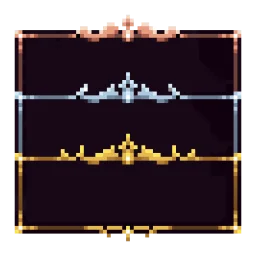
Adds 10 various custom frames for use with Legendary Tooltips.
 Cobblemon InterfaceResource packs · 1.19 – 1.21
Cobblemon inspired GUI Textures and Sounds
Log in to leave a review.