
 AppleSkinMods · 1.12 – 26.x
Food/hunger-related HUD improvements
Free98,598,963 downloads

MineBhop: Bunny Hop & Air Strafe
Direct download from Modrinth · 59 downloads
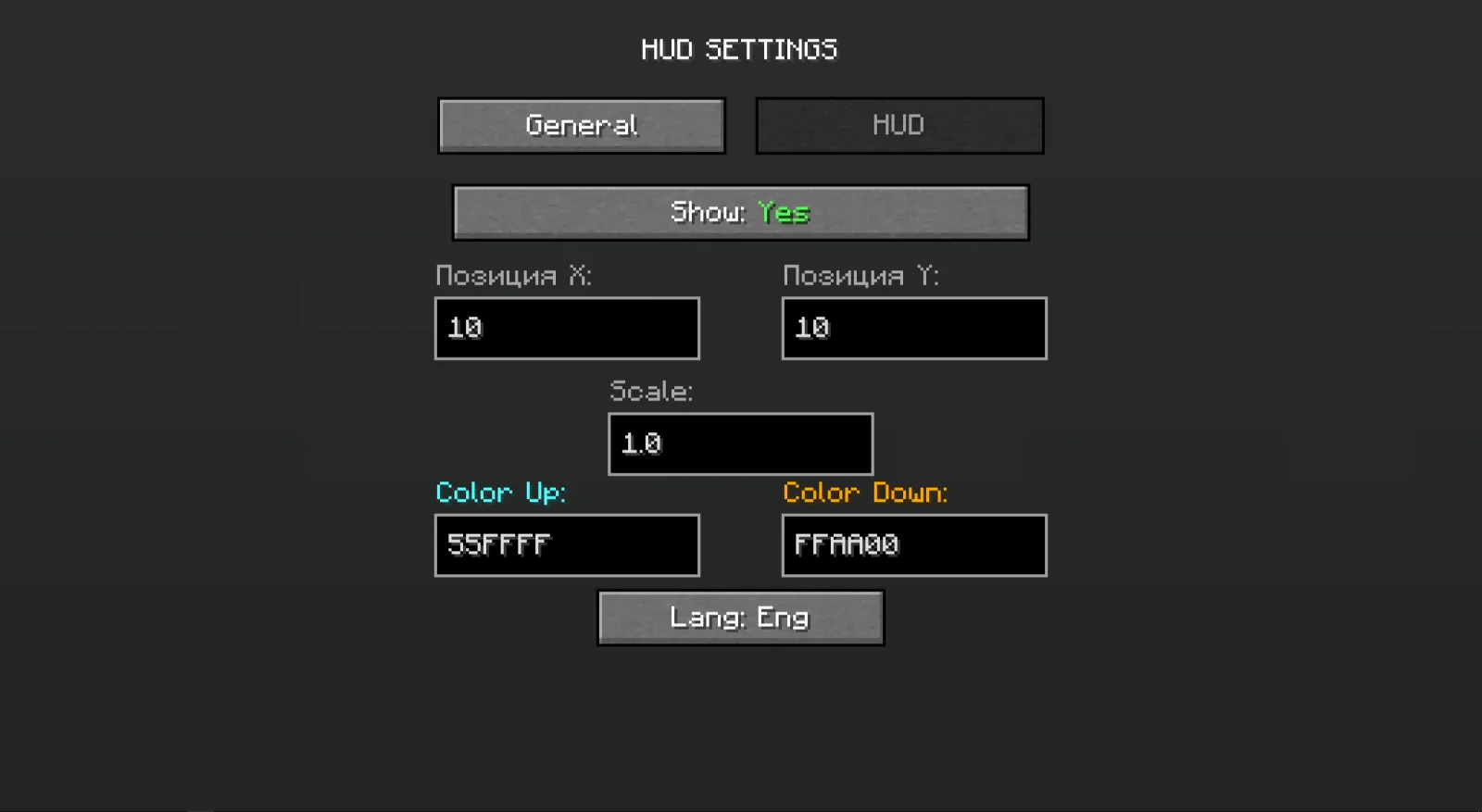
MineBhop is a mod made by gerakOD. MineBhop: Bunny Hop & Air Strafe.
It supports Minecraft 1.20. It has been downloaded 59 times on Modrinth. The last update came out on Oct 30, 2026.
The newest is 1.1, released on Oct 30, 2026. It is made for Minecraft 1.20 – 1.20.6. It runs on Forge. The download is 75 KB.
| Version | Released | Minecraft | Type |
|---|---|---|---|
1.1 | Oct 30, 2026 | 1.20 – 1.20.6 | Release |
Source-style bunny hopping for Minecraft singleplayer. Hold space, strafe with A/D, turn your mouse the same way, and your speed builds up with every jump. It’s the same idea as CS or TF2.
Features
Two bhop modes
Strafe: real air strafing. Speed only goes up if you strafe and turn your mouse properly. Holding W won’t do it.
Simple: for casual play. Every jump adds a bit of speed (you choose how much).
No speed loss on landing: chain your jumps and keep your momentum.
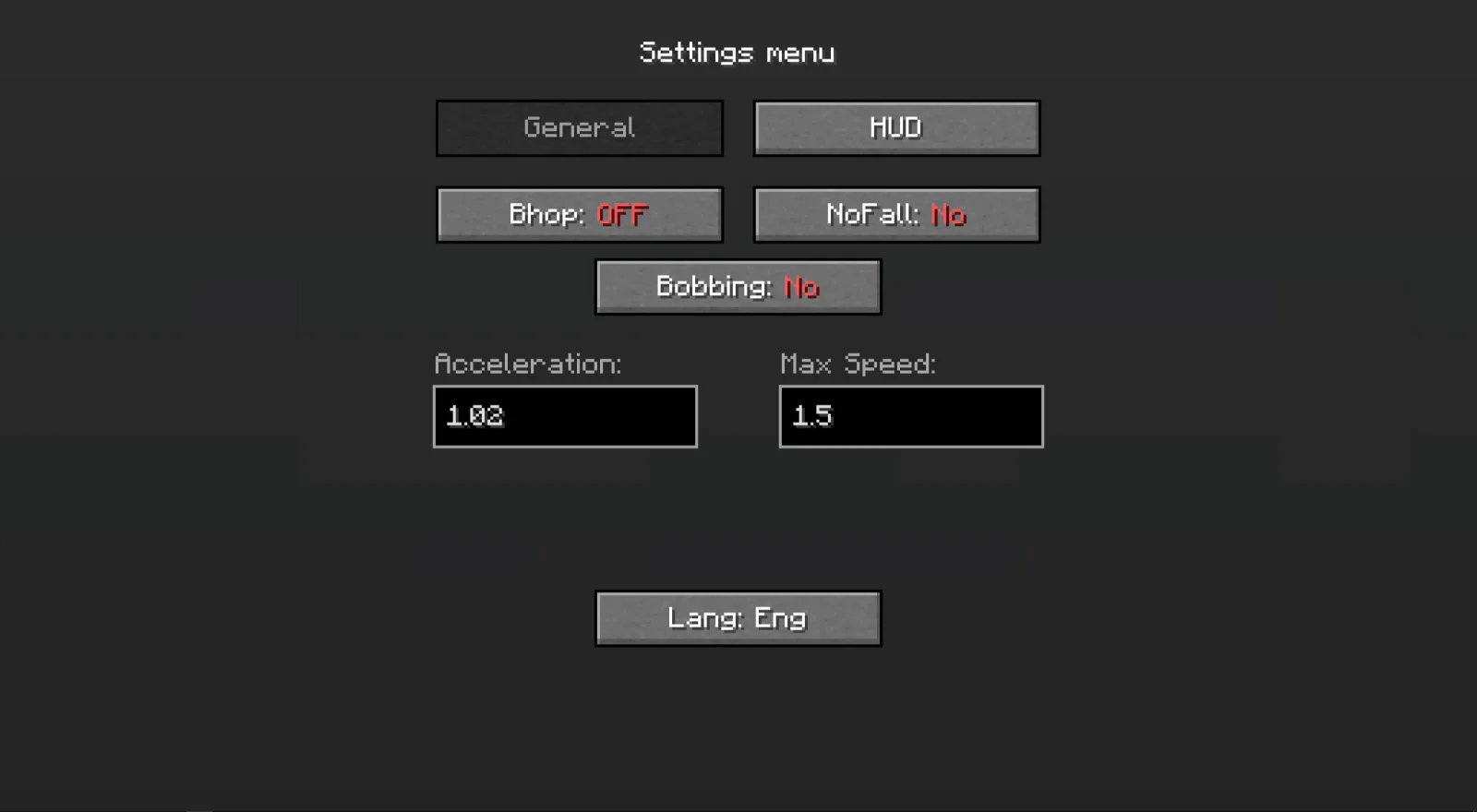
Adjustable: strafe power, speed boost per jump and max speed (in blocks/sec) are all in the menu.
Speedometer: drag it anywhere on the screen, scroll to resize, turn on shadow or background, and pick colors with a small color picker. The color can shift in steps from slow to fast, or you can keep one color.
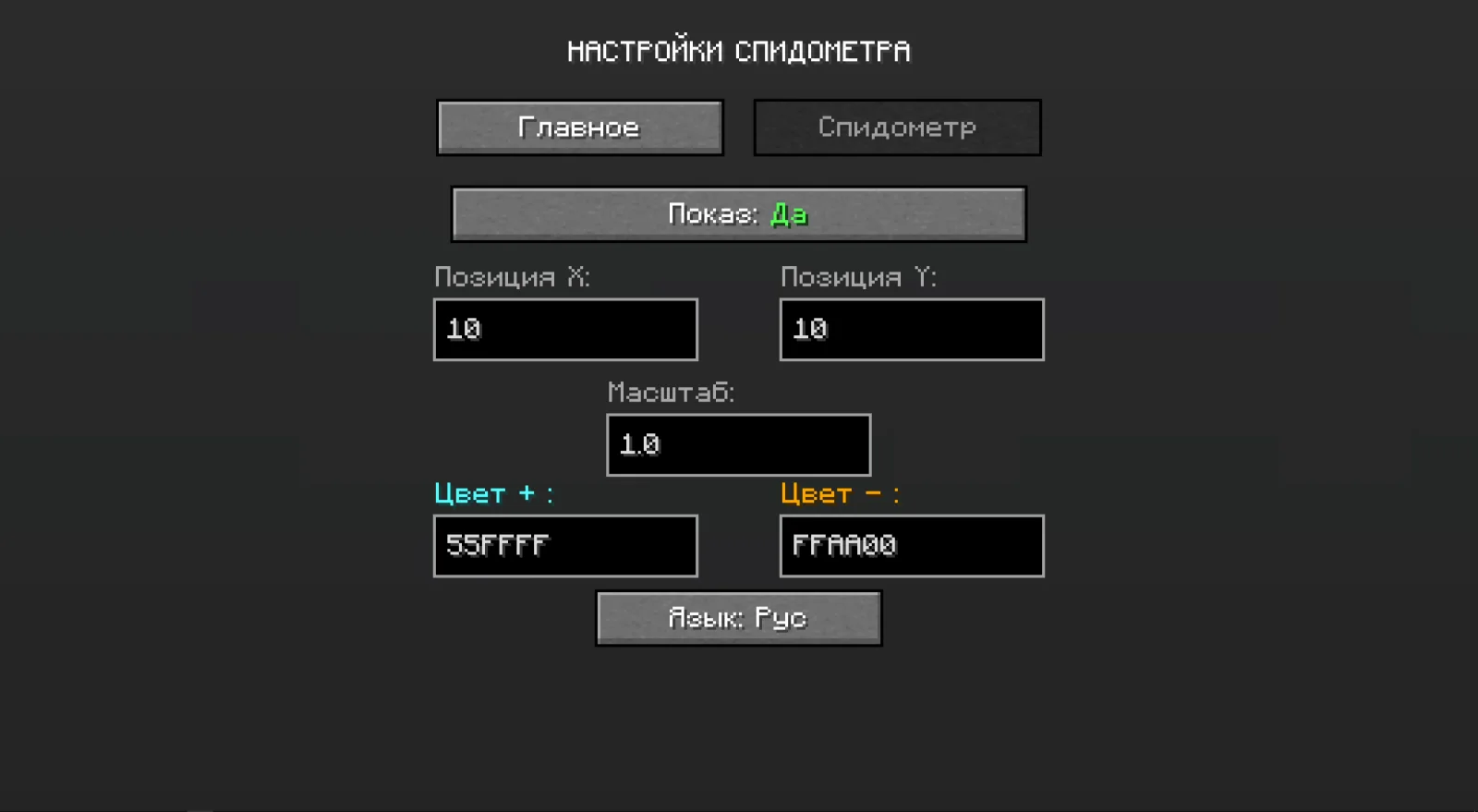
Extras: no fall damage, an option to turn off view bobbing, and Russian/English menus.
Settings are saved between game sessions.
Controls
G: settings
B: turn bhop on/off
Both can be changed in Minecraft’s Controls menu.
Singleplayer only
Bhop and no fall damage only work in singleplayer. On multiplayer servers (LAN included) movement stays vanilla, and only the speedometer keeps working. The mod is client-side only and doesn’t need to be installed on servers.
Details
Minecraft 1.20.1
Forge
Written by gerakOD. Read it with pictures on Modrinth.
This mod runs only on your own game. Servers do not need it, so you can use it on any server.
Install Forge for Minecraft 1.20.
Download the .jar file from Modrinth and put it in the mods folder of your .minecraft directory.
Start Minecraft with the Forge profile.
Easier: in Prism Launcher or the Modrinth App, search for MineBhop in your instance's mods and click Install. It adds the loader and the mods it needs for you.
Full guide: How to install Minecraft mods
| Resource | Downloads | Versions | Last update | Price |
|---|---|---|---|---|
| MineBhopthe one you looked at | 59 | 1.20 | 11 days ago | Free |
| AppleSkinsqueek502 | 98.6M | 1.12 – 26.x | Sep 18, 2026 | Free |
 VeinMiner HotkeyMiraculixx | 74.4M | 1.20 – 26.x | 21 days ago | Free |
 BetterF3TreyRuffy | 36.3M | 1.16 – 26.x | Oct 4, 2026 | Free |
Not yet. The newest version it supports is Minecraft 1.20.
Yes. MineBhop is free to download from Modrinth.
Client-side. MineBhop goes in your own mods folder and works on any server, including servers without mods.
Yes. The last update came out in the past day.
The closest ones are AppleSkin, VeinMiner Hotkey and BetterF3. Compare all alternatives
AppleSkinMods · 1.12 – 26.xFood/hunger-related HUD improvements
VeinMiner HotkeyMods · 1.20 – 26.xVeinminer Addon - Use a hotkey to veinmine with a dynamic crosshair & block highlighting
BetterF3Mods · 1.16 – 26.xBetterF3 is a mod that replaces Minecraft's original debug HUD with a highly customizable, more human-readable HUD.
 SupplementariesMods · 1.16 – 1.21
Vanilla+ additions: Jars, signposts, faucets, weather vanes spring launchers, sconces, planters, lights, decoration and automation
 Nature's CompassMods · 1.12 – 26.x
Allows you to locate biomes anywhere in the world.
 QuarkMods · 1.12 – 1.21
A Quark is a very small thing. This mod is a collection of small things...
Log in to leave a review.