
 Recolourful Containers GUI + HUDResource packs · 1.19 – 26.x
Do you want more immersive, more interesting, more colourful GUIs and HUD? Than this pack is for you!
Free4,367,000 downloads

A fan-driven HUD and GUI overhaul themed around PixelLink's 1st Generation VTuber, Raki Kazuki! Rah!
Direct download from Modrinth · 544,847 downloads
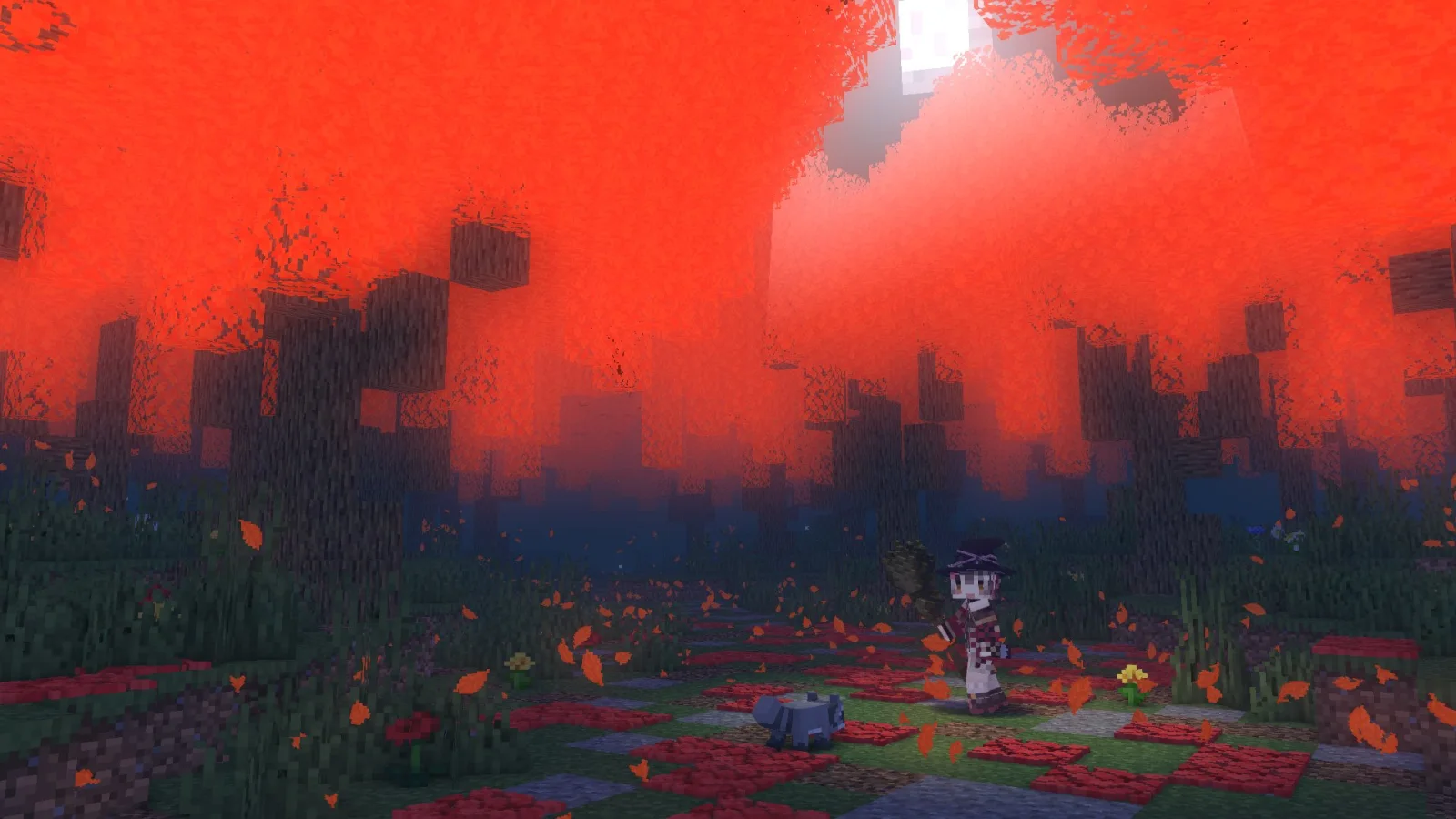
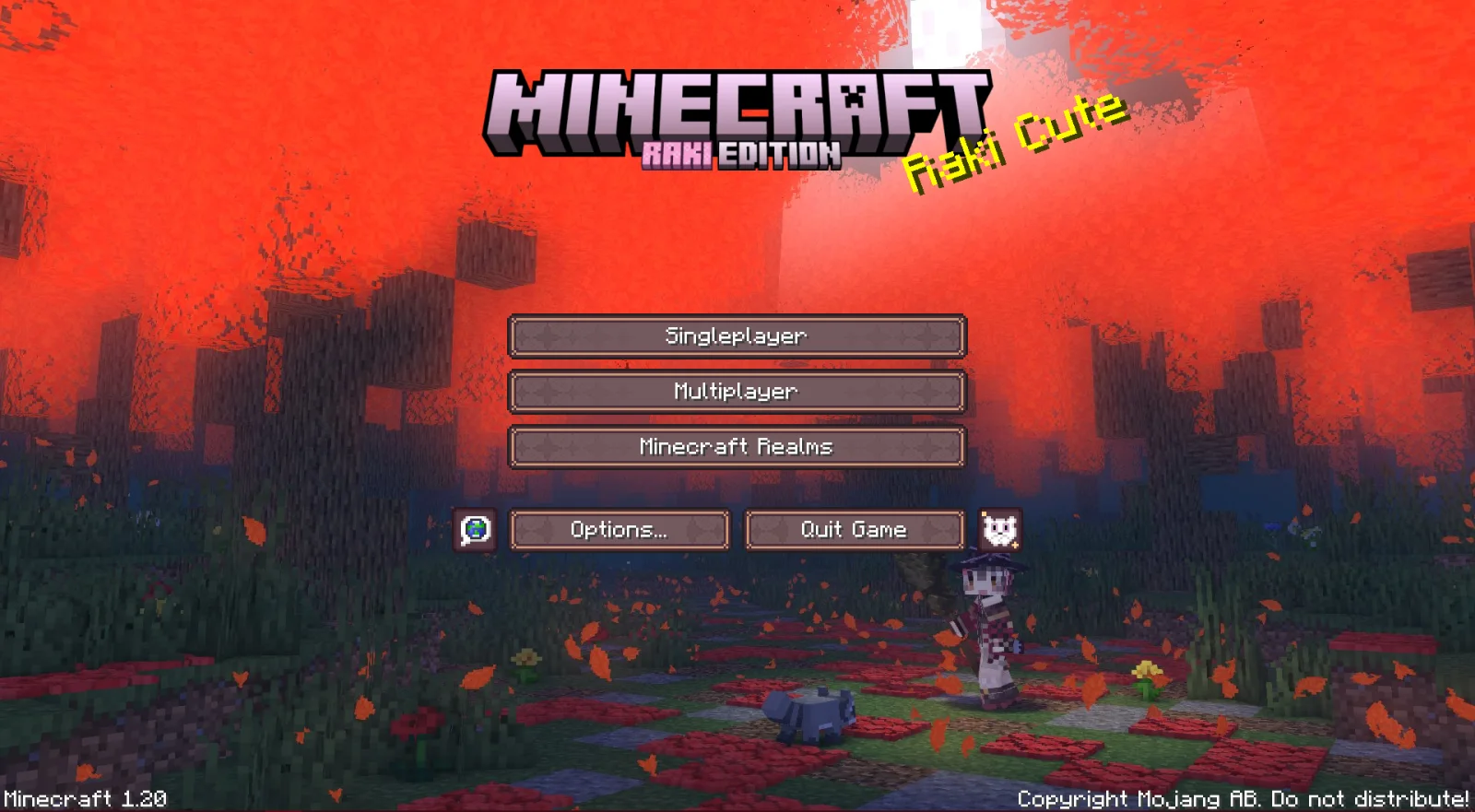
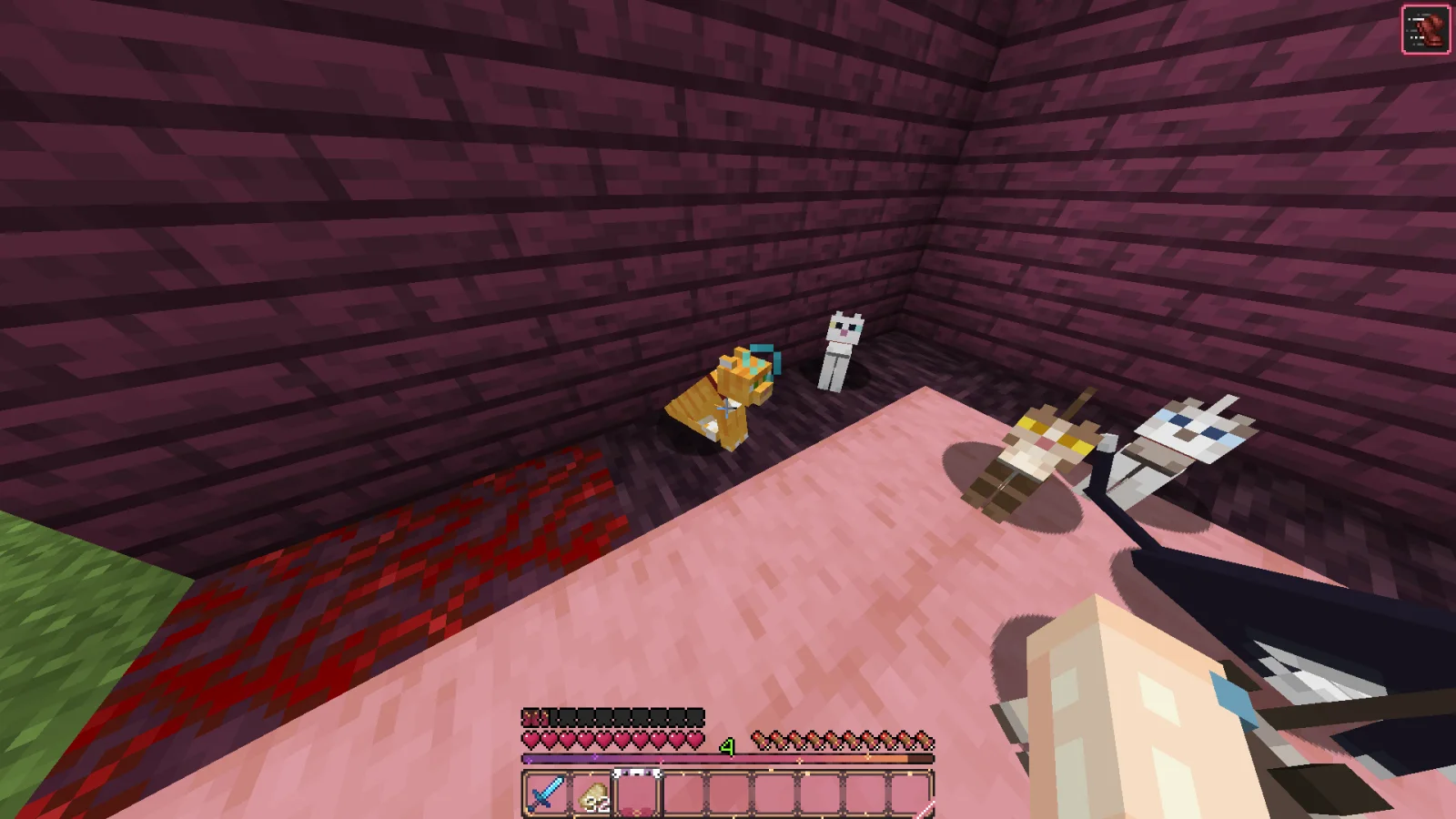
Raki Kazuki HUD & GUI is a resource pack made by Jellis. A fan-driven HUD and GUI overhaul themed around PixelLink's 1st Generation VTuber, Raki Kazuki! Rah!
It supports Minecraft 1.19 – 1.20. It has been downloaded 544,847 times on Modrinth. The last update came out on Jun 7, 2024.
Raki Kazuki HUD & GUI has had 3 releases on Modrinth since Jun 7, 2024. None of them came out in the past year. The newest is 1.0.0, released on Jun 7, 2024. It is made for Minecraft 1.19.4. It runs on Minecraft. The download is 2.7 MB.
| Version | Released | Minecraft | Type |
|---|---|---|---|
1.0.0 | Jun 7, 2024 | 1.19.4 | Release |
1.0.1 | Jun 7, 2024 | 1.20, 1.20.1 | Release |
1.0.0 | Jun 7, 2024 | 1.20, 1.20.1 | Release |
This Raki Kazuki Resource Pack is an UNOFFICIAL and FANMADE PixelLink project, produced by Jellis (me) which overhauls most, if not all graphical interfaces! It is themed around this raccoon-witch and all of her witchy aesthetic!
Everything from me is made completely from scratch (asides the Main Menu Background).
After choosing a version from this project page, you should be left with a `.zip` file. Do not unzip it. Navigate to your resource packs folder which can be found in the settings with:
[ESC] -> "Options..." -> "Resource Packs..." -> "Open Pack Folder..."
which should open a folder in File Explorer. From there drag in your `PXL_RAKI_x.xx.zip` file, and your screen should have the following:
Hover your mouse on the pack icon and click on the arrow, and click "Done" to enable the mod pack. And you are done, congrats!
This is the standard way of applying resource packs into your game. There are no other requirements necessary to make this resource pack run.
Raki Kazuki (YouTube)
Darrick966 (X)
Written by Jellis. Read it with pictures on Modrinth.
Download the .zip file from Modrinth. Do not unzip it.
In Minecraft, open Options, then Resource Packs, then Open Pack Folder.
Drop the .zip file into that folder and go back to the game.
Move Raki Kazuki HUD & GUI to the right-hand list and click Done.
It is made for Minecraft 1.19 – 1.20. On other versions Minecraft marks it as incompatible, but it often still works.
Full guide: How to install Minecraft resource packs
| Resource | Downloads | Versions | Last update | Price |
|---|---|---|---|---|
| Raki Kazuki HUD & GUIthe one you looked at | 545K | 1.19 – 1.20 | Jun 7, 2024 | Free |
| Recolourful Containers GUI + HUDVi_Tul | 4.4M | 1.19 – 26.x | Oct 1, 2026 | Free |
 Duskfall-UISirKillian | 119K | 1.20 – 26.x | Apr 2, 2026 | Free |
 Gui's HUD & UI EditionGuiiVicent | 125K | 1.20 – 26.x | 23 days ago | Free |
Not yet. The newest version it supports is Minecraft 1.20.
Yes. Raki Kazuki HUD & GUI is free to download from Modrinth.
Yes. The last update came out in the past day.
The closest ones are Recolourful Containers GUI + HUD, Duskfall-UI and Gui's HUD & UI Edition. Compare all alternatives
Recolourful Containers GUI + HUDResource packs · 1.19 – 26.xDo you want more immersive, more interesting, more colourful GUIs and HUD? Than this pack is for you!
Duskfall-UIResource packs · 1.20 – 26.xA dark GUI theme.
Gui's HUD & UI EditionResource packs · 1.20 – 26.xA better view to the GUI inspired on the Vanilla Minecraft!
 Animated RGB GUI PackResource packs · 1.19 – 1.21
A GUI pack to make an animated RGB XP bar, hotbar, and Inventory screens! OptiFine or Animatica (Fabric) is required.
 GUI RetexturesResource packs · 1.19 – 26.x
Makes GUI and HUD fancier - Dark mode, configurability with Respackopts
 Ben's BundlesResource packs · 1.20 – 26.x
3D Bundle item in hand while keeping the vanilla 2D sprite in the GUI
Log in to leave a review.