
 Stellarity Resource PackResource packs · 1.20 – 26.x
Resource pack for Stellarity. Contains textures for all of its items, plus some other improvements for added immersion.
Free205,943 downloads

This Texture Pack Introduces new textures for items and equipment to enhance gameplay themed like YouTube
Direct download from Modrinth · 10 downloads
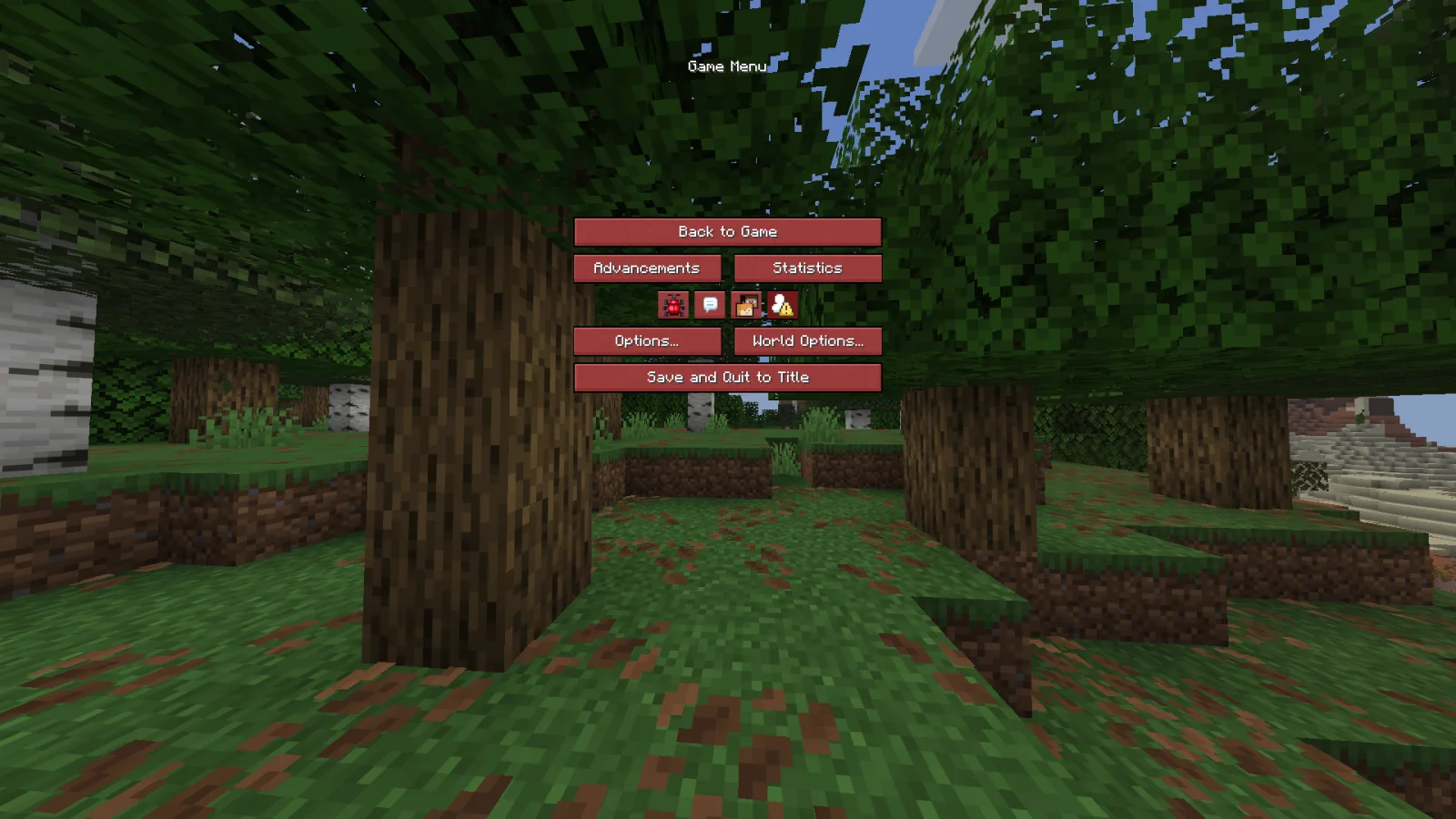
YouTube Themed is a resource pack made by FudgeMan8171. This Texture Pack Introduces new textures for items and equipment to enhance gameplay themed like YouTube.
It supports Minecraft 1.21 – 26.x. It has been downloaded 10 times on Modrinth. The last update came out on Nov 9, 2026.
The newest is 1.1.7, released on Nov 8, 2026. It is made for Minecraft 1.21.8, 26.3. It runs on Minecraft. The download is 25 KB.
| Version | Released | Minecraft | Type |
|---|---|---|---|
1.1.7 | Nov 8, 2026 | 1.21.8, 26.3 | Release |
This Texture Pack Adds...
BREAKS WITH ANY VANILLA TWEAKS PACK
You Can Use This Pack In A YouTube Video But, You Need To Say: "Made By FudgeMan8171" or "FudgeMan" or "MMOfficial" and put this pack in the description of the video
Written by FudgeMan8171. Read it with pictures on Modrinth.
Download the .zip file from Modrinth. Do not unzip it.
In Minecraft, open Options, then Resource Packs, then Open Pack Folder.
Drop the .zip file into that folder and go back to the game.
Move YouTube Themed to the right-hand list and click Done.
It is made for Minecraft 1.21 – 26.x. On other versions Minecraft marks it as incompatible, but it often still works.
Full guide: How to install Minecraft resource packs
| Resource | Downloads | Versions | Last update | Price |
|---|---|---|---|---|
| YouTube Themedthe one you looked at | 10 | 1.21 – 26.x | 3 days ago | Free |
| Stellarity Resource Packkohara | 206K | 1.20 – 26.x | Oct 12, 2026 | Free |
 Default-Style Christmas PackFutureazoo | 127K | 1.20 – 26.x | 4 days ago | Free |
 Recolourful Containers GUI + HUDVi_Tul | 4.3M | 1.19 – 26.x | Oct 1, 2026 | Free |
Yes. YouTube Themed supports Minecraft 26.x. All supported versions: 26.x, 1.21.
Yes. YouTube Themed is free to download from Modrinth.
Yes. The last update came out in the past day.
The closest ones are Stellarity Resource Pack, Default-Style Christmas Pack and Recolourful Containers GUI + HUD. Compare all alternatives
Stellarity Resource PackResource packs · 1.20 – 26.xResource pack for Stellarity. Contains textures for all of its items, plus some other improvements for added immersion.
Default-Style Christmas PackResource packs · 1.20 – 26.xA Christmas Themed revamp of the Default Experience!
Recolourful Containers GUI + HUDResource packs · 1.19 – 26.xDo you want more immersive, more interesting, more colourful GUIs and HUD? Than this pack is for you!
 Golden Days BaseResource packs · 1.16 – 26.x
Golden Days is a Minecraft resource pack meant to bring back old textures, lighting, names, and sounds from older versions of Minecraft, like Beta. Requires…
 Re-AppliedResource packs · 1.18 – 1.21
Re-Imagines the textures of Applied Energetics 2 to have a improved look than before
 ComputerCraft CreateResource packs · 1.19 – 1.20
ComputerCraft textures that fit in with Create.
Log in to leave a review.