
 Glowing Emissive OresTexture packs · 1.16 – 26.x
Adds emissive ore textures to 314 mods and vanilla, no other resource pack supports as many! Updates add additional mod support, requests are welcome :)
Free539,523 downloads
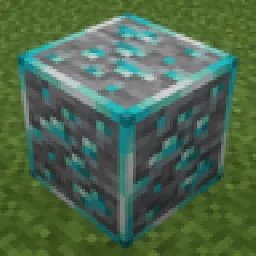
Vanilla-style 16x glowing ores with emissive highlights textures for easier mining in dark caves.
Direct download from Modrinth · 18 downloads
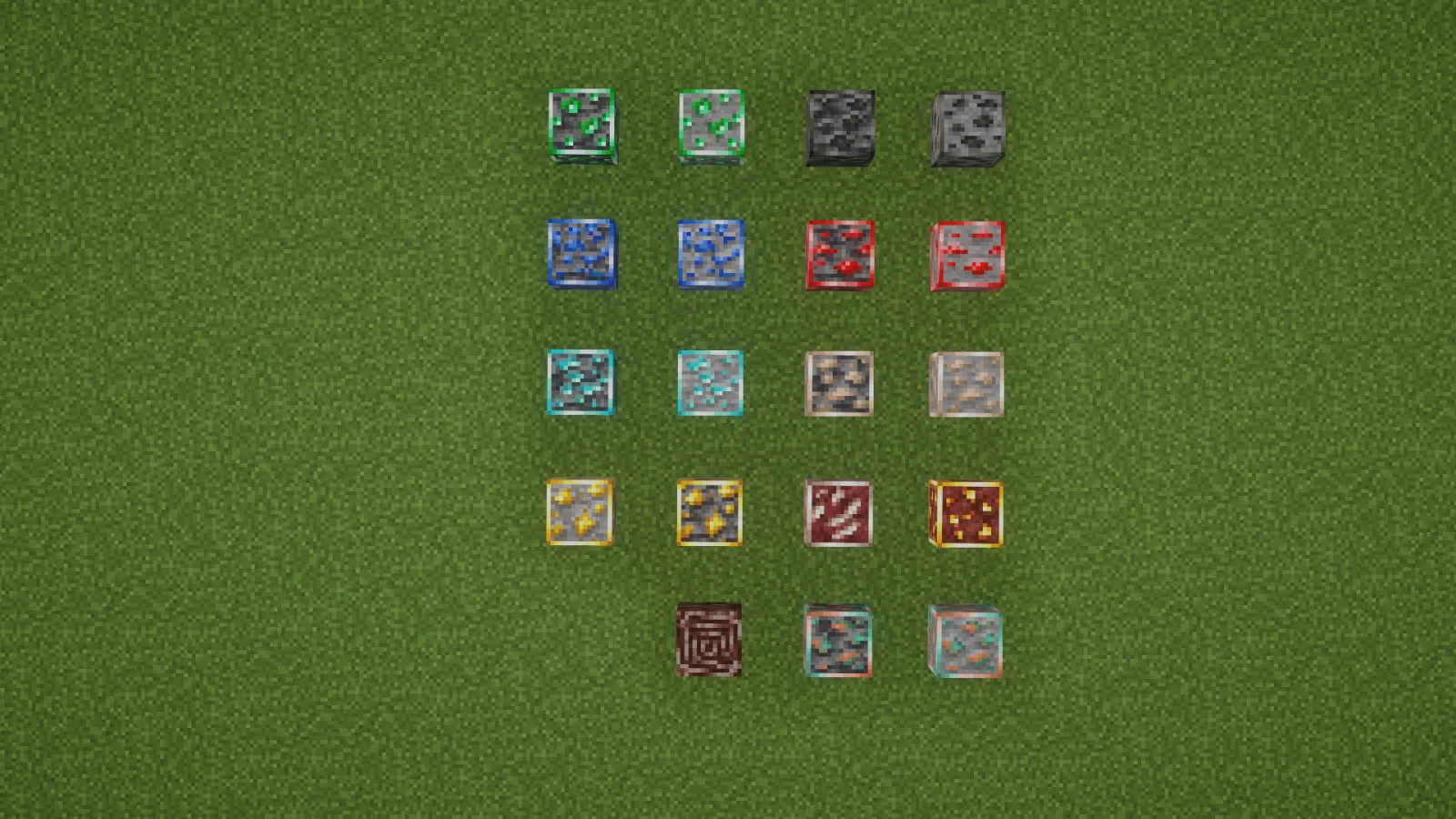
Glowing Ores is a texture pack made by Argon_Asia. Vanilla-style 16x glowing ores with emissive highlights textures for easier mining in dark caves.
It supports Minecraft 1.18 – 1.20. It has been downloaded 18 times on Modrinth. The last update came out on Nov 4, 2026.
Glowing Ores has had 5 releases on Modrinth since Nov 4, 2026. 5 of them came out in the past year. The newest is 1.0.0, released on Nov 4, 2026. It is made for Minecraft 1.20, 1.20.1. It runs on Minecraft. The download is 1.2 MB.
| Version | Released | Minecraft | Type |
|---|---|---|---|
1.0.0 | Nov 4, 2026 | 1.20, 1.20.1 | Release |
1.0.0 | Nov 4, 2026 | 1.19.4 | Release |
1.0.0 | Nov 4, 2026 | 1.19.3 | Release |
1.0.0 | Nov 4, 2026 | 1.19, 1.19.1, 1.19.2 | Release |
1.0.0 | Nov 4, 2026 | 1.18, 1.18.1, 1.18.2 | Release |
Glowing, ore textures in Minecraft's familiar 16x style.
Argon's Glowing Ores makes the valuable parts of vanilla ore blocks stay bright in dark areas. The surrounding stone and deepslate keep their natural appearance, so ores are easier to notice while mining without changing gameplay.
Use OptiFine or a compatible emissive-texture mod to see the glow. Connected-texture support is needed for the connected designs. The pack does not turn ore blocks into real light sources.
Made by Argon Asia.
Written by Argon_Asia. Read it with pictures on Modrinth.
Download the .zip file from Modrinth. Do not unzip it.
In Minecraft, open Options, then Resource Packs, then Open Pack Folder.
Drop the .zip file into that folder and go back to the game.
Move Glowing Ores to the right-hand list and click Done.
It is made for Minecraft 1.18 – 1.20. On other versions Minecraft marks it as incompatible, but it often still works.
Full guide: How to install Minecraft resource packs
| Resource | Downloads | Versions | Last update | Price |
|---|---|---|---|---|
| Glowing Oresthe one you looked at | 18 | 1.18 – 1.20 | 7 days ago | Free |
| Glowing Emissive OresDeftestHawk | 540K | 1.16 – 26.x | 11 days ago | Free |
 Ores AuraHicham | 122K | 1.20 – 26.x | Sep 20, 2026 | Free |
 Ore VisibleScroutop | 200K | 1.8 – 26.x | Jan 26, 2026 | Free |
Not yet. The newest version it supports is Minecraft 1.20.
Yes. Glowing Ores is free to download from Modrinth.
Yes. The last update came out in the past day.
The closest ones are Glowing Emissive Ores, Ores Aura and Ore Visible. Compare all alternatives
Glowing Emissive OresTexture packs · 1.16 – 26.xAdds emissive ore textures to 314 mods and vanilla, no other resource pack supports as many! Updates add additional mod support, requests are welcome :)
Ores AuraTexture packs · 1.20 – 26.xThis pack makes it easier and faster to spot ores while mining, especially in dark caves.
Ore VisibleTexture packs · 1.8 – 26.xA resource pack that makes spotting ores in dark caves much easier.
 AetherTexture packs · 1.19 – 1.21
Adds emissive glowing textures to base Aether ores: Ambrosium, Zanite, and Gravitite
 Subtly Glowing OresTexture packs · 1.17 – 26.x
Adds an emissive colored outline to the ores! Works with most resource packs!
 Vanilla MashupTexture packs · 1.21 – 26.x
Vanilla style pack with PBR and connected textures.
Log in to leave a review.