
 Remove Damage OverlayShaders · 1.17 – 1.21
Removes hit color (tint) from all entities!
Free28,607 downloads
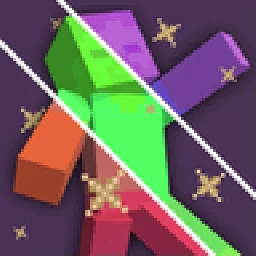
Change hit color (tint) of all entities to ANY color!
Direct download from Modrinth · 24,967 downloads
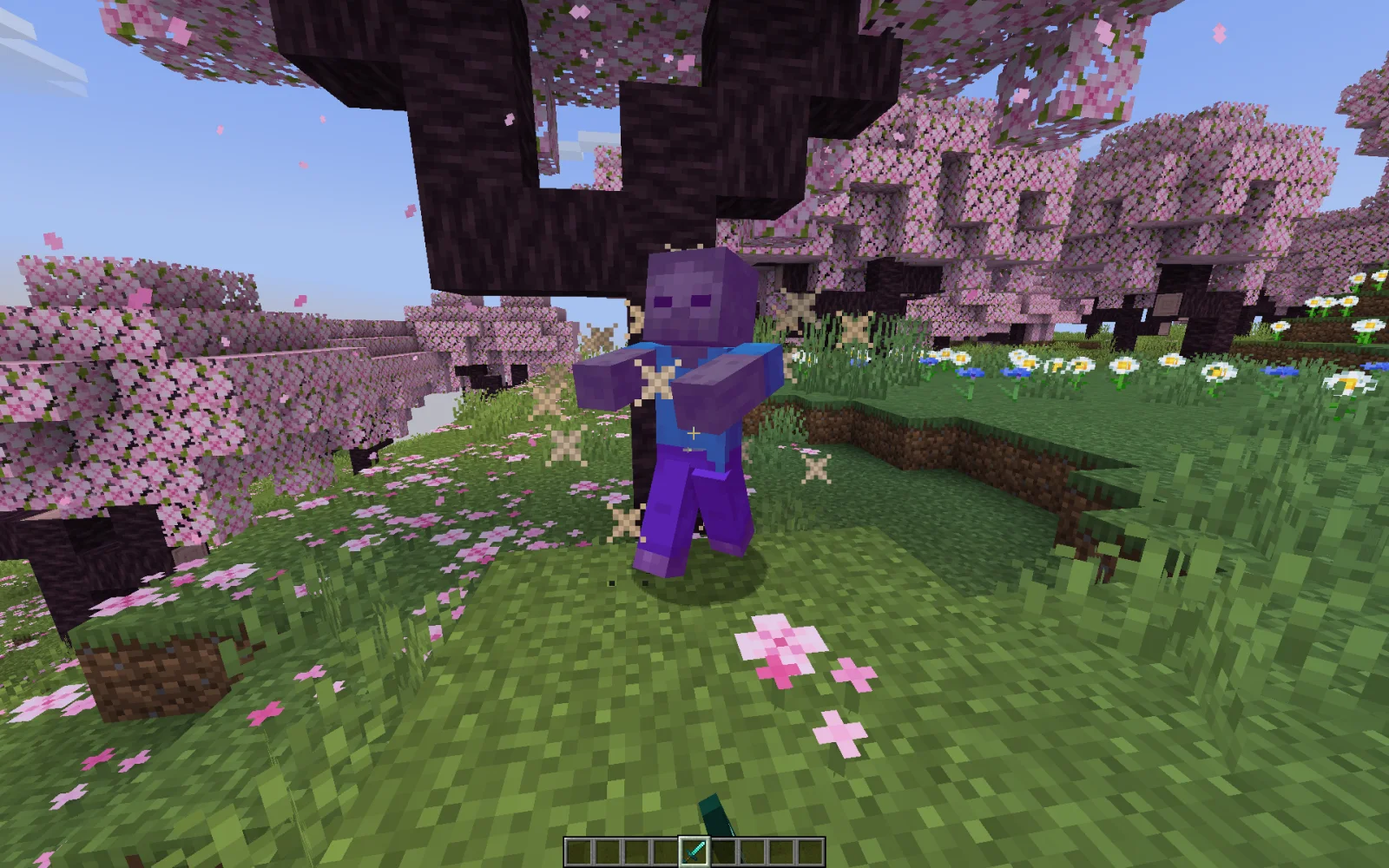
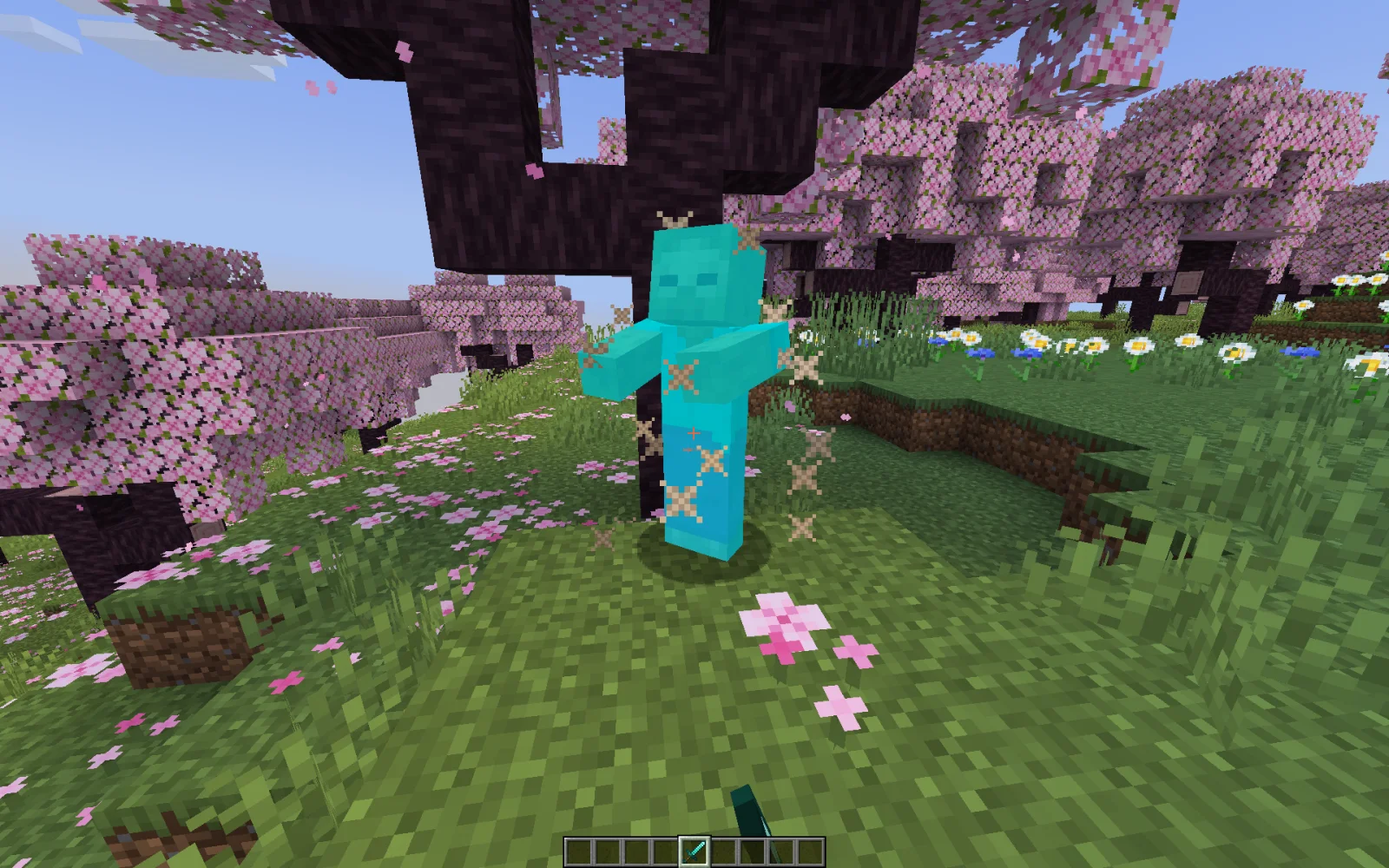
Custom Damage Overlay Color is a shader pack made by SuperAnt_. Change hit color (tint) of all entities to ANY color!
It supports Minecraft 1.17 – 1.21. It has been downloaded 24,967 times on Modrinth. The last update came out on Jan 2, 2026.
Custom Damage Overlay Color has had 5 releases on Modrinth since Sep 21, 2024. One of them came out in the past year. The newest is 1.2, released on Jan 2, 2026. It is made for Minecraft 1.20.2 – 1.21.11. It runs on Minecraft. The download is 401 KB.
| Version | Released | Minecraft | Type |
|---|---|---|---|
1.2 | Jan 2, 2026 | 1.20.2 – 1.21.11 | Release |
1.1 | Sep 13, 2025 | 1.20.2 – 1.21.8 | Release |
1.0 | Sep 21, 2024 | 1.17, 1.17.1 | Release |
1.0 | Sep 21, 2024 | 1.18 – 1.20.1 | Release |
1.0 | Sep 21, 2024 | 1.20.2 – 1.21.5 | Release |
This resource pack allows to change overlay color of all entities when they take damage. By defult this resource pack changes it to green, as an example.
Go into the resource pack and open a file assets/minecraft/shaders/include/change_damage_overlay.glsl, choose a color and put it into the second line of the file. For example if you want to change the color to purple (#AA00FF) with 50% transparency, the second line of the file would look like this:
vec4 RGBColor = vec4(170,0,255,127);
And if you want cyan (#00FFFF) color with the same transparency as in vanilla, it would look like this:
vec4 RGBColor = vec4(0,255,255,178);
Written by SuperAnt_. Read it with pictures on Modrinth.
Install Iris (with Sodium) or OptiFine for your Minecraft version: shaders need one of them.
Download the .zip file from Modrinth. Do not unzip it.
In Minecraft, open Options, then Video Settings, then Shader Packs, and click Open Shader Pack Folder.
Drop the .zip file into that folder, pick Custom Damage Overlay Color in the list and click Done.
Shaders are heavy on the graphics card. If the game gets slow, pick a lower profile in the shader settings.
Full guide: How to install Minecraft shaders
Not yet. The newest version it supports is Minecraft 1.21.
Yes. Custom Damage Overlay Color is free to download from Modrinth.
Yes. The last update came out in the past day.
Remove Damage OverlayShaders · 1.17 – 1.21Removes hit color (tint) from all entities!
Log in to leave a review.