
 Vanilla Plus ShaderShader · 1.16 – 1.21
A shaderpack that gives Minecraft a modern visual overhaul while staying faithful to its original look.
Kostenlos2,761,939 Downloads
Gives a different look to each potion particle. Creator friendly.
Direkter Download von Modrinth · 9,038 Downloads


Unique Particle Effects (Shaderpack) stammt von AlphaLeoli. Gives a different look to each potion particle. Creator friendly.
Unterstützt wird Minecraft 1.20 – 1.21. Auf Modrinth gibt es 9,038 Downloads. Das letzte Update erschien am 09.10.2025.
Unique Particle Effects hat seit 01.09.2025 3 Versionen auf Modrinth veröffentlicht. Keine davon erschien im letzten Jahr. Die neueste ist 1.0.2, erschienen am 08.10.2025. Sie ist für Minecraft 1.20.2 – 1.21.10 gemacht. Sie läuft auf Minecraft. Der Download ist 27 KB groß.
| Version | Veröffentlicht | Minecraft | Typ |
|---|---|---|---|
1.0.2 | 08.10.2025 | 1.20.2 – 1.21.10 | Release |
1.0.1 | 05.09.2025 | 1.20.5 – 1.21.8 | Release |
1.0.0 | 01.09.2025 | 1.20.5 – 1.21.8 | Release |
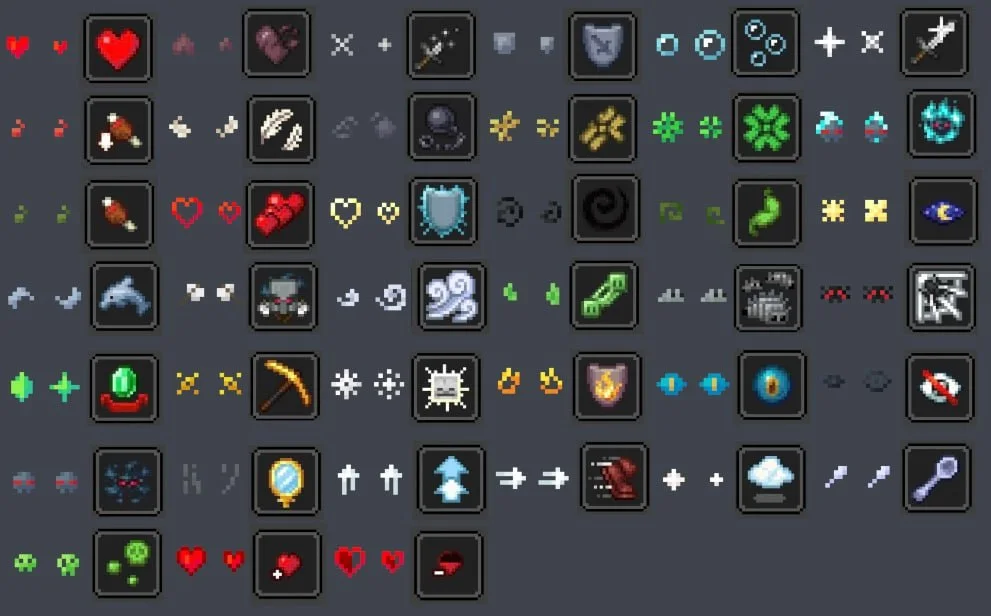
The above image shows 4 different particle types. From left to right, the particle types are Infestation, Poison, Water Breathing and Fire Resistance (A few of my favorites).
For more example images, head to the gallery
This pack uses vanilla's core shader system in order to make a way for creators to change the texture of each potion particle to something unique. It is easy to use, fast and lightweight, and is compatible with many Minecraft versions, including the latest versions of the game. Below there is some more information on how to use it.
All textures included in this pack are from the Particle Effects mod (created by LopyMine and KlashRaick), and I have been given permission to use them in this pack. All included textures are licensed under the LGPL-3.0-only license, whereas the code in this texture pack is licensed as CC-BY-NC-SA-4.0
If you want to know more about how this works, or have questions about other vanilla shader related things, you can join my discord and ask in there :)
If you would like to create your own unique particle textures, this is the guide for you.
This is how the default "effect_5" texture looks that is included in the pack, for reference:
Note that you cannot use the example image above for a starting point. For that, download the pack and use the default textures included.
Here are some things to keep in mind when creating textures for this pack:
Join My Discord
Check out The Repository
Geschrieben von AlphaLeoli. Mit Bildern auf Modrinth lesen.
Installiere Iris (mit Sodium) oder OptiFine für deine Minecraft-Version: Shader brauchen eins davon.
Lade die .zip-Datei von Modrinth herunter. Entpacke sie nicht.
Öffne in Minecraft Optionen, dann Grafikeinstellungen, dann Shaderpacks und klicke auf Shaderpack-Ordner öffnen.
Lege die .zip-Datei in diesen Ordner, wähle Unique Particle Effects in der Liste und klicke auf Fertig.
Shader belasten die Grafikkarte. Wird das Spiel langsam, wähle in den Shader-Einstellungen ein niedrigeres Profil.
| Ressource | Downloads | Versionen | Letztes Update | Preis |
|---|---|---|---|---|
| Unique Particle Effectsdie du angesehen hast | 9,038 | 1.20 – 1.21 | 9. Okt. 2025 | Kostenlos |
| Vanilla Plus ShaderRRe36 | 2.8M | 1.16 – 1.21 | 28. Feb. 2025 | Kostenlos |
 ReverieTheCMK | 439K | 1.20 – 26.x | 4. Okt. 2026 | Kostenlos |
| Cinematic Color CorrectionBestsoft100 | 39K | 1.8 – 1.21 | 20. Sept. 2024 | Kostenlos |
Noch nicht. Die neueste unterstützte Version ist Minecraft 1.21.
Ja. Unique Particle Effects kannst du kostenlos bei Modrinth herunterladen.
Ja. Das letzte Update kam innerhalb des letzten Tages.
Am ähnlichsten sind Vanilla Plus Shader, Reverie und Cinematic Color Correction. Alle Alternativen vergleichen
Vanilla Plus ShaderShader · 1.16 – 1.21A shaderpack that gives Minecraft a modern visual overhaul while staying faithful to its original look.
ReverieShader · 1.20 – 26.xShader with a foggy and warm look. It leverages new features added by Iris for effects previously impossible to achieve.
This shader gives the game a more cinematic look by changing the color and adding a Bloom effect.
Logg dich ein, um eine Bewertung zu schreiben.