
 Bad Apple ShadersShaders · 1.8 – 26.x
[🚨WORKS ON EVERYTHING🚨] | A shader that makes the game render similarly to "Bad Apple".
Free115,562 downloads

A shader intended to make Minecraft render only with ASCII characters!
Direct download from Modrinth · 22,794 downloads
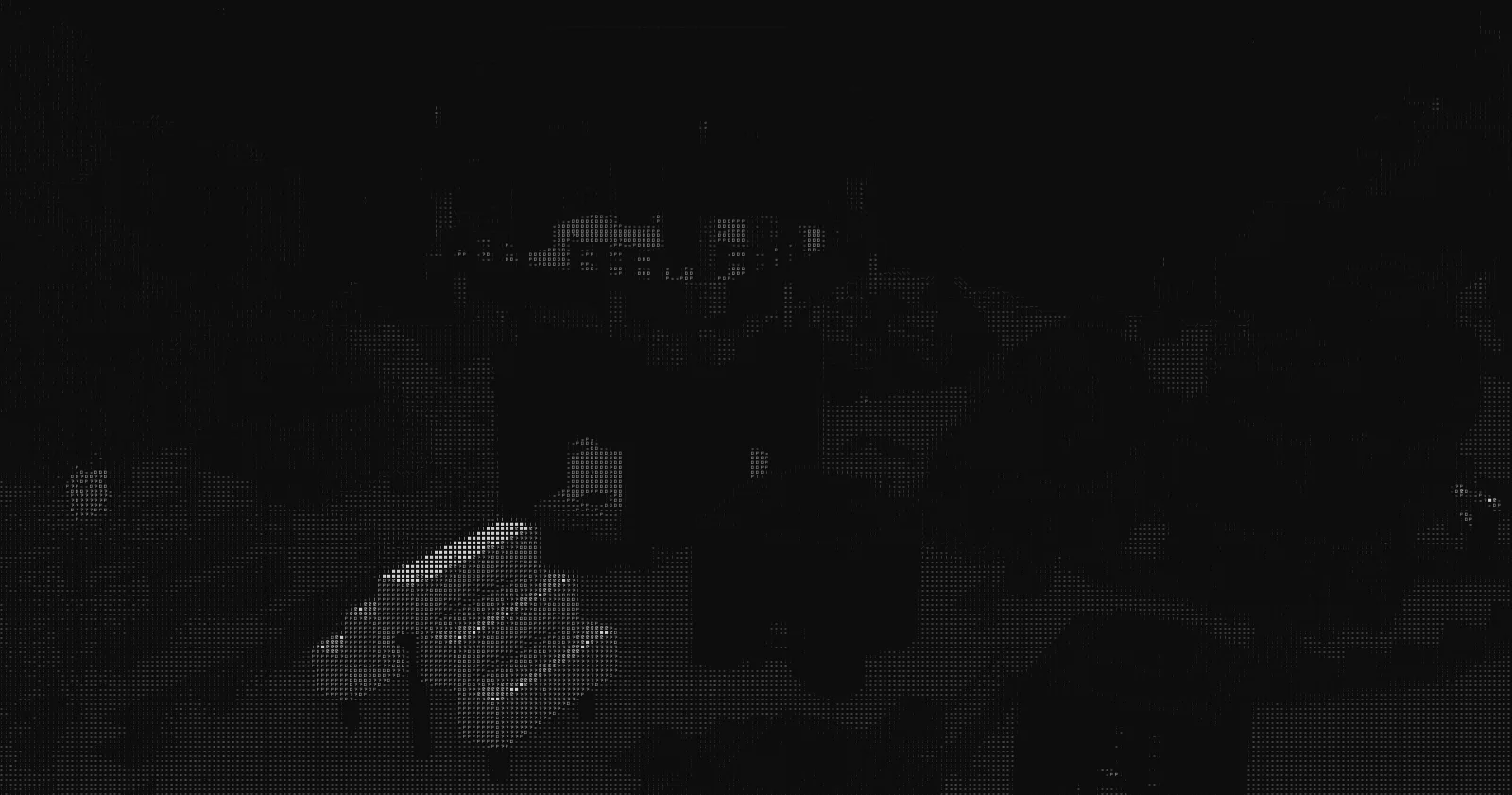
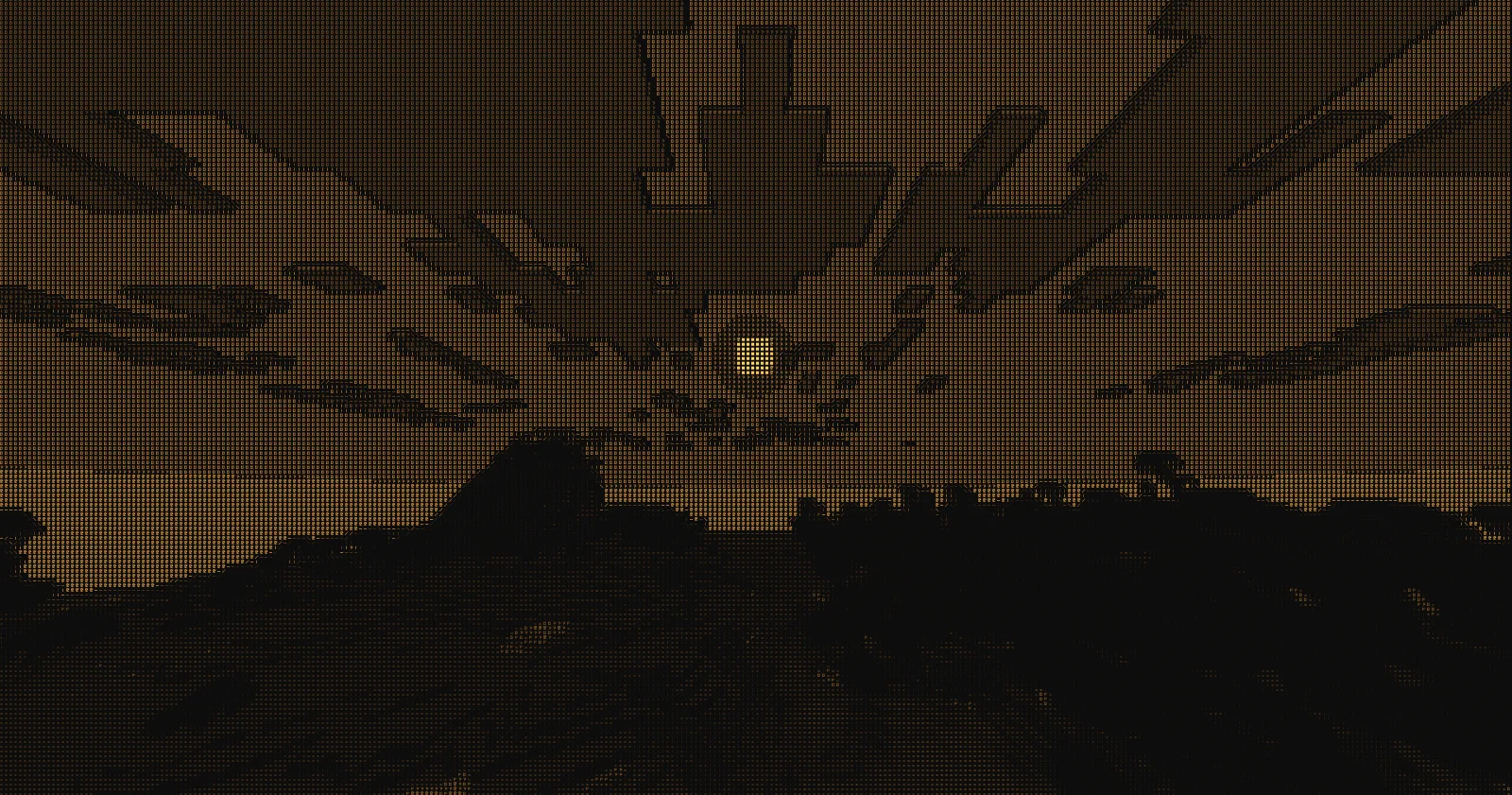
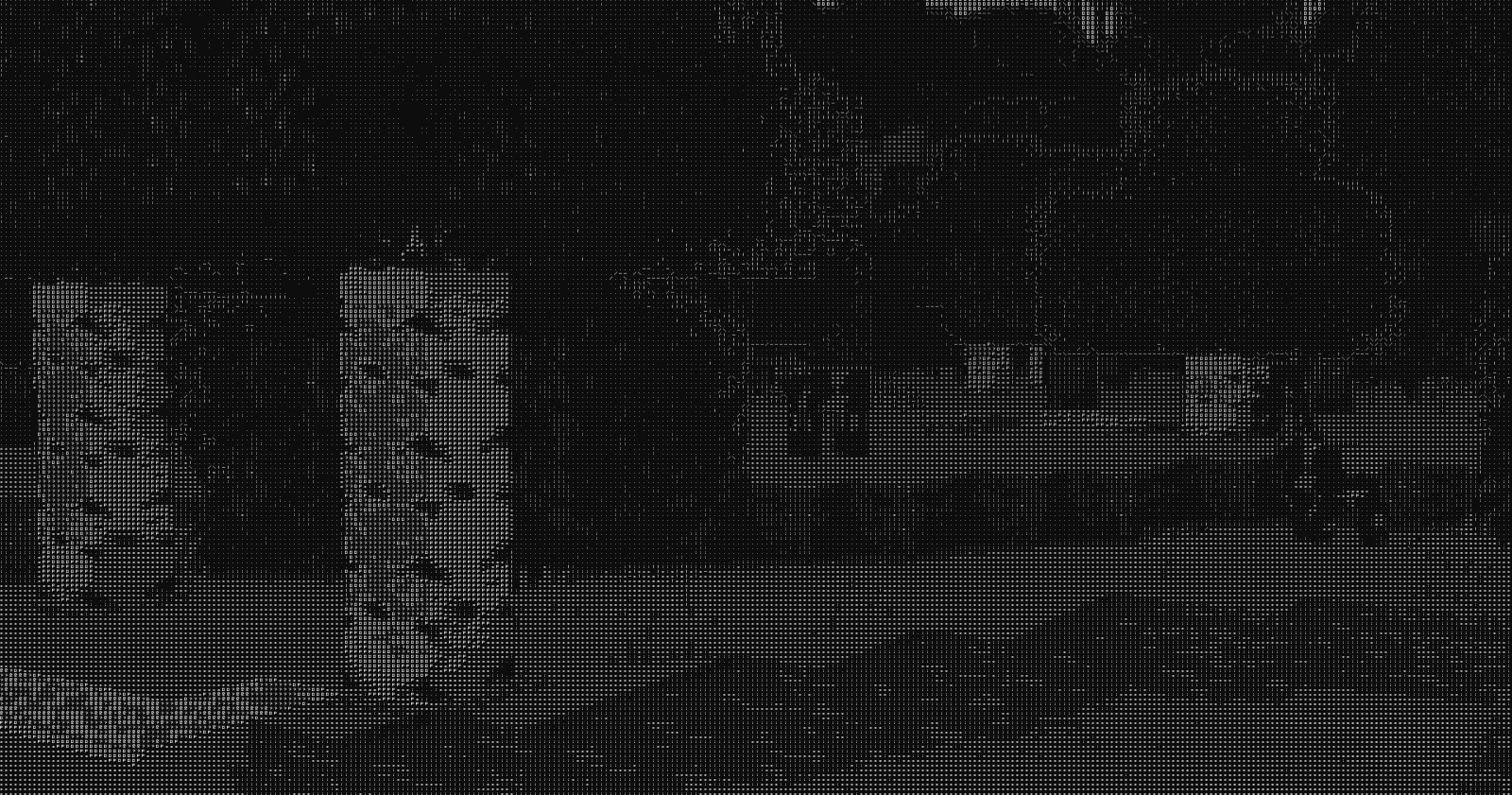
ASCII Shader is a shader pack made by BouncingElf10. A shader intended to make Minecraft render only with ASCII characters!
It supports Minecraft 1.8 – 1.21. It has been downloaded 22,794 times on Modrinth. The last update came out on Oct 5, 2024.
ASCII Shader has had 3 releases on Modrinth since Sep 30, 2024. None of them came out in the past year. The newest is 1.2, released on Oct 5, 2024. It is made for Minecraft 1.10 – 1.20.3. It runs on Iris and Optifine. The download is 20 KB.
| Version | Released | Minecraft | Type |
|---|---|---|---|
1.2 | Oct 5, 2024 | 1.10 – 1.20.3 | Release |
1.1 | Oct 1, 2024 | 1.8.9 – 1.20.1 | Release |
1.0 | Sep 30, 2024 | 1.9 – 1.20.1 | Release |
ASCII Shader is open source. Its newest release on GitHub is ASCII Shader V1.2, published on Oct 5, 2024.
just some bug fixes and MAC SUPPORT!!
Before that: ASCII Shader V1.2 Beta 4 (Oct 5, 2024), ASCII Shader V1.2 Beta 3 (Oct 4, 2024).
Current features include:
There is maybe something I want to add to the customizability this (for now at least) should be enough!
If you find any bugs or incompatibilities, you can always report them, it helps me and others out.
First you need to install either OptiFine or the Iris mod to be able to load shaderpacks. (Choose Iris if you are unsure)
Then you need to launch the game, and get to the Shaderpacks/Shaders menu in Video Settings.
Open the shaderpacks folder by clicking the button in the menu.
Download the ASCII Shader and put it in the shaderpacks folder.
Get back in the game, and choose ASCII_Shader in the shaderpacks menu. (Refresh the menu if it doesn't appear)
Written by BouncingElf10. Read it with pictures on Modrinth.
Install Iris (with Sodium) or OptiFine for your Minecraft version: shaders need one of them.
Download the .zip file from Modrinth. Do not unzip it.
In Minecraft, open Options, then Video Settings, then Shader Packs, and click Open Shader Pack Folder.
Drop the .zip file into that folder, pick ASCII Shader in the list and click Done.
Shaders are heavy on the graphics card. If the game gets slow, pick a lower profile in the shader settings.
Full guide: How to install Minecraft shaders
| Resource | Downloads | Versions | Last update | Price |
|---|---|---|---|---|
| ASCII Shaderthe one you looked at | 23K | 1.8 – 1.21 | Oct 5, 2024 | Free |
| Bad Apple Shadersblryface | 116K | 1.8 – 26.x | Dec 11, 2025 | Free |
 Bitmap Vanilla ShaderEevee_17 | 46K | 1.21 – 26.x | Jul 23, 2026 | Free |
 MINIMALfelixmgoff | 35K | 1.18 – 1.21 | Feb 6, 2025 | Free |
Not yet. The newest version it supports is Minecraft 1.21.
Yes. ASCII Shader is free to download from Modrinth.
Yes: Iris Shaders. Install it before ASCII Shader.
Yes. The last update came out in the past day.
The closest ones are Bad Apple Shaders, Bitmap Vanilla Shader and MINIMAL. Compare all alternatives
Bad Apple ShadersShaders · 1.8 – 26.x[🚨WORKS ON EVERYTHING🚨] | A shader that makes the game render similarly to "Bad Apple".
Bitmap Vanilla ShaderShaders · 1.21 – 26.xRenders the game with only the colors black and white (bitmap).
MINIMALShaders · 1.18 – 1.21A Minecraft shader that only adds shadows
 Ascii like shaderShaders · 1.17 – 1.21
This is ascii shader for minecraft inspired by Acerola's video
 Emoji like shaderShaders · 1.17 – 1.21
A sequel to the **Ascii like shader**, unlike the first one, this one replaces everything with emojis.
 Simple Shader OneShaders · 1.19
Is there anyone who wants a simple shadow? This shader is lightweight because it only puts round shadows. It’s not perfect, but you can enjoy a different…
Log in to leave a review.