
 Aurora's ShadersShaders · 1.20 – 1.21
Based on Complimentary Unbound, a beautifully colorful Vanilla+ shader meant for making the game look good while maintaining good performance and vanilla feel.
Free949,483 downloads
A minimal and simple shader aiming to replicate the look and feel of the legacy console editions of Minecraft.
Direct download from Modrinth · 12,251 downloads
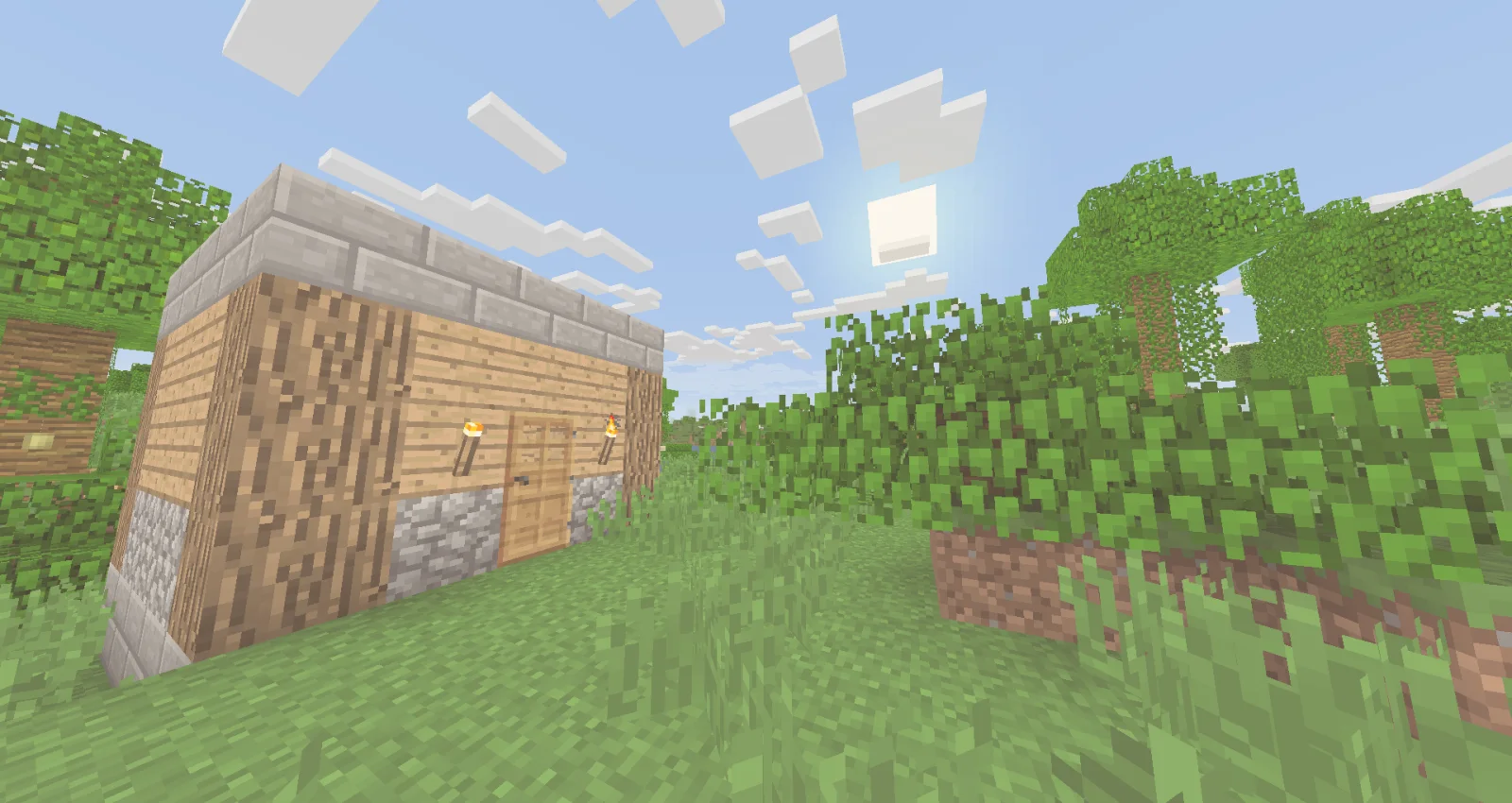
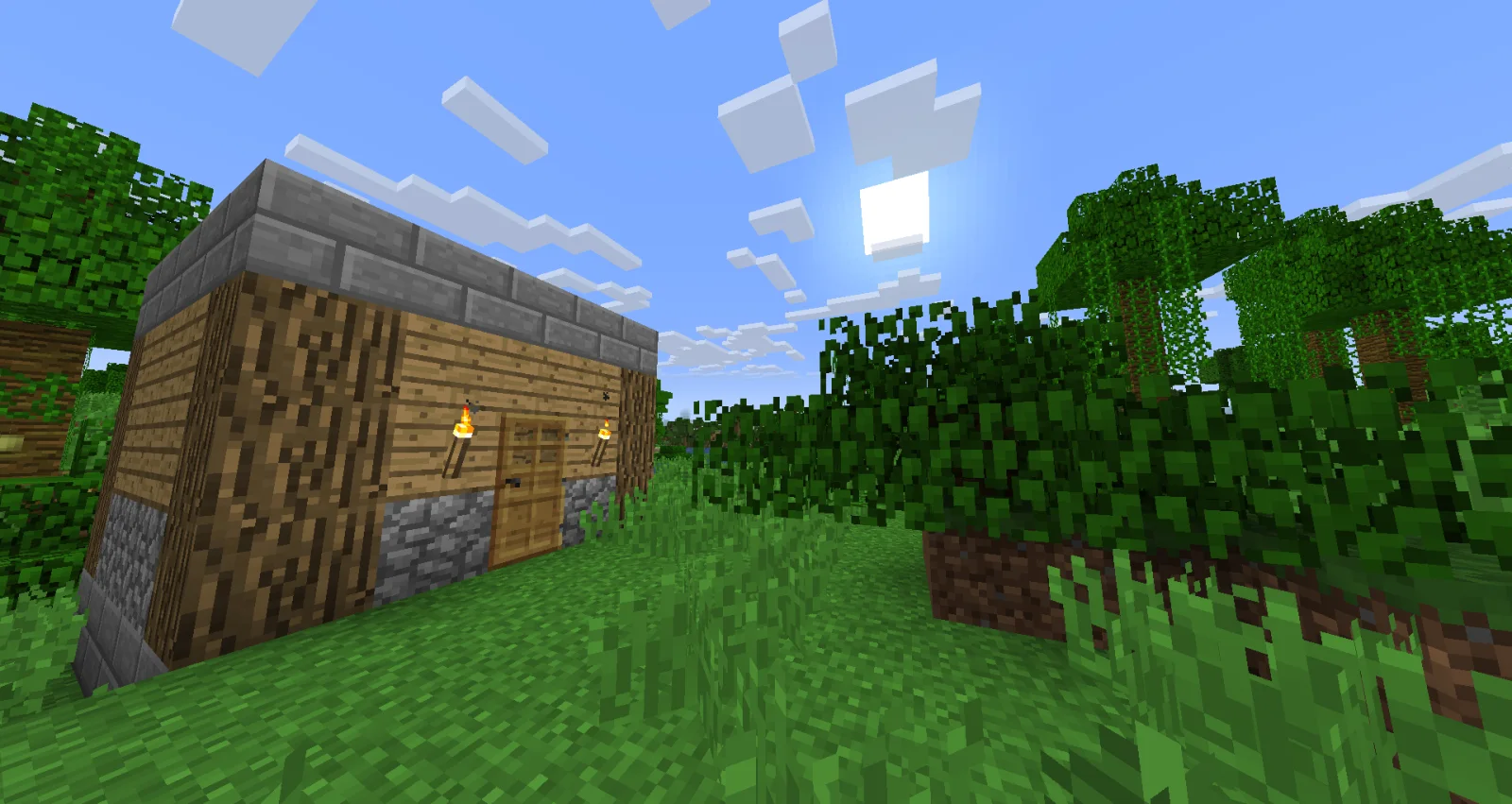
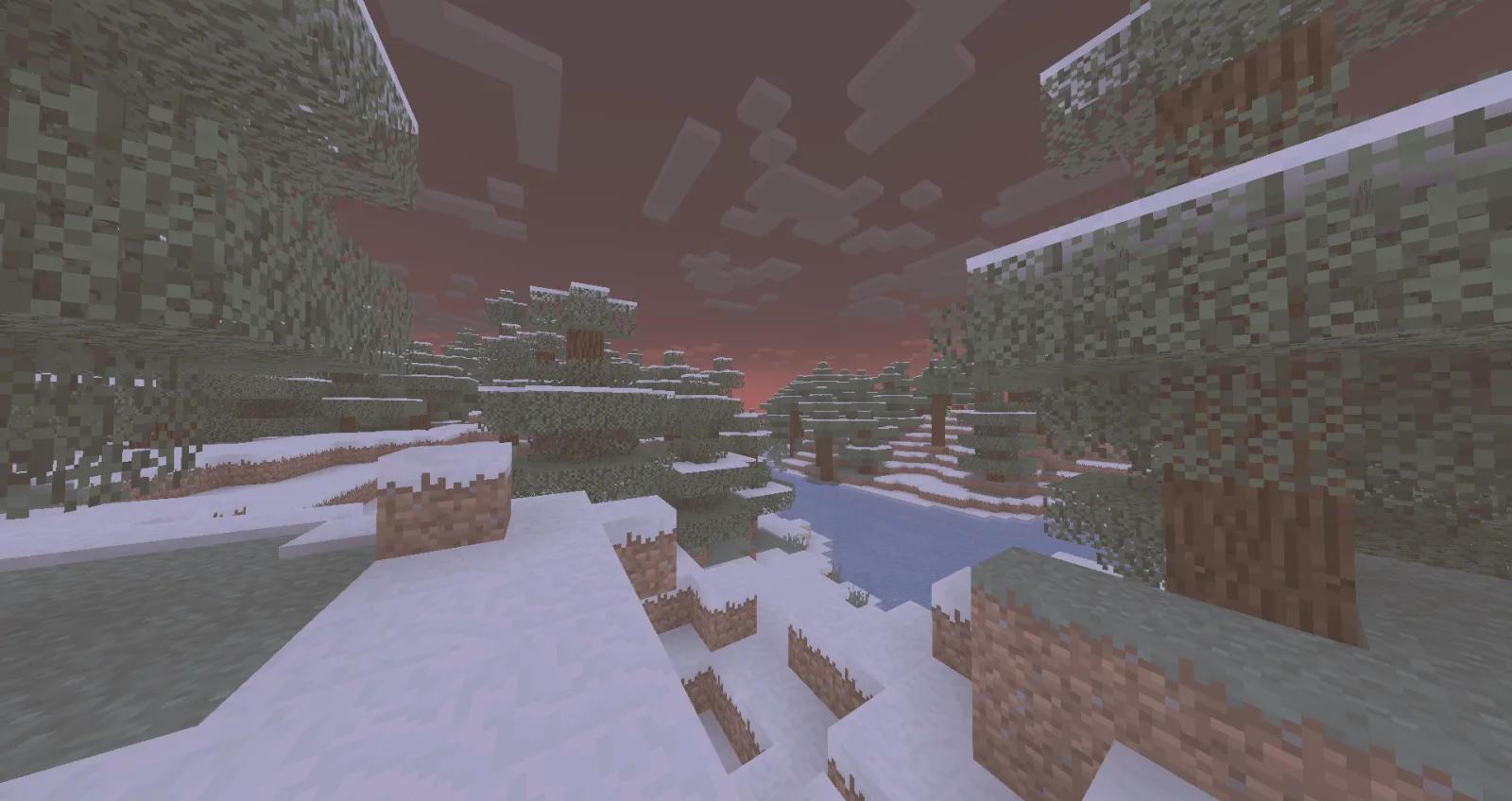
Legacy Console Edition Shaders is a shader pack made by TigrePlayz. A minimal and simple shader aiming to replicate the look and feel of the legacy console editions of Minecraft.
It supports Minecraft 1.21. It has been downloaded 12,251 times on Modrinth. The last update came out on Mar 31, 2025.
The newest is 0.1, released on Mar 30, 2025. It is made for Minecraft 1.21. It runs on Iris and Optifine. The download is 2 KB.
| Version | Released | Minecraft | Type |
|---|---|---|---|
0.1 | Mar 30, 2025 | 1.21 | Alpha |
Simple and performant shader that aims to replicate the look of legacy console editions.
This shader is a basic post-processing effect applied to the game without any fancy techniques like shadows, reflections, etc. So it should be able to run on basically every computer (if supported).
There's no tweakable settings for Optifine / Iris in the shader menu, but the values are easy to change and edit it inside of the shader code. In the shader code (final.fsh), there's variables like contrast, gamma, vibrance, and other variables that are tweaked to look like the legacy console editions of the game.
You would install this shader if you miss the old nostalgic look of Minecraft in the old legacy console editions (Xbox 360, Xbox One, Ps3, Ps4, etc.). This would be if you don't currently have a copy of these old versions of the game, and you miss playing the old game.
If you have played or watched clips and videos of the legacy console editions of Minecraft, you may have noticed the different look of the game. This is because the old legacy console editions had a different approach into how the colors and post-processing was applied, making the game look brigther in some way.
When downloaded, cut & paste the shader zip file into a folder "%AppData%" (Depends on the operating software, these instructions go for Windows 10 or Windows 11). When in the file, look for a .minecraft folder. In there, look for a folder labeled "shaderpacks". If not there, create it. Paste the shader file in there and you're are good to go! Make sure you have Iris or Optifine installed and running too.
Written by TigrePlayz. Read it with pictures on Modrinth.
Install Iris (with Sodium) or OptiFine for your Minecraft version: shaders need one of them.
Download the .zip file from Modrinth. Do not unzip it.
In Minecraft, open Options, then Video Settings, then Shader Packs, and click Open Shader Pack Folder.
Drop the .zip file into that folder, pick Legacy Console Edition Shaders in the list and click Done.
Shaders are heavy on the graphics card. If the game gets slow, pick a lower profile in the shader settings.
Full guide: How to install Minecraft shaders
| Resource | Downloads | Versions | Last update | Price |
|---|---|---|---|---|
| Legacy Console Edition Shadersthe one you looked at | 12K | 1.21 | Mar 31, 2025 | Free |
| Aurora's ShadersCrafterAurora | 949K | 1.20 – 1.21 | Mar 28, 2025 | Free |
 Tricked Shaderstricked33 | 96K | 1.8 – 26.x | Sep 6, 2026 | Free |
 Lux V1TechDevOnGitHub | 1.3M | 1.8 – 26.x | Sep 26, 2026 | Free |
Not yet. The newest version it supports is Minecraft 1.21.
Yes. Legacy Console Edition Shaders is free to download from Modrinth.
Yes: Iris Shaders. Install it before Legacy Console Edition Shaders.
Yes. The last update came out in the past day.
The closest ones are Aurora's Shaders, Tricked Shaders and Lux V1. Compare all alternatives
Aurora's ShadersShaders · 1.20 – 1.21Based on Complimentary Unbound, a beautifully colorful Vanilla+ shader meant for making the game look good while maintaining good performance and vanilla feel.
Tricked ShadersShaders · 1.8 – 26.xBased on Mellow Shader, a modified version to reduce brightness and make the game look better while maintaining good performance and vanilla feel.
Lux V1Shaders · 1.8 – 26.xLux is a high fidelity Minecraft: Java Edition shader pack based on Capt Tatsu's BSL Shaders.
 Stracciatella ShadersShaders · 1.8 – 1.21
A vanilla-style shader with colored lights, many quality of life features and visual improvements aiming for the highest performance.
 PixelCraft ShadersShaders · 1.8 – 26.x
PixelCraft Shaders is a Complementary Shaders edit aiming to replicate pixel art. Every screenshot is a new piece of art brought to life!
 SillyWankerShaderShaders · 1.12 – 1.21
A minecraft Shader which tries to keep the vanilla look, while adding functionalities like other shaders and implementing some own silly things like Color…
Log in to leave a review.