
 Inventory Profiles NextMods · 1.16 – 26.x
Take control over your inventory. Sort. Move matching Items. Throw all. Locked slots. Gear sets! And much more.
Free42,266,205 downloads
Sort and manage your inventory.
Direct download from Modrinth · 7 downloads
Inventory Assist is a mod made by scarabx. Sort and manage your inventory.
It supports Minecraft 1.20 – 26.x. It has been downloaded 7 times on Modrinth. The last update came out on Oct 9, 2026.
Inventory Assist has had 2 releases on Modrinth since Oct 9, 2026. 2 of them came out in the past year. The newest is 1.0.0+1.20.1, released on Oct 9, 2026. It is made for Minecraft 1.20.1. It runs on Fabric. The download is 103 KB.
| Version | Released | Minecraft | Type |
|---|---|---|---|
1.0.0+1.20.1 | Oct 9, 2026 | 1.20.1 | Release |
1.0.0+26.3 | Oct 9, 2026 | 26.3 | Release |
Sort your inventory in one click, then watch your items fly exactly where they belong.
Every move flies first and lands second. If your inventory is full, what did not fit waits in a small bar on screen instead of disappearing.
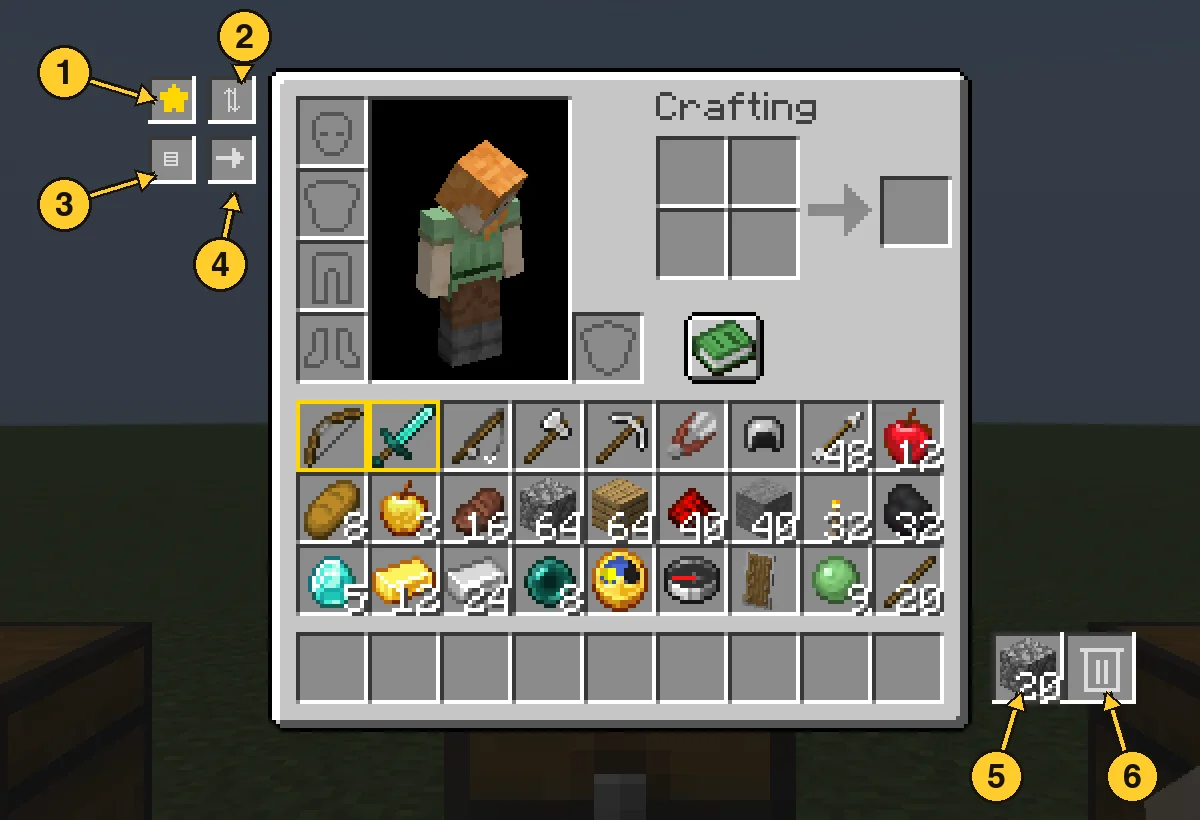
Open the panel and click a filter slot with an item in your hand to set it. Anything matching a filter is deleted from your main inventory within half a second, and the latest deleted item is kept in the pile. Click a filter with an empty hand to clear it. Favourites are never touched.
Written by scarabx. Read it with pictures on Modrinth.
This mod is needed on both the server and every player who joins.
Install Fabric for Minecraft 1.20 – 26.x.
Add the mods it needs: Fabric API.
Download the .jar file from Modrinth and put it in the mods folder of your .minecraft directory.
Start Minecraft with the Fabric profile.
Easier: in Prism Launcher or the Modrinth App, search for Inventory Assist in your instance's mods and click Install. It adds the loader and the mods it needs for you.
Full guide: How to install Minecraft mods
| Resource | Downloads | Versions | Last update | Price |
|---|---|---|---|---|
| Inventory Assistthe one you looked at | 7 | 1.20 – 26.x | Oct 9, 2026 | Free |
| Inventory Profiles Nextblackd | 42.3M | 1.16 – 26.x | Sep 27, 2026 | Free |
 Client SortNotRyken | 6.5M | 1.20 – 26.x | Sep 26, 2026 | Free |
 Inventory ManagementRoundaround | 3.8M | 1.18 – 26.x | Sep 20, 2026 | Free |
Yes. Inventory Assist supports Minecraft 26.x. All supported versions: 26.x, 1.20.
Yes. Inventory Assist is free to download from Modrinth.
Both. The server and every player need Inventory Assist installed.
Yes: Mod Menu, Fabric API. Install it before Inventory Assist.
Yes. The last update came out in the past day.
The closest ones are Inventory Profiles Next, Client Sort and Inventory Management. Compare all alternatives
Inventory Profiles NextMods · 1.16 – 26.xTake control over your inventory. Sort. Move matching Items. Throw all. Locked slots. Gear sets! And much more.
Client SortMods · 1.20 – 26.xVersatile and easy inventory sorting.
Inventory ManagementMods · 1.18 – 26.xSort and transfer items with the click of a button.
 Eclipse ToolsMods · 26.x
Zoom, freecam, fullbright, inventory sort, item lock, chest finder, better chat, auto tool and an automatic librarian reroller.
 StashifyMods · 1.21
Sort your inventory into nearby chests, barrels and shulker boxes with a single key.
Log in to leave a review.